H 319 / 3212020s

Neumorphism

Late 2019 emergence; widely discussed in 2020 interface design.
Typeface · M PLUS Rounded 1c

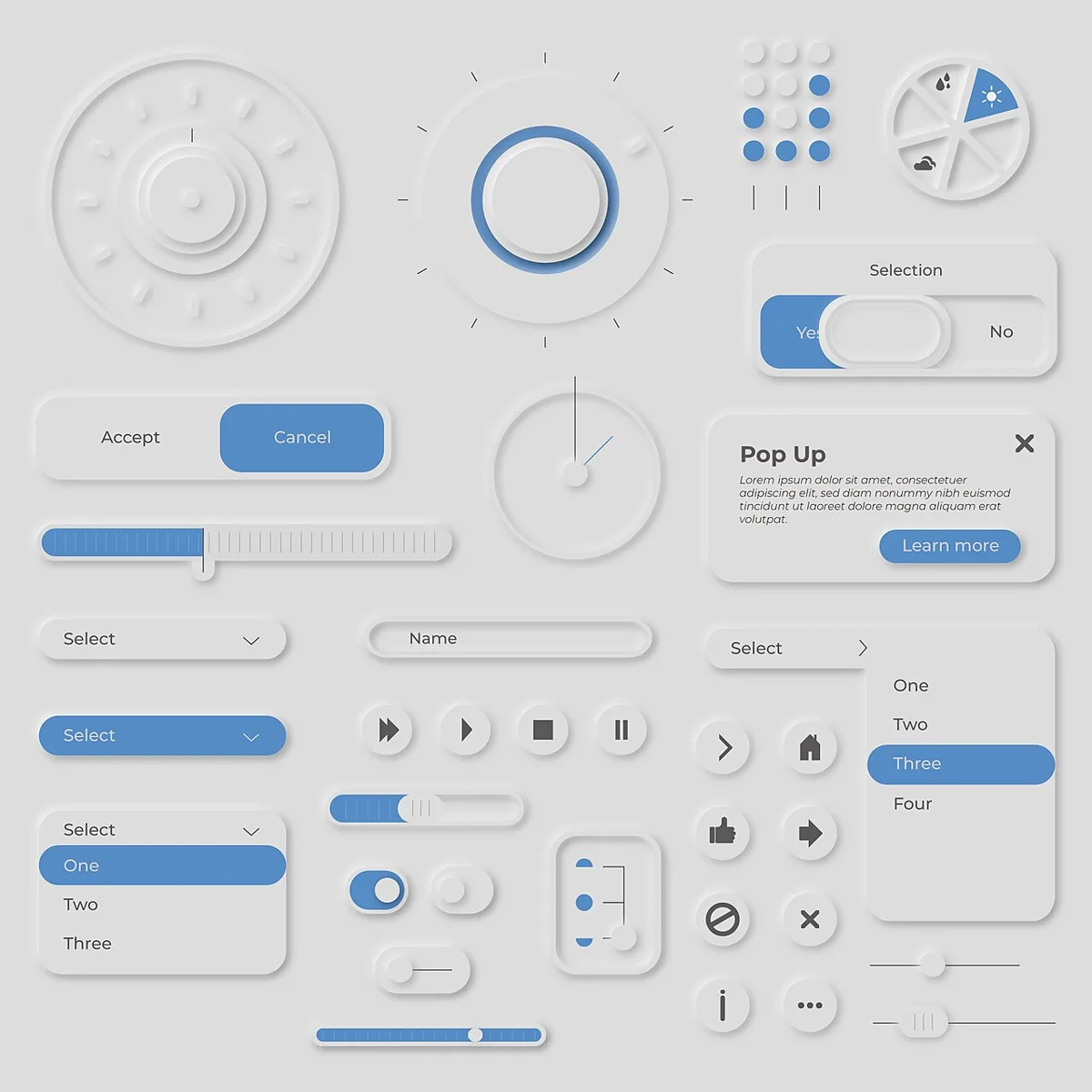
Soft Grey Neumorphic Interface Controls. Pale grey dials, sliders, switches, and rounded panels share a matching background, with blue accents marking selected controls.
Soft Grey Neumorphic Interface Controls. Pale grey dials, sliders, switches, and rounded panels share a matching background, with blue accents marking selected controls.Awesomecat · CC BY-SA 4.0 · via Wikimedia CommonsView source ↗

Prompt

Transform this image into a Neumorphism relief using pale monochromatic surfaces, rounded forms, and shallow extrusions emerging from a matching background. Pair soft upper-left highlights with blurred lower-right shadows, adding gentle inset recesses and matte material texture without hard outlines. Keep the original subject and composition.

Identify

Rounded controls resemble soft extrusions1 from a background of the same colour. Paired light and dark shadows make edges appear gently raised or pressed inward.

Principle

Opposing shadow offsets simulate directional lighting, while blurred edges suggest shallow depth. Inset shadows2 create recessed controls without changing the underlying flat screen.

Example

Alexander Plyuto: Skeuomorph Mobile Banking, 2019.

Try it out

Draw a pale grey rounded rectangle on matching grey, then add blurred white and dark shadows on opposite sides.

Background

Neumorphism gained attention around 2020, following interface experiments shared online in late 2019. Alexander Plyuto’s banking concept became a widely cited example of the approach. It revived skeuomorphism’s suggestion of physical objects, but usually replaced detailed textures with smooth, nearly monochrome surfaces. Designers could construct the effect with CSS box shadows3, placing a pale shadow opposite a darker one. The result suggested controls moulded from the surrounding panel rather than placed above it. However, weak boundary contrast could make controls and their states difficult to distinguish.

Distinction

Traditional skeuomorphism may imitate leather, metal, or other recognisable materials. Neumorphism usually suggests one continuous surface, unlike ordinary drop shadows beneath visibly separate cards.

Aftermath

It shows how small lighting cues can suggest depth, while revealing the accessibility costs of subtle control boundaries.

Further examples · 7 images
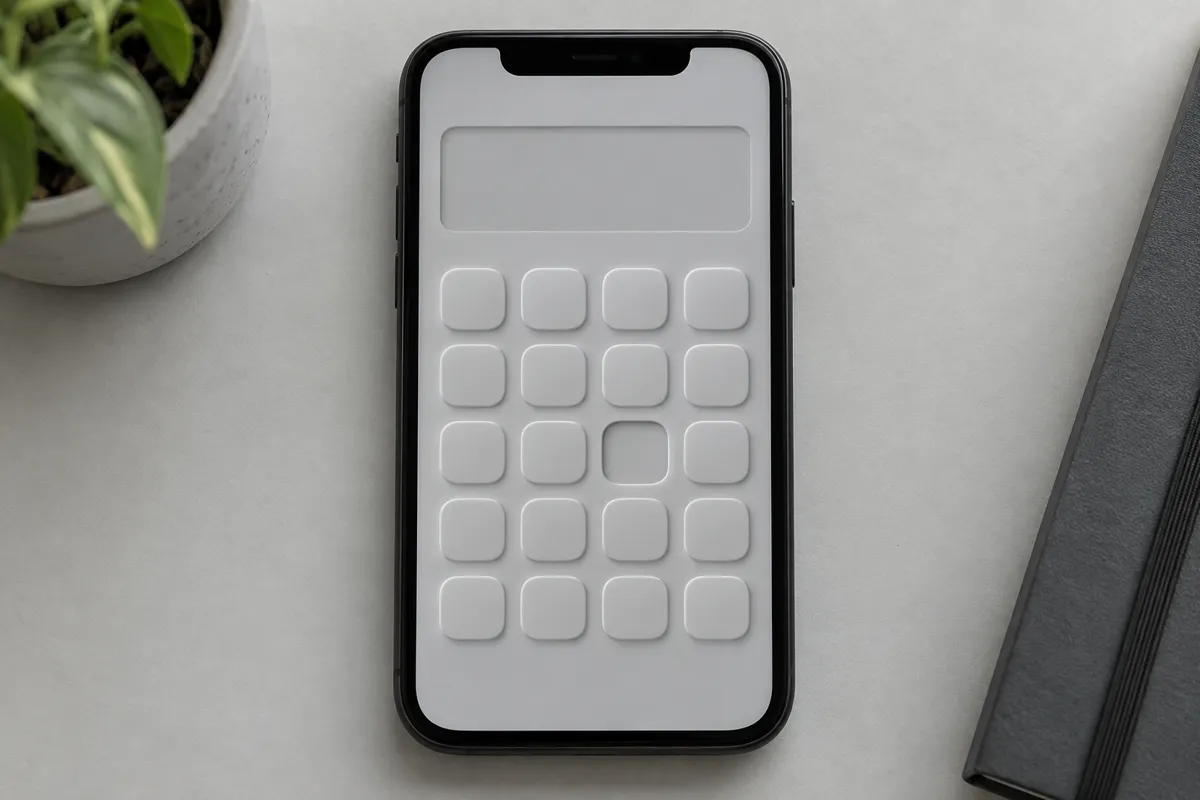
AI illustration: Monochromatic Calculator Interface with Extruded and Recessed Buttons
02 AI illustration: Monochromatic Calculator Interface with Extruded and Recessed ButtonsA grid of rounded squares appears on a monochromatic smartphone screen, with one element noticeably recessed. This design uses color-matched surfaces and dual-toned shadows to create a tactile, extruded appearance.Illustration generated for the Atlas (AI)
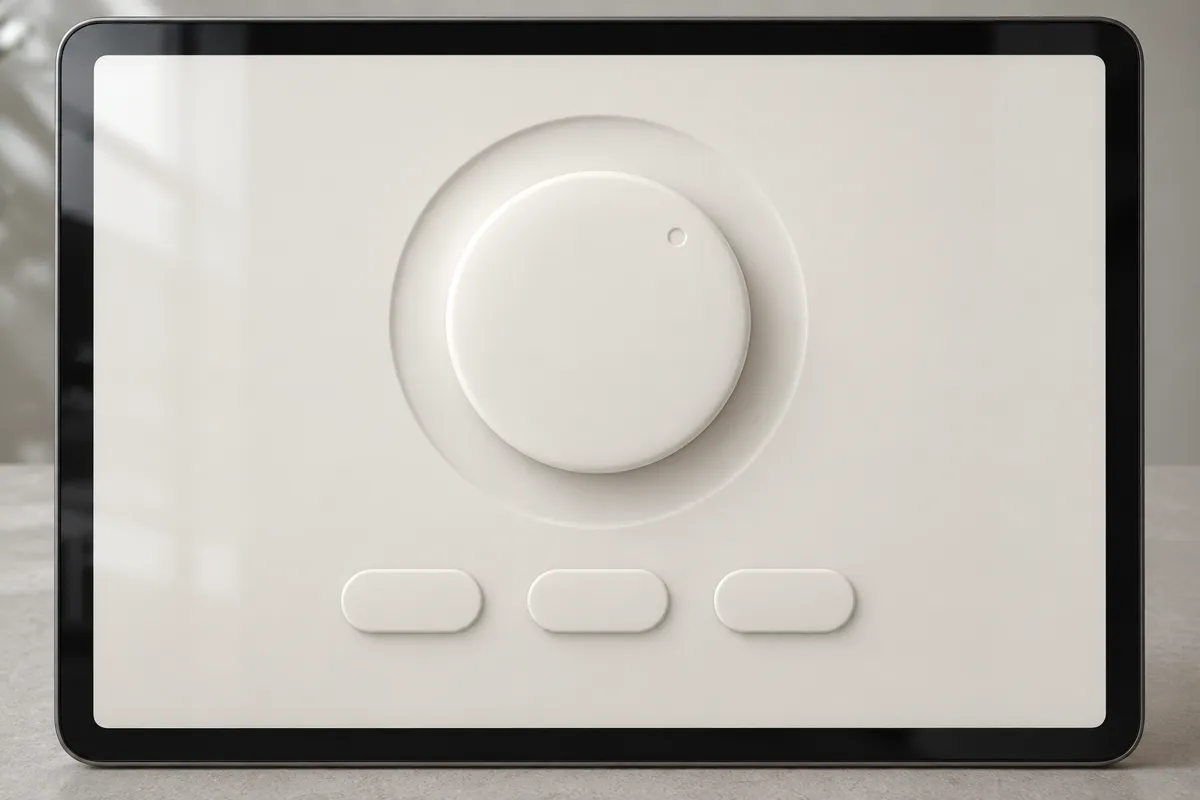
AI illustration: Soft Dial and Control Buttons on Tablet Display
03 AI illustration: Soft Dial and Control Buttons on Tablet DisplayA large central dial and three oval buttons are displayed on a light cream tablet interface. The use of soft highlight and shadow offsets simulates a physical plastic mold emerging from the background.Illustration generated for the Atlas (AI)
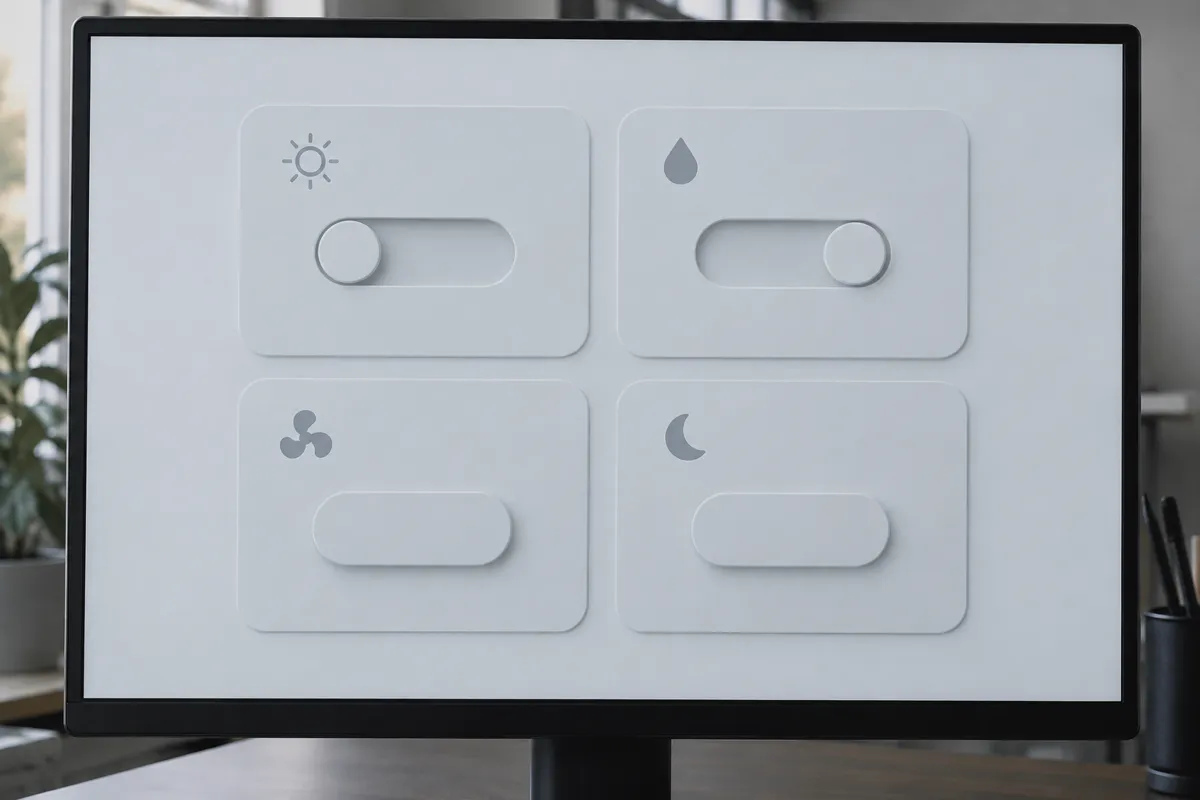
AI illustration: Tactile Smart Home Dashboard with Sliding Toggles
04 AI illustration: Tactile Smart Home Dashboard with Sliding TogglesFour panels with icons and sliding toggles are rendered in a uniform light gray tone. The tactile depth is achieved through blurred outer shadows and precise inset shadows within the slider tracks.Illustration generated for the Atlas (AI)
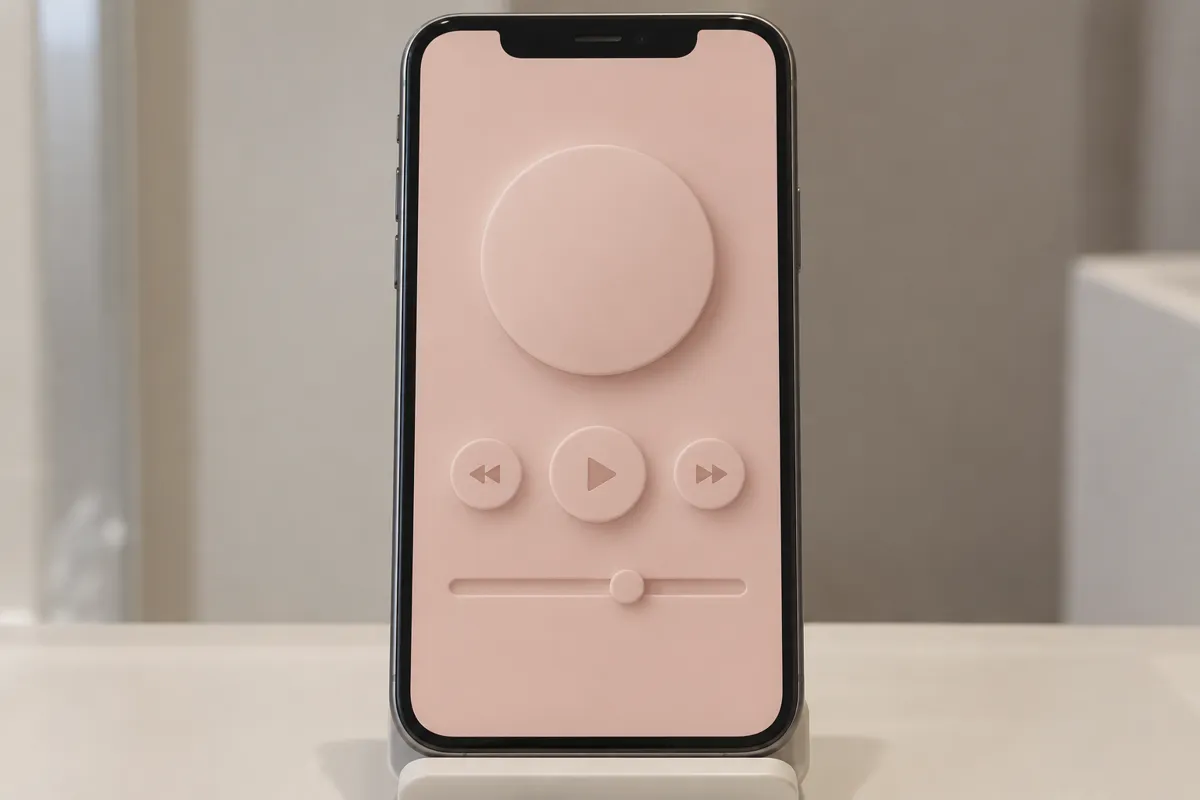
AI illustration: Pale Pink Media Player with Soft Raised Controls
05 AI illustration: Pale Pink Media Player with Soft Raised ControlsA pink-toned media player interface shows a large circular display and playback controls. These elements use low-contrast shadow gradients to appear as if they were pressed into a soft, flexible material.Illustration generated for the Atlas (AI)
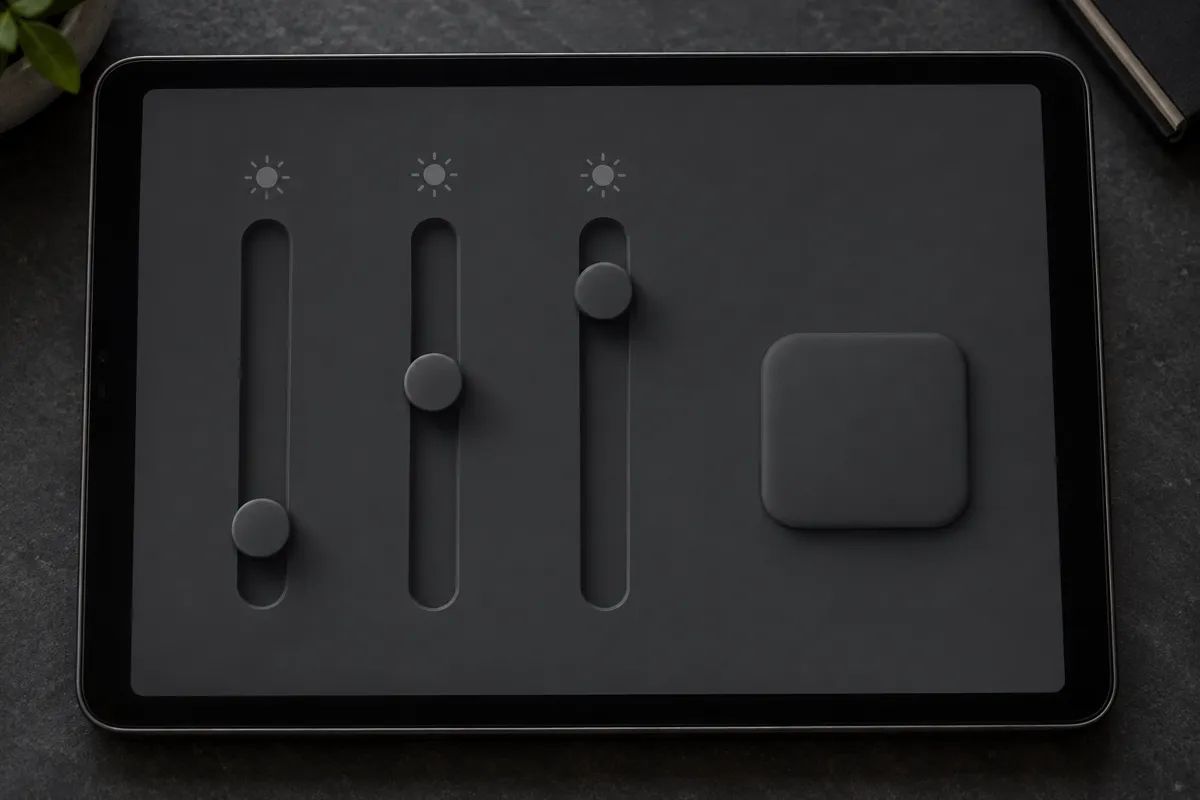
AI illustration: Dark Mode Interface with High-Contrast Directional Shadows
06 AI illustration: Dark Mode Interface with High-Contrast Directional ShadowsDark gray sliders and a square button are set against a matching matte background. The directional lighting effect is particularly clear here, with bright upper-left highlights and deep lower-right shadows.Illustration generated for the Atlas (AI)
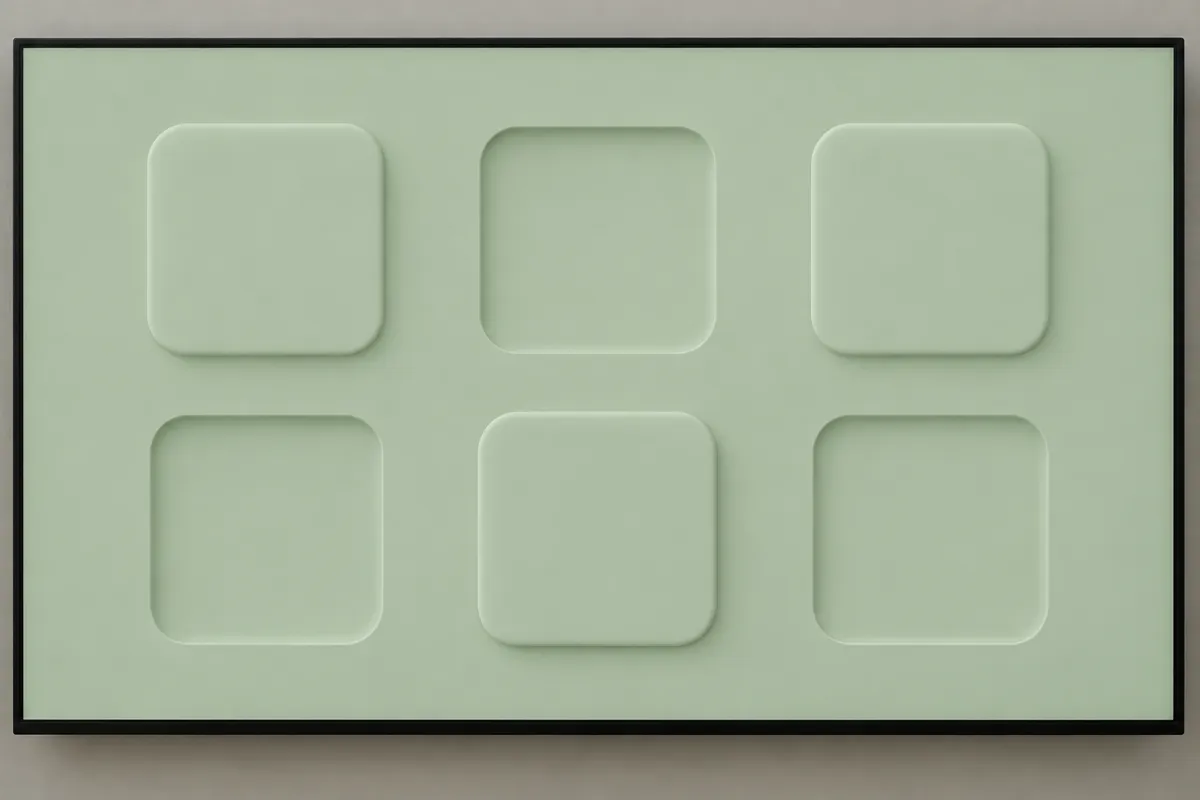
AI illustration: Green Interface Grid Showing Raised and Inset Variations
07 AI illustration: Green Interface Grid Showing Raised and Inset VariationsA series of sage green squares alternates between protruding and indented states. The image demonstrates how changing shadow direction can transform a surface from an extrusion to a hollowed cavity.Illustration generated for the Atlas (AI)

Question

Why does matching a control’s colour to its background strengthen the effect?

Show possible answer +

The matching colour suggests a shared material. Shadows then provide the main evidence that the control rises from, or sinks into, that surface.