Soft Edge / Hed-Like. segmentation, masks & control
Typeface · Quicksand
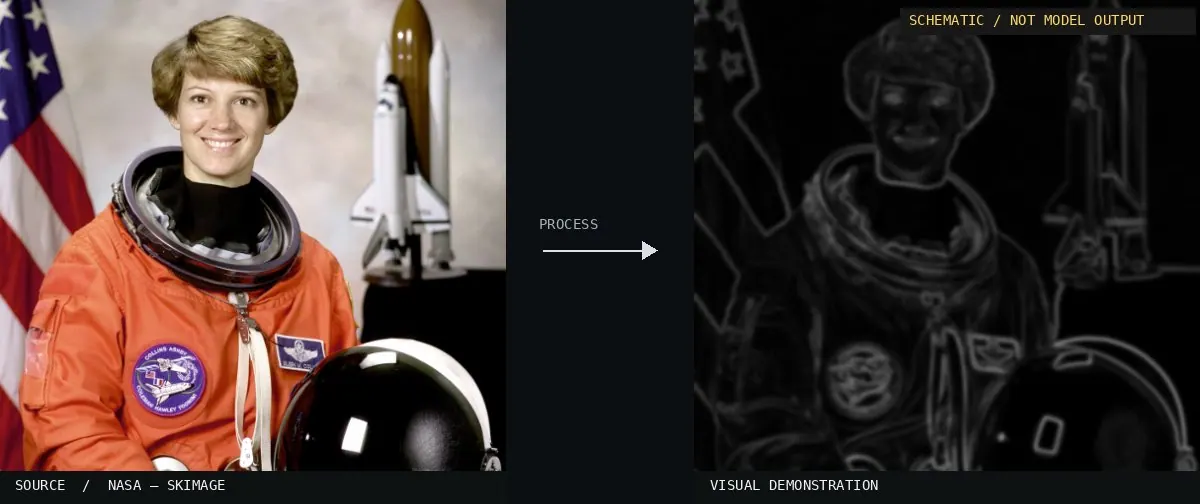
Schematic or classical approach — not a trained AI model output.Image: NASA / Eileen Collins · scikit-image (public domain)View source ↗
Prompt
Apply a Soft Edges effect, reducing the photograph to pale gray contours on white, with feathered transitions and varying line intensity. Emphasize major silhouettes and meaningful interior edges while suppressing fine texture, hard black outlines, and binary contrast. Give contours a gently blurred, continuous appearance. Keep the original subject and composition.
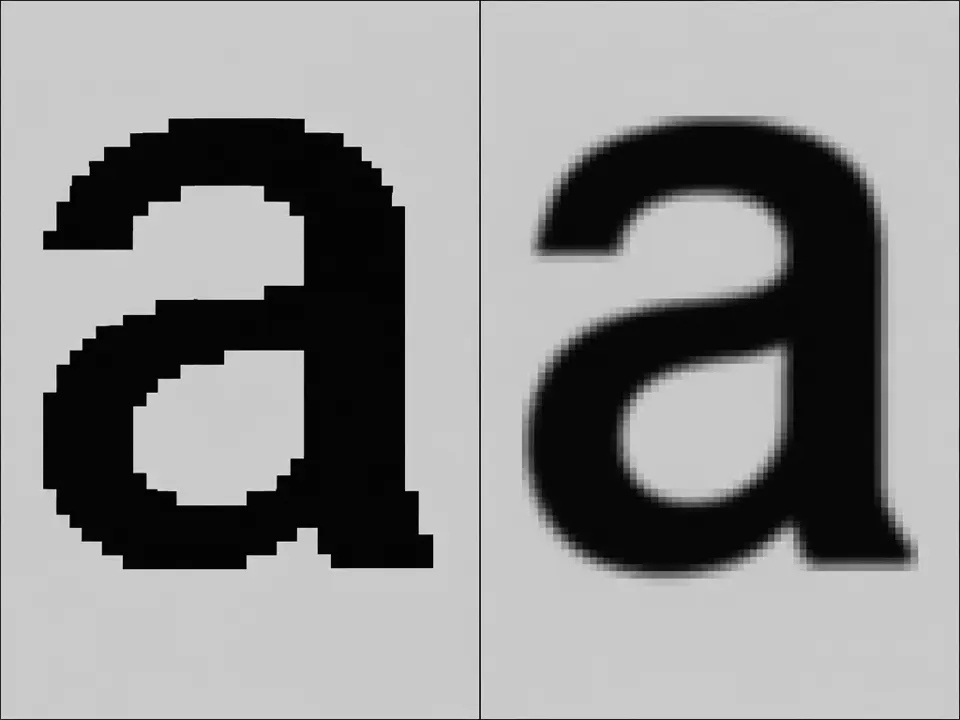
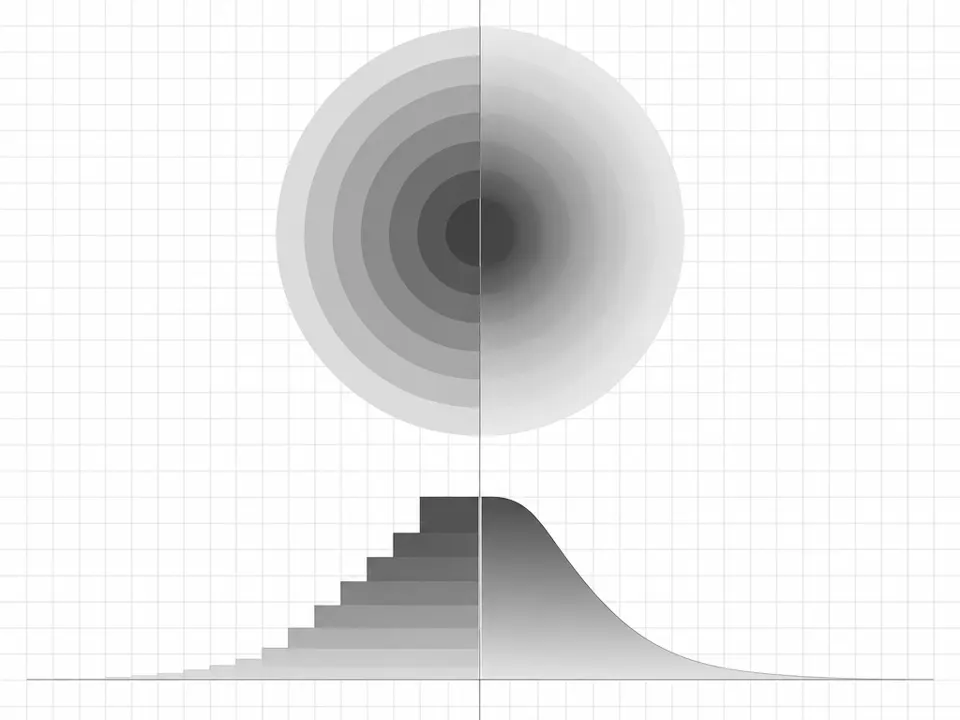
02Anime-Studio-Soft-Edge-Effect-ExampleA blurred yellow circle and a candle with a soft red glow are shown against a blue background. The image demonstrates soft edges through the gradual color transition between the objects and the surrounding space.Umweltschützen at de.wikipedia · Public domain · Wikimedia Commons03Soft Edges, applied to “Starting the charcoal”A photo of burning charcoal and smoke displays a split view. Smoke wisps on the right use a soft gradient map, contrasting with the jagged binary lines on the left.Tomascastelazo (photo); processed for the Atlas · CC BY-SA 4.0 · Wikimedia Commons04Soft Edges, applied to “Eberndorf Köcking Sonnenblumenfeld Biohof Tomic 18072014 0792”A sunflower is processed to show distinct edge styles. The right half displays light gray contours with feathered gradients, while the left half shows thin, solid white outlines.Johann Jaritz (photo); processed for the Atlas · CC BY-SA 4.0 · Wikimedia Commons05Soft Edges, applied to “Canberra (AU), Commonwealth Avenue Bridge -- 2019 -- 1811”This image of a bridge over water compares two rendering modes. The right side uses soft, variable intensity light to define the structure, differing from the flat binary outlines opposite.Dietmar Rabich (photo); processed for the Atlas · CC BY-SA 4.0 · Wikimedia Commons06AI illustration: Side-by-side glyphs demonstrate the transition from aliased to anti-aliasSide-by-side glyphs demonstrate the transition from aliased to anti-aliased rendering. The right letter uses intermediate gray values to create a smooth contour compared to the pixelated binary edges on the left.Illustration generated for the Atlas (AI)07AI illustration: A split diagram compares stepped, discrete transitions with a continuous,A split diagram compares stepped, discrete transitions with a continuous, curved gradient. The right side illustrates how a soft edge uses a smooth profile to blend transitions across a surface.Illustration generated for the Atlas (AI)


,_Commonwealth_Avenue_Bridge_--_2019_--_1811.jpg)