H 234 / 3211990s

Raycasting

1990s landmark: Wolfenstein 3D, 1992; raycasting predates the game.
Typeface · Jersey 25

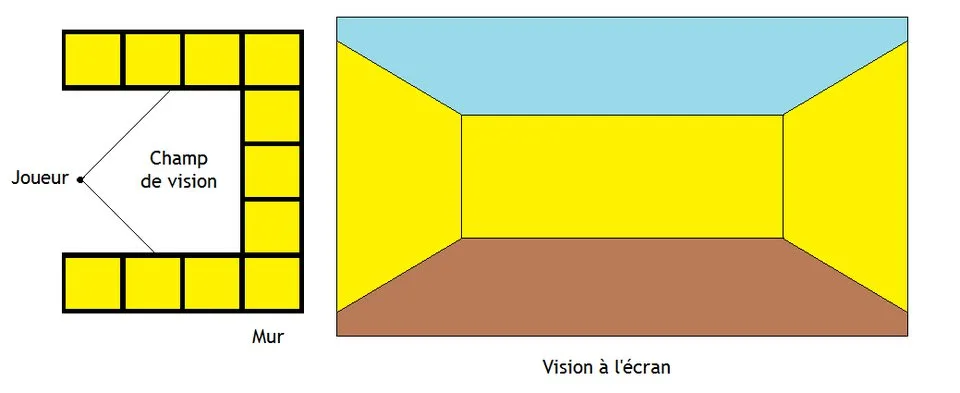
From Room Plan to Raycast View. A tiled room plan and viewing cone accompany a first-person view of yellow walls beneath a blue ceiling.
From Room Plan to Raycast View. A tiled room plan and viewing cone accompany a first-person view of yellow walls beneath a blue ceiling.Mewtow · CC0 · via Wikimedia CommonsView source ↗

Prompt

Apply a Raycasting effect with coarse upright wall-like surfaces rendered as adjacent vertical texture strips, shrinking toward the distance. Use enlarged nearby texture pixels, sharp rectangular corners, flat floor shading, and simple depth-based darkening, translating existing background structures rather than introducing new corridors. Keep the original subject and composition.

Identify

Blocky corridors show upright walls, sharp corners, and enlarged texture1 pixels nearby. Walls appear as vertical strips that shrink toward the distance.

Principle

In this method, a ray crosses a two-dimensional map for each screen column until it hits a wall. The perpendicular distance2 sets the height of a textured strip drawn in that column.

Example

id Software: Wolfenstein 3D, 1992.

Try it out

In a raycasting demonstration, approach a wall and watch its texture enlarge while its vertical edges remain upright.

Background

Raycasting became widely recognized through early 1990s computer games, especially Wolfenstein 3D. Its walls came from a two-dimensional grid map, rather than a general three-dimensional polygon scene. Each screen column sampled the map along a viewing ray. The first wall hit supplied a texture position, while perpendicular distance controlled the strip’s height. This restriction made convincing movement through corridors practical on contemporary personal computers. Wolfenstein 3D used equal-height walls and flat-colored floors and ceilings. Enemies and many objects were separate sprites3, not wall geometry. Other raycasting engines extended these limits.

Distinction

Unlike general ray tracing, this column-based method does not trace secondary rays for reflections or refraction. It exploits upright walls to render whole columns from individual map intersections.

Aftermath

Raycasting shows how carefully chosen geometric restrictions can create a convincing sense of space with relatively little computation.

Further examples · 7 images

Raycasting Distance Distortion
02 Raycasting Distance DistortionRays extend toward a straight wall beside a screen view in which the wall bulges toward the center. This illustrates the fisheye distortion produced when raycasting uses uncorrected ray lengths rather than perpendicular wall distances.Mewtow · CC0 · Wikimedia Commons
Pixelated Raycast Combat Corridor
03 Pixelated Raycast Combat CorridorA pixelated first-person game scene shows textured walls, angular passages, a robotic enemy, and bright projectile effects. The upright wall faces and enlarged nearby texture pixels clearly exhibit the characteristic corridor rendering of raycasting.Drummyfish · CC0 · Wikimedia Commons
Selecting a Wall Texture Column
04 Selecting a Wall Texture ColumnA red ray crosses a square grid and strikes a yellow wall, with annotations identifying the texture column at the intersection. This explicitly demonstrates how a raycasting renderer selects the wall texture strip associated with a ray hit.Mewtow · CC0 · Wikimedia Commons
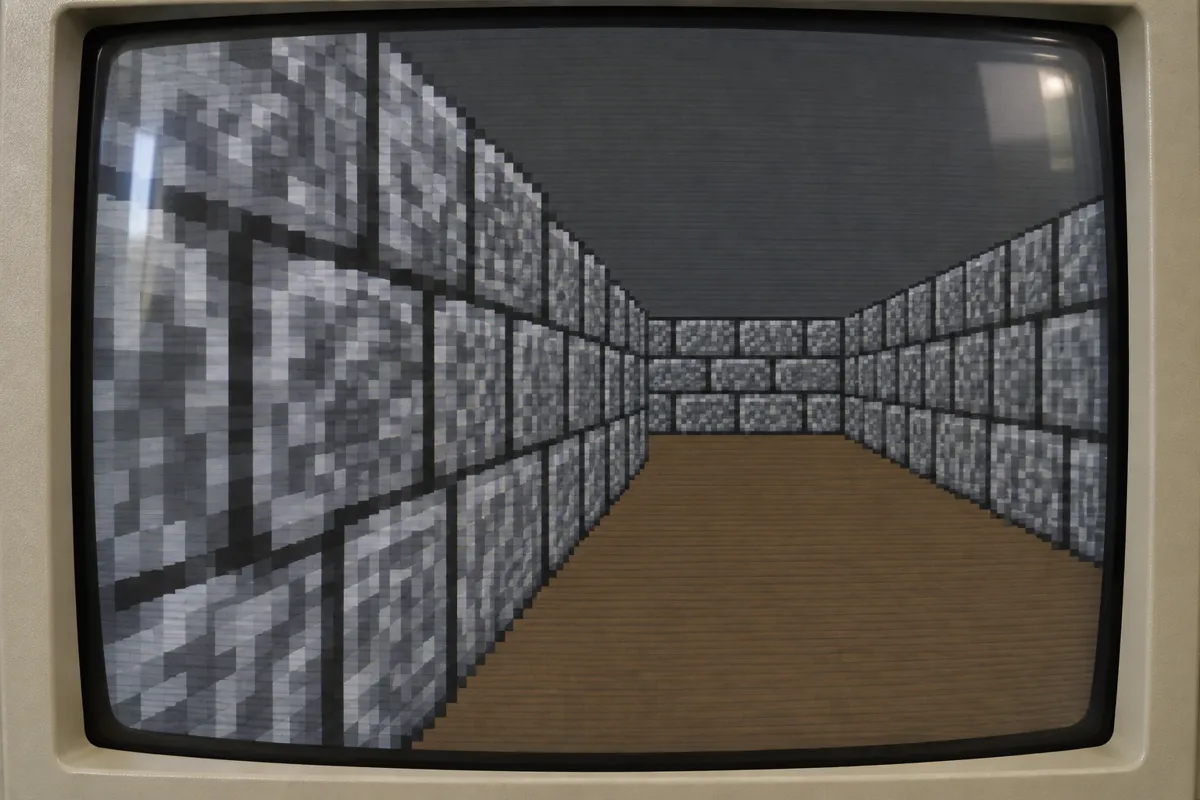
AI illustration: First-person view of raycasted stone corridors
05 AI illustration: First-person view of raycasted stone corridorsA first-person perspective displays a stone corridor where the walls are composed of distinct vertical slices. This exemplifies the technique as each column on screen represents a single ray calculation resulting in a stretched, pixelated texture strip.Illustration generated for the Atlas (AI)
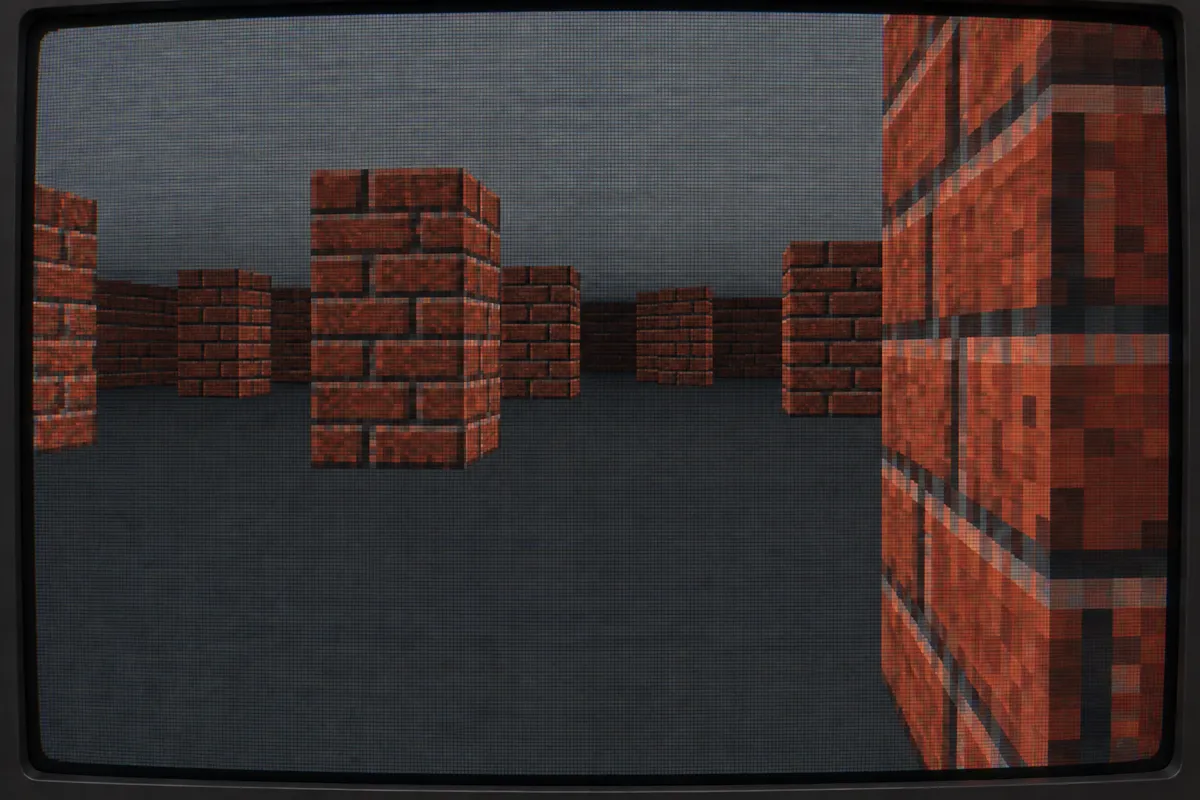
AI illustration: Pseudo-3D brick pillars rendered via raycasting
06 AI illustration: Pseudo-3D brick pillars rendered via raycastingA series of brick pillars are rendered against a flat floor and ceiling with visible scanline effects. The sharp vertical edges and lack of floor perspective detail highlight the simplified geometry typical of this rendering method.Illustration generated for the Atlas (AI)
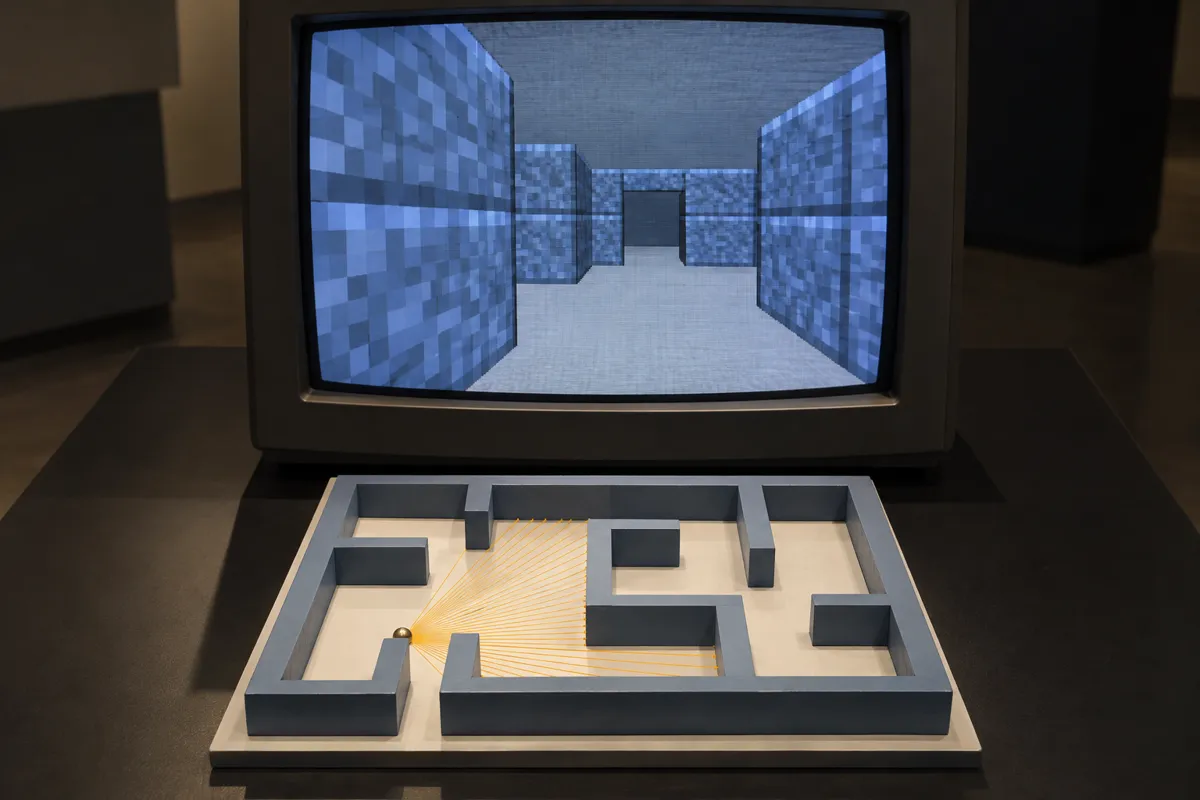
AI illustration: Comparison of 2D map rays to 3D output
07 AI illustration: Comparison of 2D map rays to 3D outputAn interactive exhibit shows a top-down 2D map with radiating lines below a corresponding 3D viewport. It illustrates how rays cast from a single point in a 2D plane determine the vertical heights of walls seen on screen.Illustration generated for the Atlas (AI)

Question

Why use perpendicular distance rather than the full distance traveled along each ray?

Show possible answer +

Sideways rays travel farther even when they hit the same flat wall. Perpendicular distance prevents that wall from appearing bowed, a distortion often called fisheye.

Sources