H 202 / 3211980s

Raster Bars

1980s, early demoscene and video games
Typeface · Monda

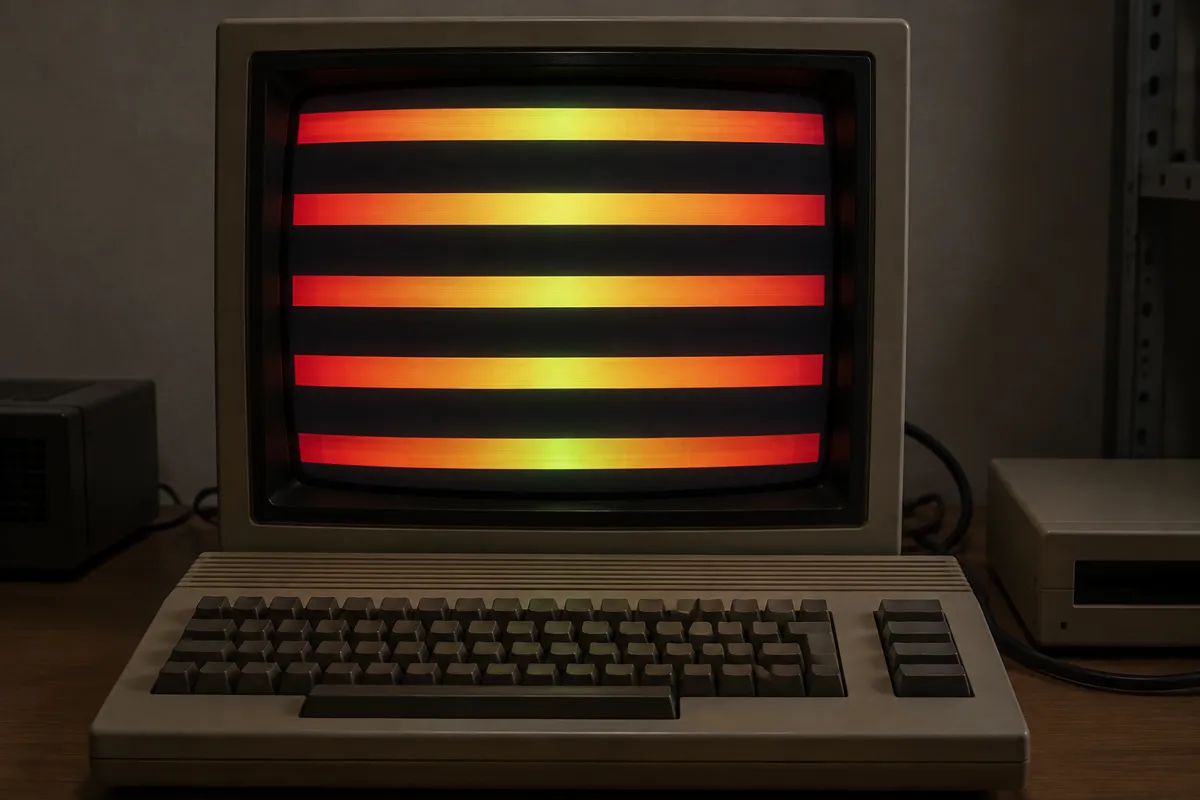
AI illustration: Horizontal raster bars on a vintage personal computer.
AI illustration: Horizontal raster bars on a vintage personal computer.Illustration generated for the Atlas (AI)View source ↗

Prompt

Apply a Raster Bars effect with thick horizontal bands of electric cyan, magenta, violet, and yellow, each shaded with smooth gradients and bright central highlights. Layer overlapping bands behind the subject, adding subtle scanlines and vintage screen glow without obscuring important details. Keep the original subject and composition.

Identify

You see horizontal bands of bright, gradient colors moving up and down a computer screen. These thick lines often overlap or bounce smoothly behind text or graphics.

Principle

Programmers change the screen's background color palette at exact moments while the monitor's electron beam1 scans horizontally. This creates solid bands of color without using video memory2 for actual pixels.

Example

Red Sector Inc.: Megademo, 1989.

Try it out

Slowly drag a colored physical ruler up and down behind a cut-out paper window to simulate the visual timing.

Background

In the 1980s, early home computers lacked the processing power to draw large moving graphics. Programmers found a clever hardware trick. Monitors updated the screen line by line, from top to bottom. Coders wrote small routines that triggered an interrupt3 exactly as the electron beam finished a line. They instantly changed the background color for the next line. This bypassed the central processor and required almost no memory. On the Commodore Amiga, a special chip called the Copper handled this perfectly. This created smooth, bouncing rainbow gradients known as copper bars. These colorful bars became a proud signature of the demoscene.

Distinction

Raster bars are hardware-driven horizontal color changes tied directly to screen scanning. In contrast, standard gradient graphics are pre-drawn pixels stored heavily in video memory.

Aftermath

It demonstrates how early programmers manipulated physical hardware timings to surpass the theoretical limits of simple computers.

Further examples · 7 images
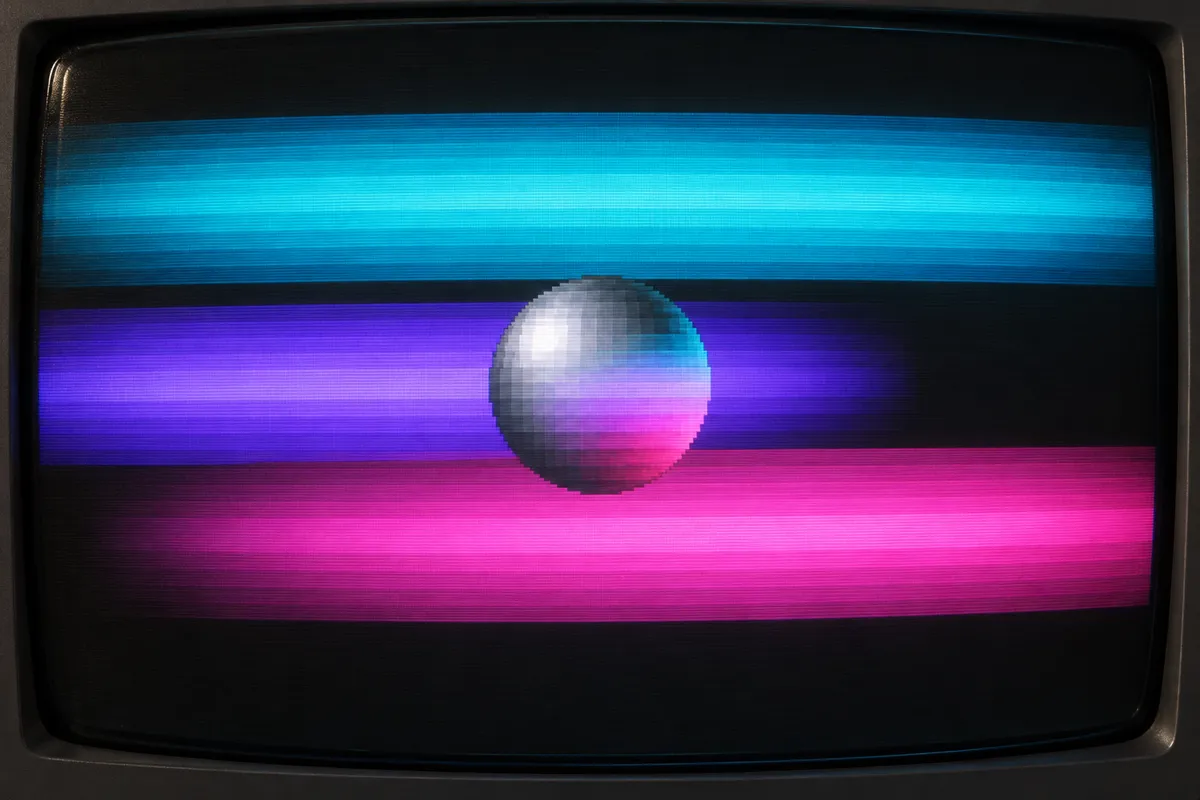
AI illustration: Sprite layered over colorful horizontal raster bands
02 AI illustration: Sprite layered over colorful horizontal raster bandsA pixelated sphere is positioned in front of wide, glowing horizontal bands of cyan, purple, and magenta. The color bars appear behind the sprite, demonstrating how the effect provides a dynamic background without using standard pixel memory.Illustration generated for the Atlas (AI)
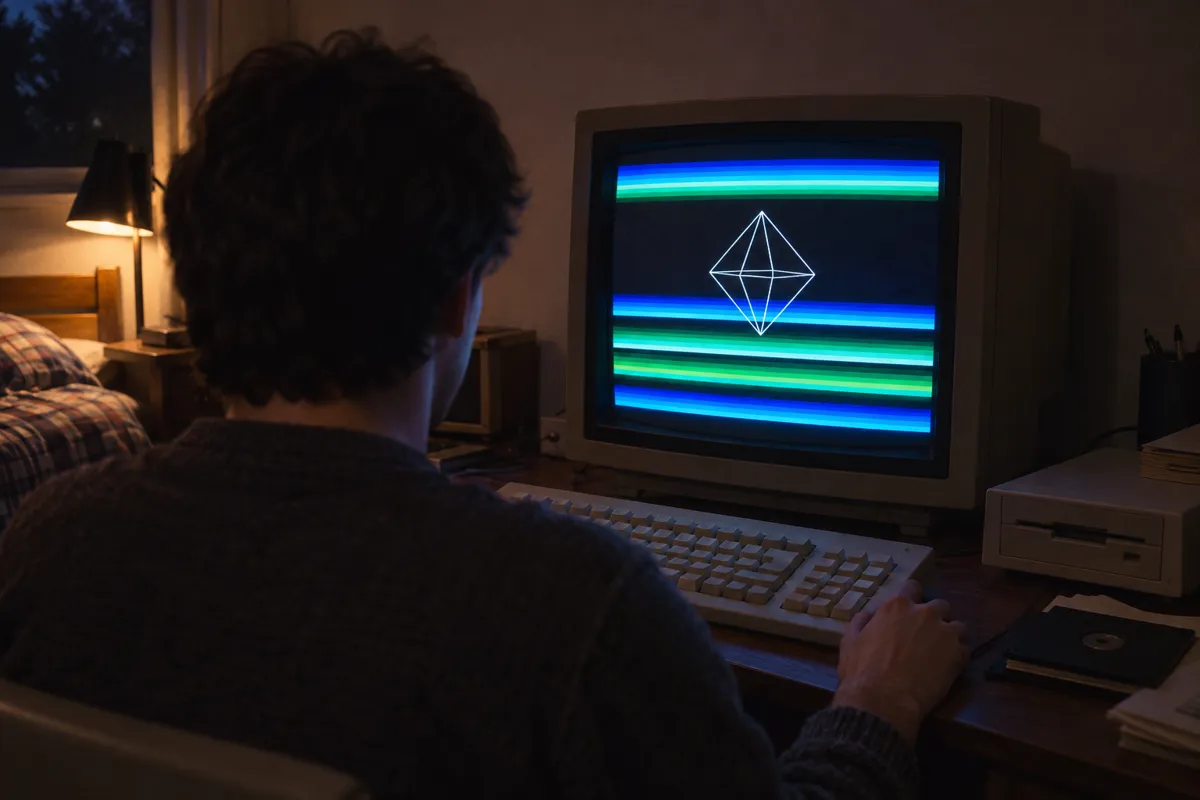
AI illustration: Wireframe graphics with green and blue background bars
03 AI illustration: Wireframe graphics with green and blue background barsA user sits at a workstation where a wireframe diamond is superimposed over thin, alternating blue and green horizontal stripes. The image shows the common application of this effect in early graphics programming to enhance visual depth.Illustration generated for the Atlas (AI)
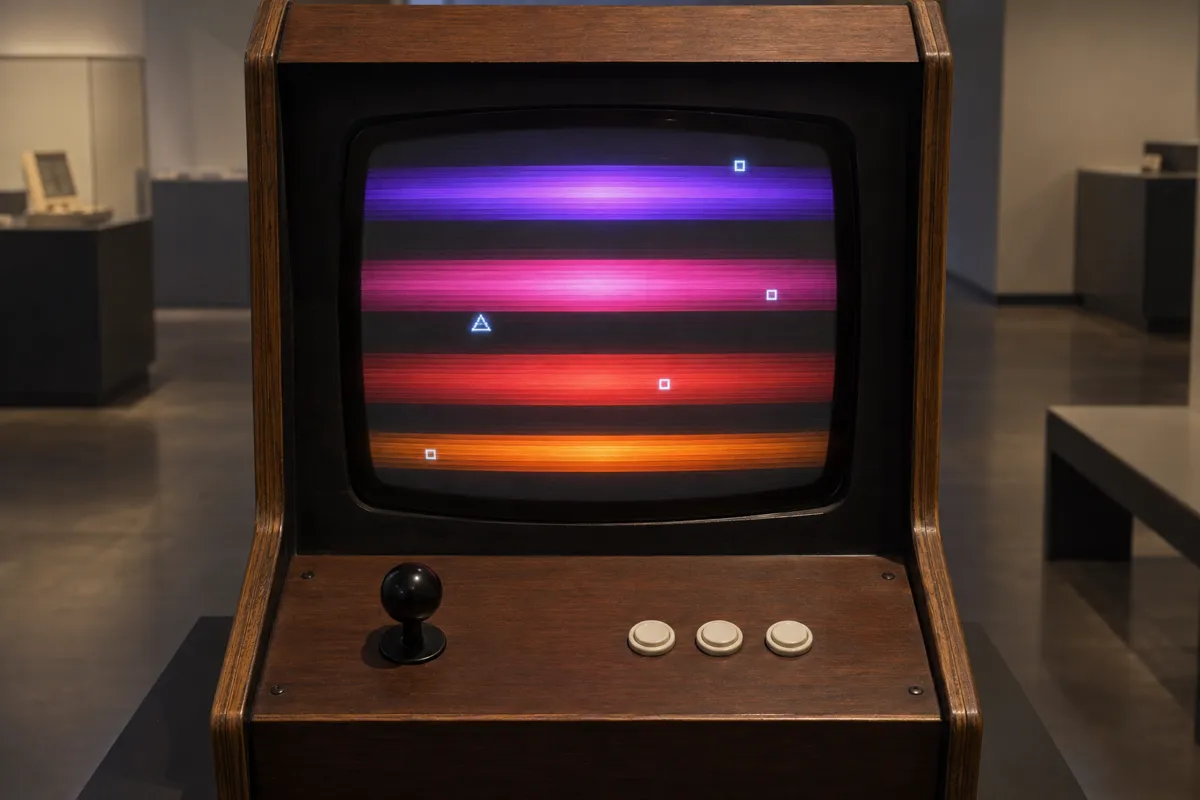
AI illustration: Raster bar effect on a retro arcade display
04 AI illustration: Raster bar effect on a retro arcade displayA retro arcade cabinet screen shows glowing purple, pink, and orange gradient bands behind small geometric sprites. The vibrant horizontal bands are a classic hallmark of the raster bar technique used in 8-bit and 16-bit software.Illustration generated for the Atlas (AI)
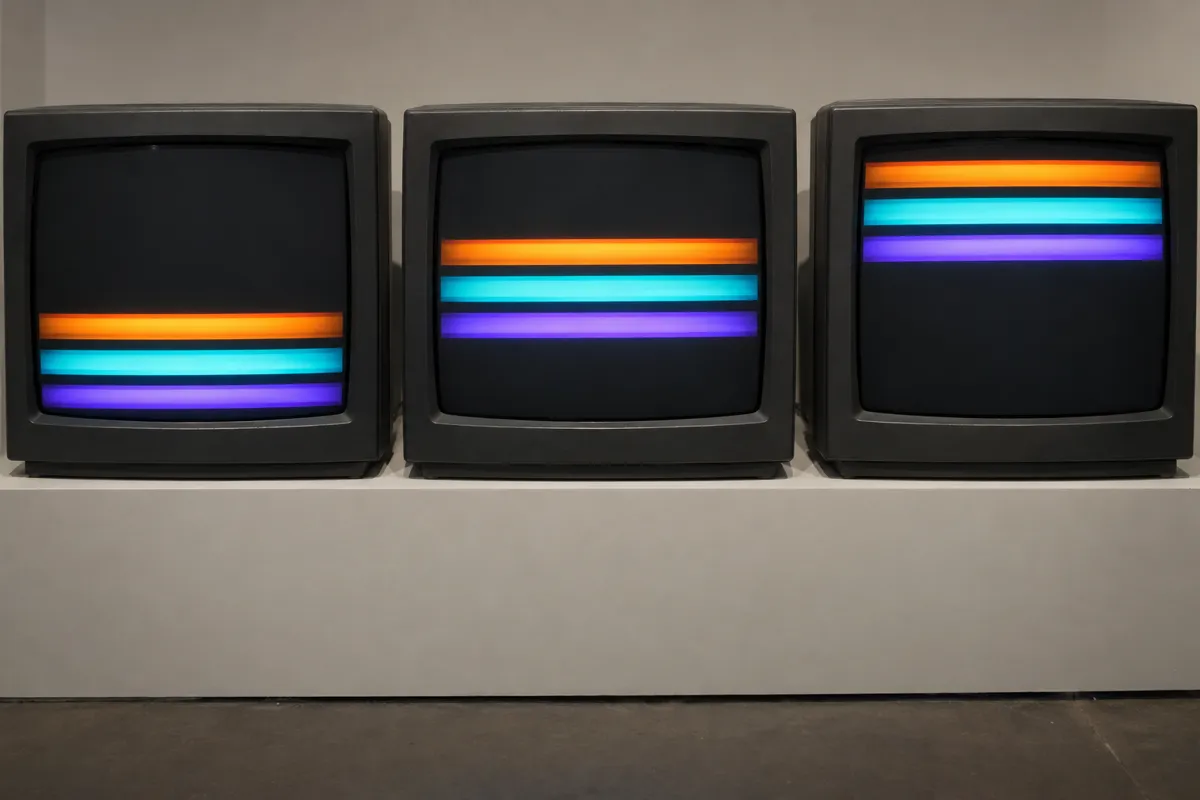
AI illustration: Sequential vertical movement of colored raster bands
05 AI illustration: Sequential vertical movement of colored raster bandsThree CRT monitors sit side-by-side, each showing a cluster of three colored bands at different vertical positions. This sequence demonstrates the illusion of motion achieved by shifting the timing of color palette changes during each frame.Illustration generated for the Atlas (AI)
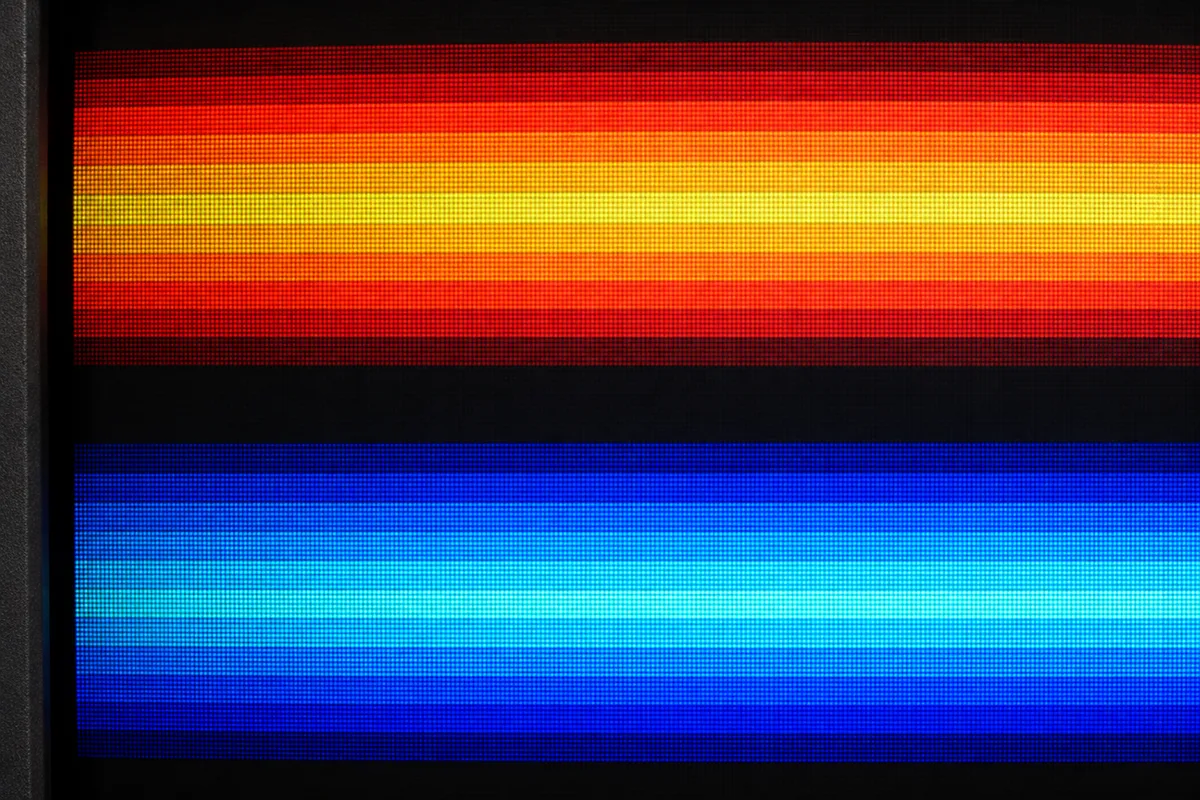
AI illustration: Macro view of scanlines within raster bar gradients
06 AI illustration: Macro view of scanlines within raster bar gradientsThis close-up view reveals the individual scanlines and pixel structure within two thick, gradient-filled horizontal bands. The detailed texture highlights how the color transitions occur horizontally across the width of the display area.Illustration generated for the Atlas (AI)
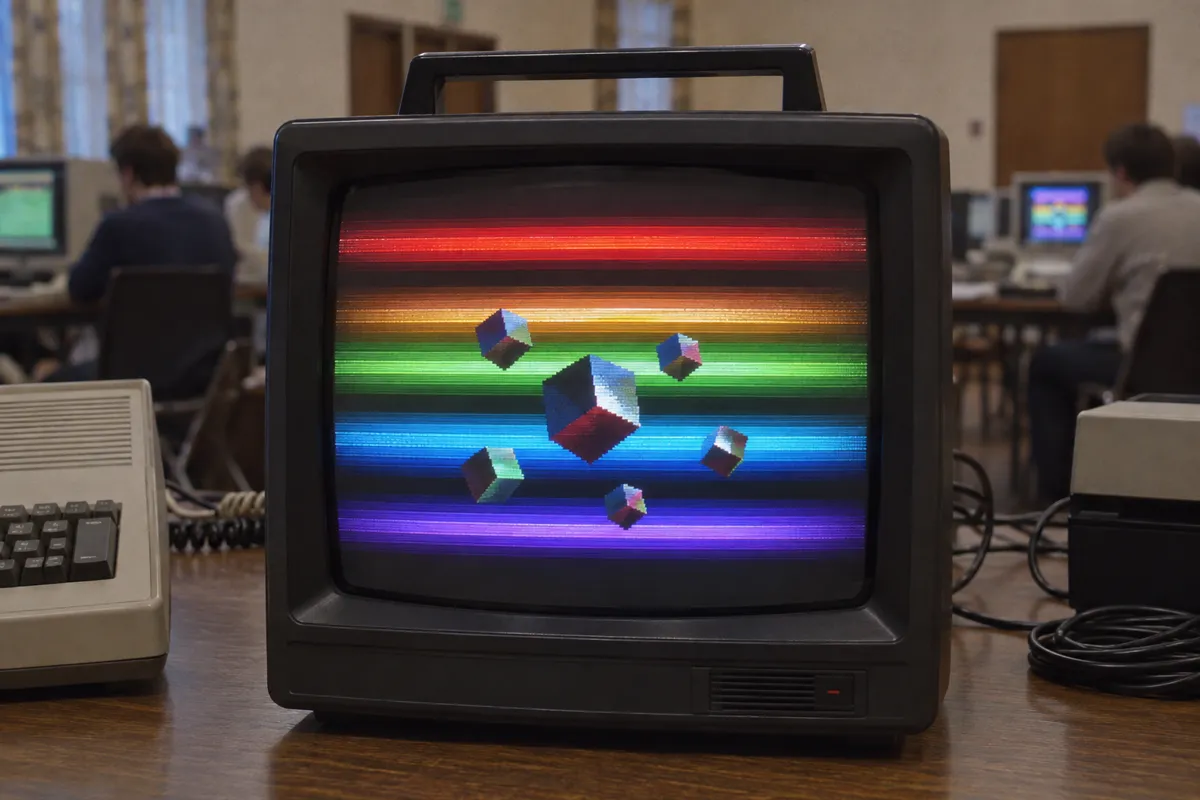
AI illustration: Full spectrum raster bars with floating 3D objects
07 AI illustration: Full spectrum raster bars with floating 3D objectsMultiple floating cubes are displayed over a full-screen spectrum of colorful horizontal bars on a portable television. It serves as a definitive example of how complex color patterns were generated by manipulating the video beam's output.Illustration generated for the Atlas (AI)

Question

Why do raster bars not slow down a classic computer's main processor?

Show possible answer +

They run on tiny hardware interrupts or coprocessors tied directly to the monitor's drawing speed. This completely frees the main processor for other tasks.

Sources