H 203 / 3211980s

Go Motion

1980, Phil Tippett and Industrial Light & Magic
Typeface · Turret Road

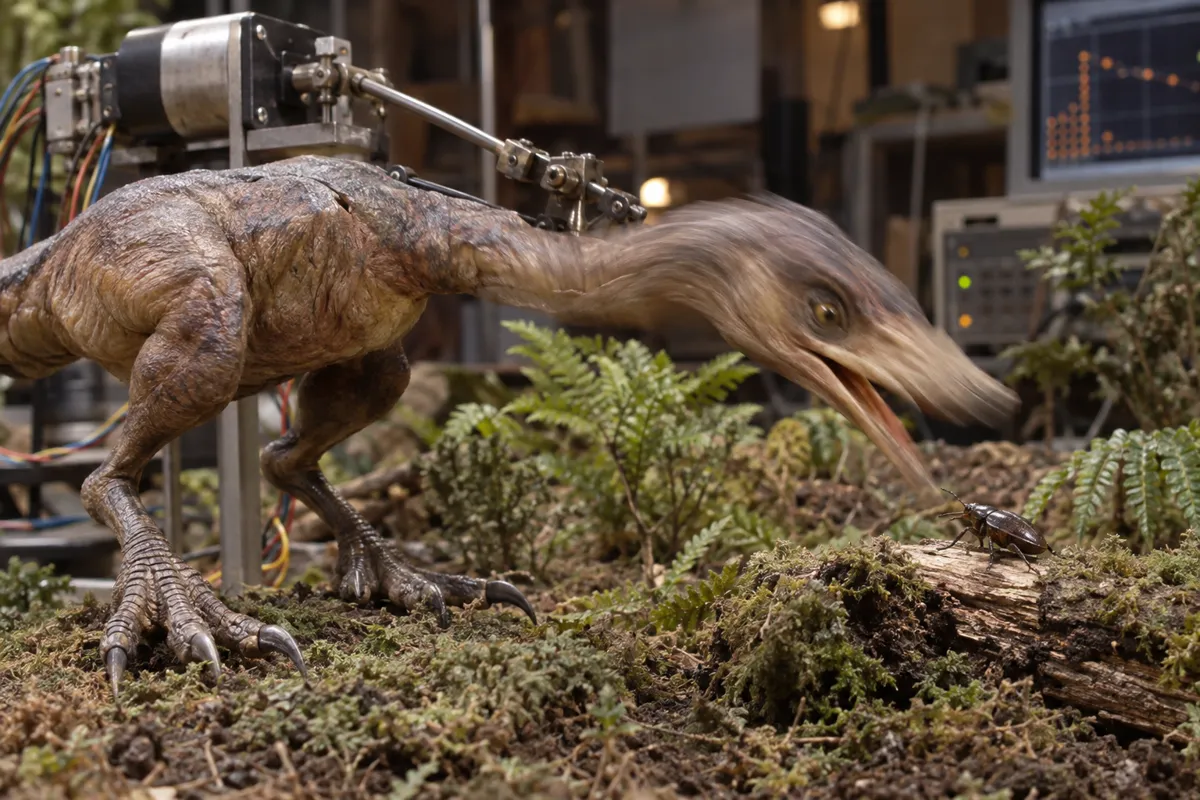
AI illustration: Miniature dinosaur featuring photographic motion blur.
AI illustration: Miniature dinosaur featuring photographic motion blur.Illustration generated for the Atlas (AI)View source ↗

Prompt

Transform this image into a Go Motion miniature-effects frame, with tactile painted surfaces, practical studio lighting, and believable small-scale materials. Add short, directional shutter-blur streaks to parts suggesting movement while keeping stationary details crisp; avoid ghosted duplicate silhouettes. Keep the original subject and composition.

Identify

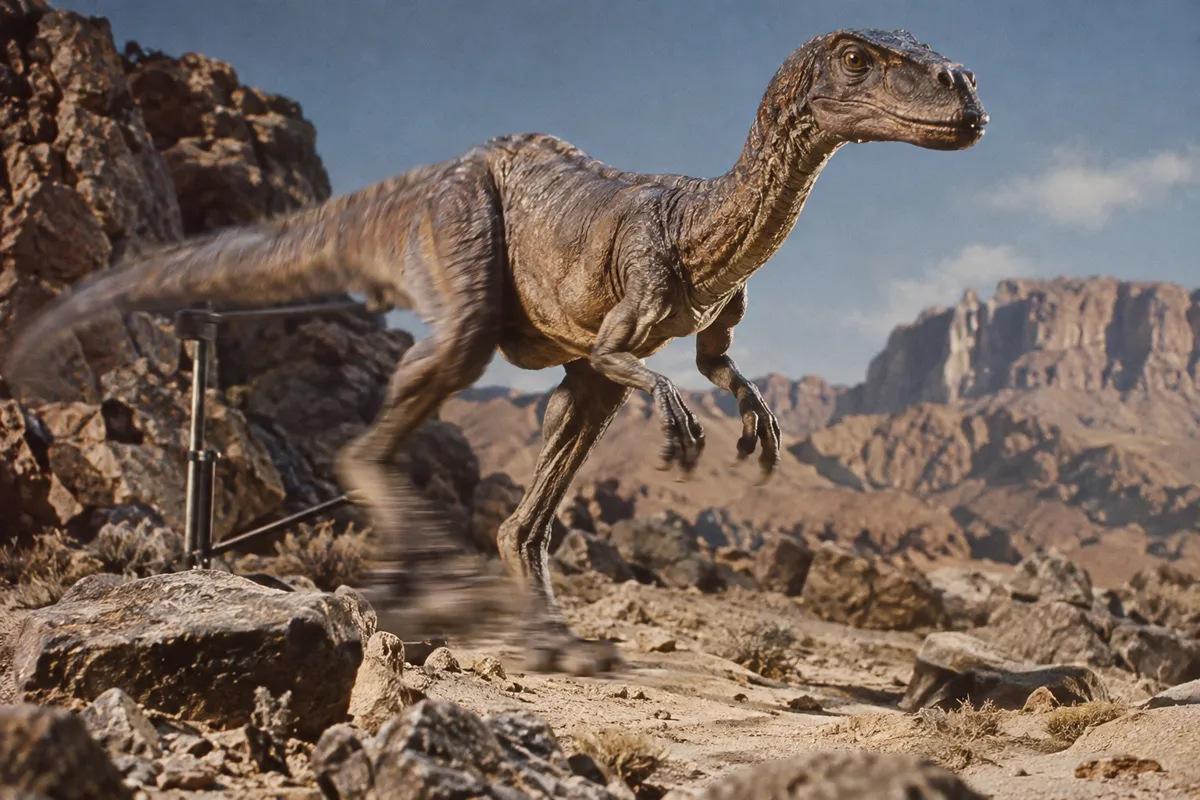
You see an animated miniature creature or vehicle moving smoothly across the screen. Its fast-moving parts show a natural, streaky motion blur1.

Principle

A computer controls motors connected to the puppet. The motors move the puppet slightly while the camera shutter is open.

Example

Phil Tippett: Dragonslayer, 1981.

Try it out

Pause a go-motion scene and a standard stop-motion scene during fast action. Notice how go-motion frames look blurry while standard frames remain sharp.

Background

Standard stop motion looks jerky because each frame captures a perfectly still puppet. In the late 1970s, Industrial Light and Magic needed smoother animation. Phil Tippett and his team developed go motion. They attached metal rods to the puppet and linked them to computer-controlled motors. As the camera exposed2 the film, the motors shifted the puppet slightly. This recorded a true motion blur directly onto the physical film. Later, animators combined these computer-driven rods with traditional hand animation for highly complex creature movements.

Distinction

Standard stop motion photographs a stationary object, resulting in a jerky, strobe-like sequence. Go motion actively moves the object during the photograph, creating natural optical blur.

Aftermath

It shows that copying physical camera limitations, like motion blur, helps artificial elements look completely real to the human eye.

Further examples · 7 images
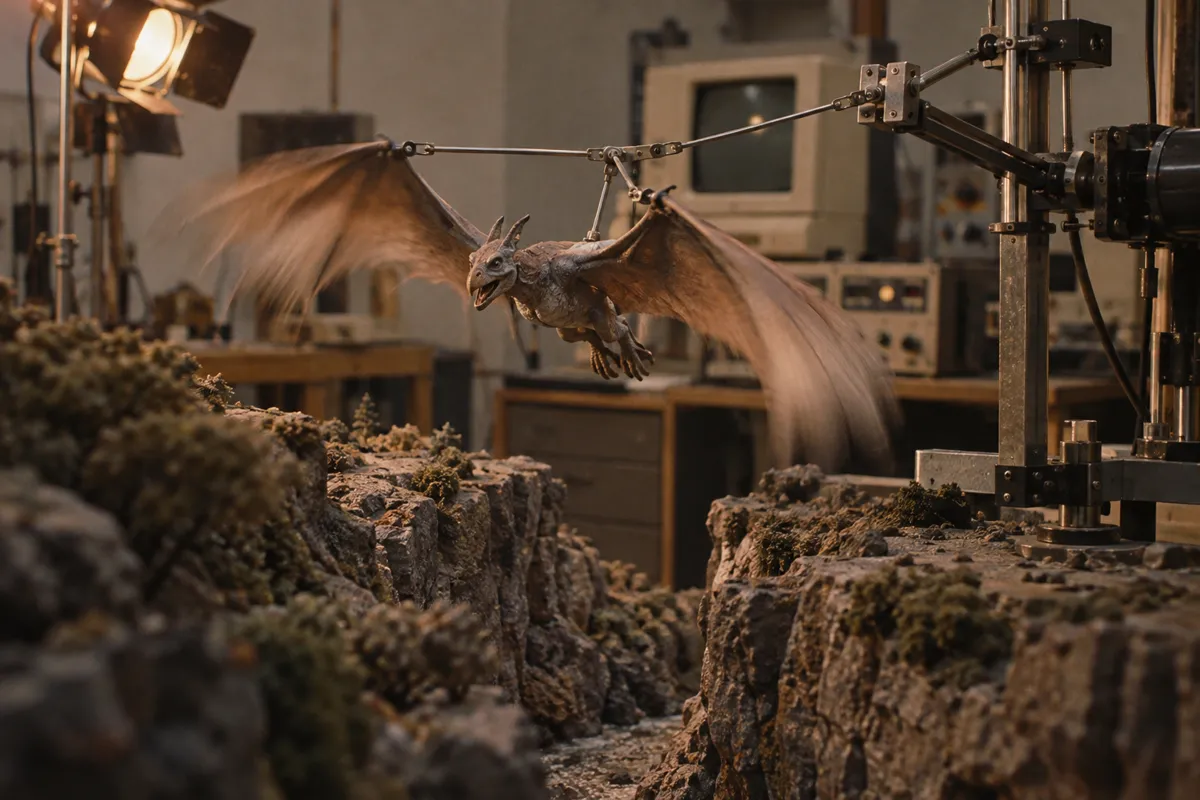
AI illustration: Winging creature on a motion-control armature
02 AI illustration: Winging creature on a motion-control armatureA winged creature is mounted to a computer-controlled armature within a miniature set environment. The wings exhibit a distinct photographic streak, demonstrating the synchronization of puppet movement with the camera's shutter.Illustration generated for the Atlas (AI)
AI illustration: Automated leg mechanisms driving go-motion blur
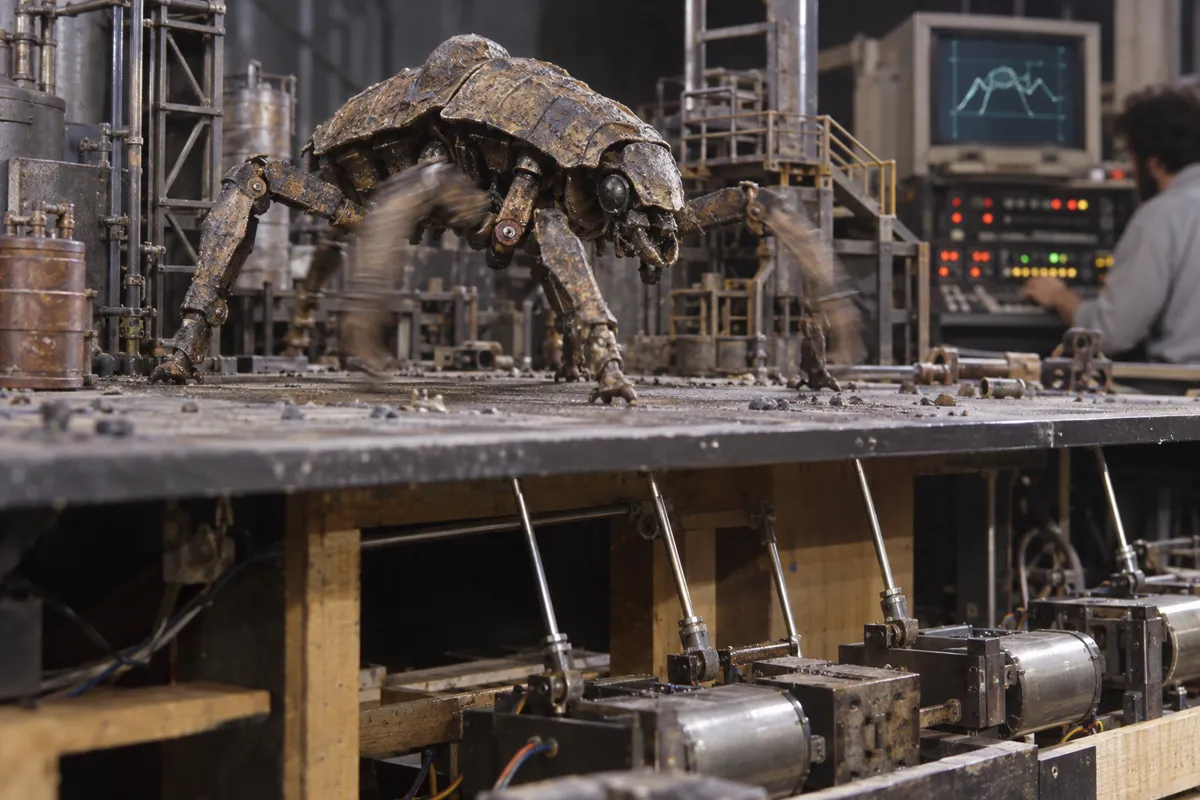
03 AI illustration: Automated leg mechanisms driving go-motion blurMechanical rods under a studio floor drive the rhythmic motion of a multi-legged creature model. The blurring of the creature's limbs illustrates the automated movement used to eliminate the jitter of traditional animation.Illustration generated for the Atlas (AI)
AI illustration: Lunar rover model showing constant motion blur
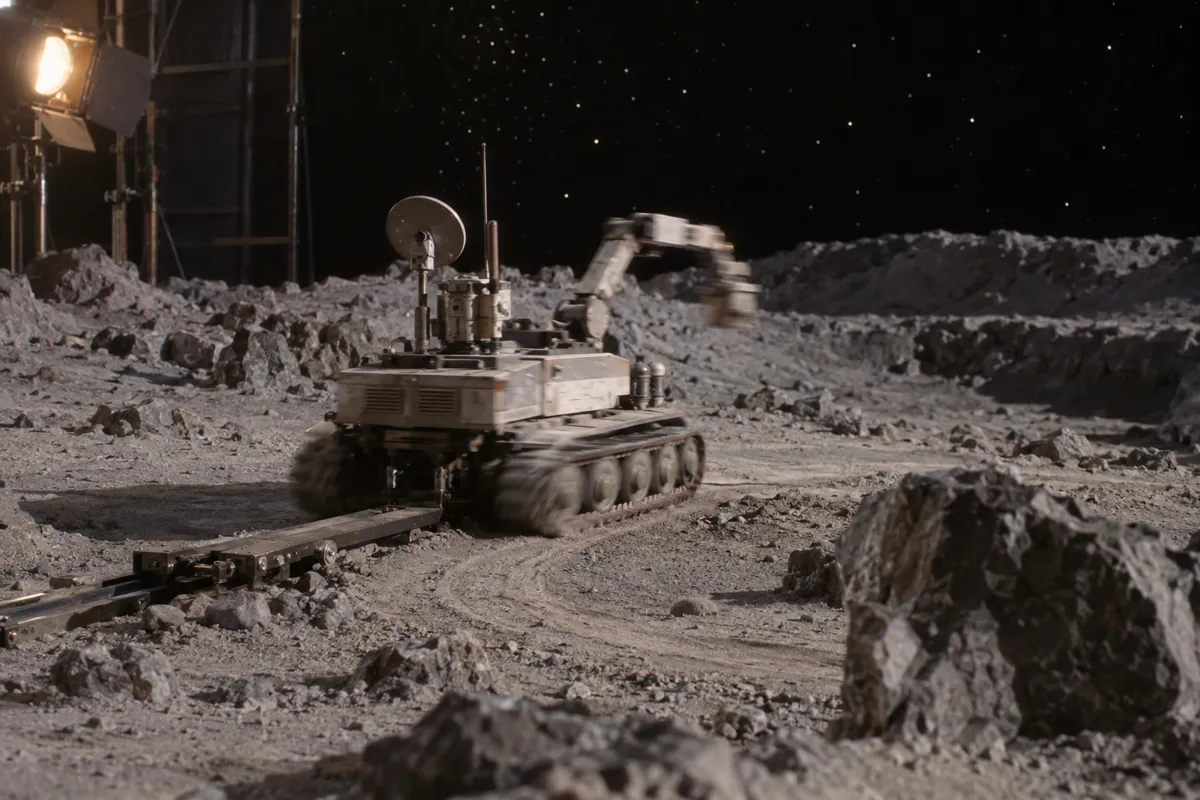
04 AI illustration: Lunar rover model showing constant motion blurA mechanical rover travels along a miniature lunar surface, leaving blurred tracks and arm movements. The blur indicates the vehicle was in constant motion via computer control while the film frame was exposed.Illustration generated for the Atlas (AI)
AI illustration: Sea serpent puppet with mechanical tail control
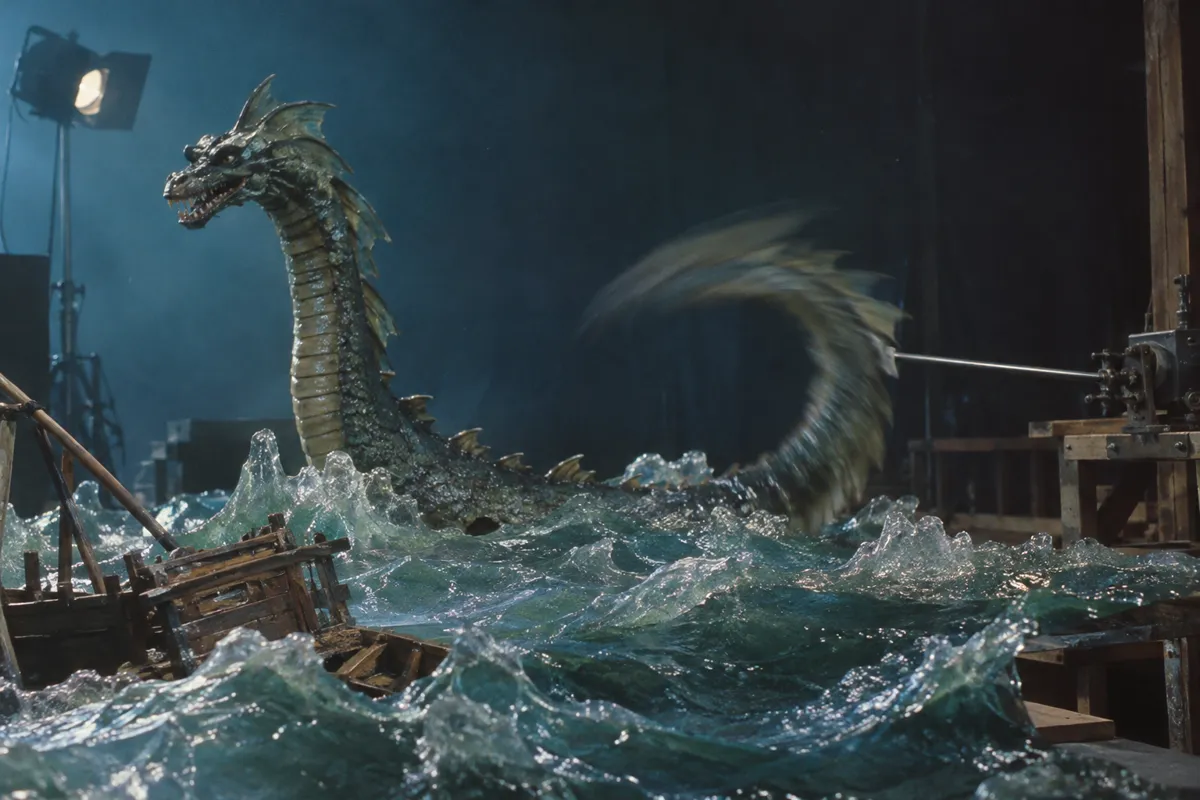
05 AI illustration: Sea serpent puppet with mechanical tail controlA sea serpent miniature emerges from artificial waves, with a mechanical rod visibly controlling its blurred tail. This setup demonstrates how electronic motors provide the necessary momentum to create realistic motion streaks.Illustration generated for the Atlas (AI)
AI illustration: Motorized walking machine on miniature bridge
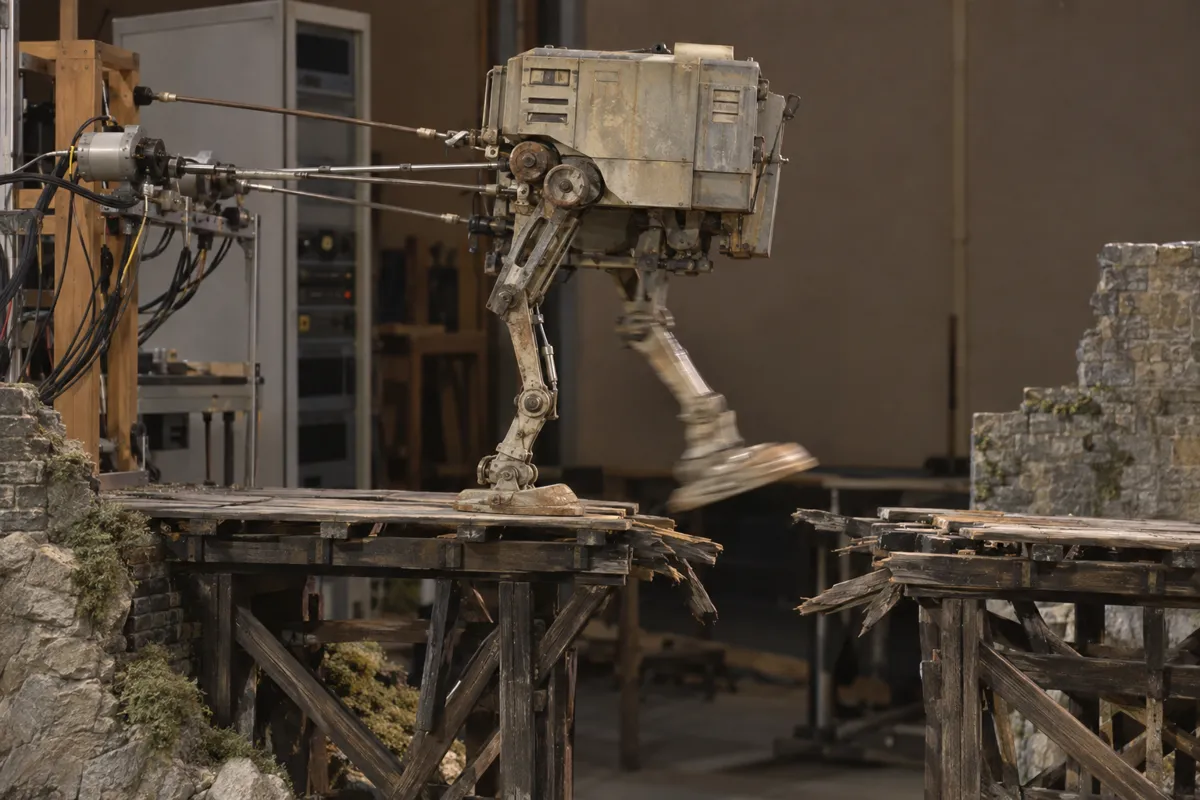
06 AI illustration: Motorized walking machine on miniature bridgeA two-legged walker is connected to a complex series of motorized armatures as it crosses a bridge. The blurring of the swinging leg captures the essence of the technique by recording movement during the exposure.Illustration generated for the Atlas (AI)
AI illustration: Rapid head strike achieved with motorized animation
07 AI illustration: Rapid head strike achieved with motorized animationA small avian creature lunges toward an insect, its head showing a heavy photographic streak caused by motorized movement. The background equipment confirms the use of a computer-driven system to achieve this smooth visual blur.Illustration generated for the Atlas (AI)

Question

Why do older stop-motion animations look so jerky?

Show possible answer +

They capture perfectly still objects without any motion blur. Your brain notices the missing optical blur between frames, creating a stuttering effect.

Sources