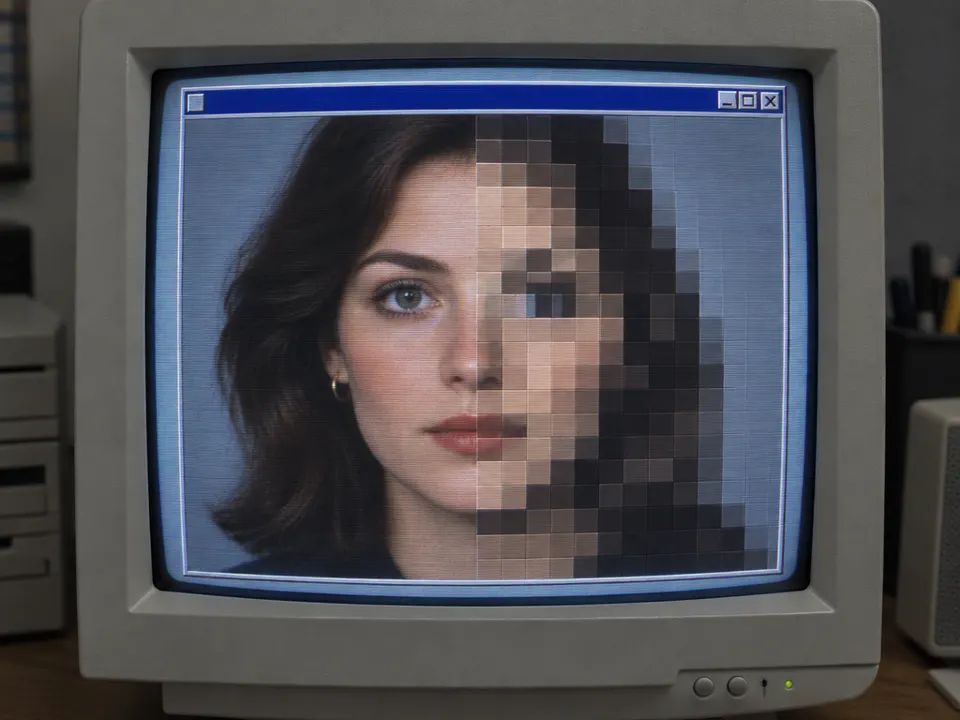
Pixelation / mosaic. Desktop effects culture of the 1990s; earlier digital raster fundamentals.
Typeface · Press Start 2P
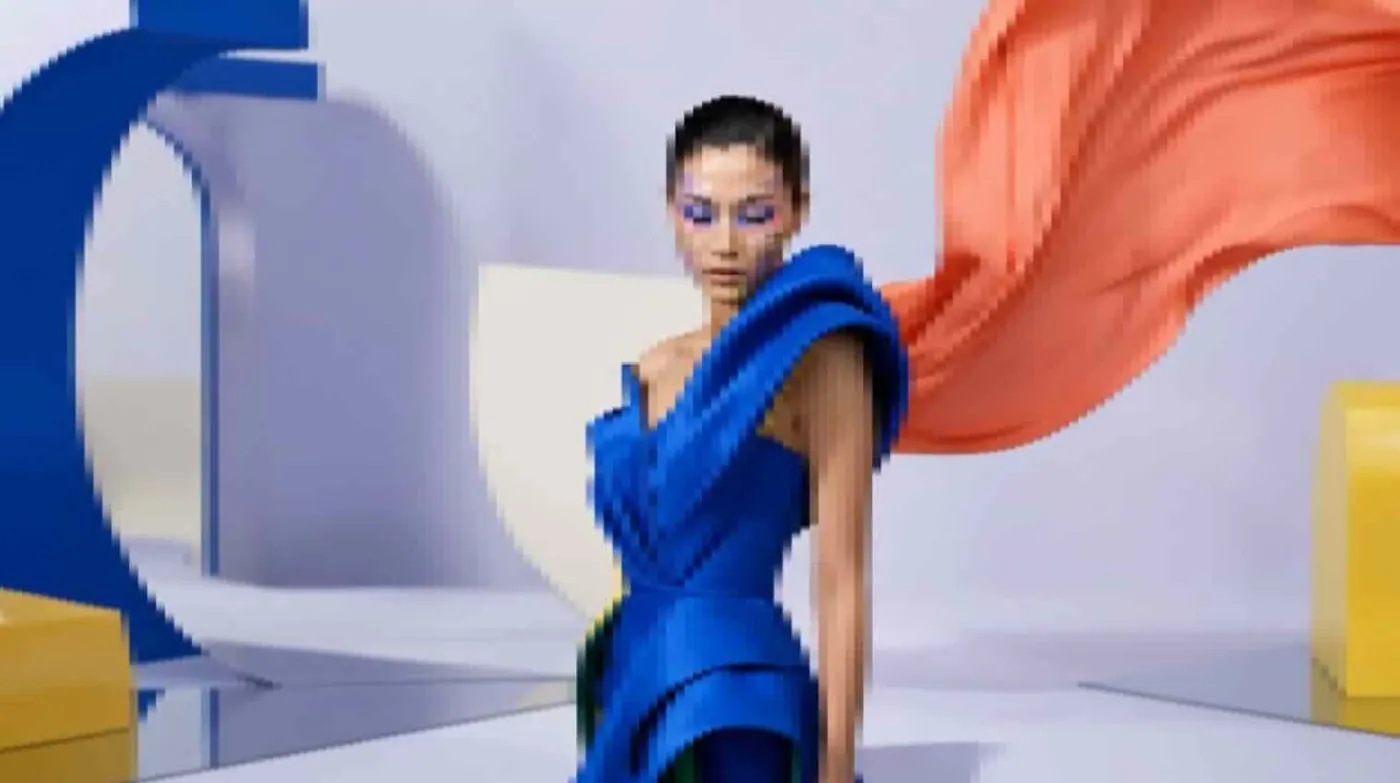
Mosaic pixelation: current official Adobe demonstration.Adobe, After Effects documentation; not a historical screen recording.View source ↗
Prompt
Apply a Pixelation effect using large, clearly visible square and rectangular blocks, each filled with one sampled color. Replace fine details with coarse color clusters, preserve the broad light and dark masses, and use crisp block boundaries without smoothing or added outlines. Keep the original subject and composition.
The motif breaks down into [large, monochrome rectangles].
Principle
[Individual image areas are combined]into [coarser color samples1].
Example
Adobe: Mosaic demonstration.
Try it out
Reduce the same motif to 80, 40 and 20 columns.
Background
Mosaic is part of the classic digital toolkit for stylized low-resolution2images, transitions, and blurring image parts. Adobe documents two variations: afield either adopts the central sample or the average color value of its area. The 1990s are presented here as alearning experience for desktop image editing, not as the first evidence of pixel graphics. When reducing the image size, large silhouettes remain legible longer than small details.
Distinction
Pixelation reduces spatial resolution; posterization reduces tonal values. Pixel art can be intentionally drawn and is not automatically apixelated photograph.
Aftermath
Fewer pixels can make the composition clearer.
Further examples · 7 images
02ImagepixeledanonA portrait of an anonymous man is rendered in low resolution. The mosaic effect obscuring the face demonstrates the use of pixelation for identity protection.anonimous · CC BY-SA 3.0 · Wikimedia Commons03AP Press photo of anthropomorphic rhinoceroses wearing a business suit infront of Parliament building, giving a speech on a microphone on aA rhinoceros in a suit stands before a parliament building. Selective pixelation on the chest and a black bar illustrate different methods of digital censorship.Created with DALL·E, an AI system by OpenAI · Public domain · Wikimedia Commons04Girl with a Pearl Earring (pixelated)A famous painting is reduced to coarse color blocks. This shows how large silhouettes remain recognizable even when fine details are lost through mosaic reduction.Original painting by Johannes Vermeer; transformed (pixelated) by acagastya. · CC0 · Wikimedia Commons05Bruit numériqueThe image consists of dark, irregular rectangular blocks representing digital noise. It exemplifies pixelation where the motif is almost entirely lost to color samples.Jean-Jacques MILAN · Public domain · Wikimedia Commons06ÉgideaClouds and a blue sky are shown with visible staircase artifacts at the edges. This represents low-resolution digital rendering and the breakdown of organic shapes into squares.Bangocs · CC BY-SA 4.0 · Wikimedia Commons07AI illustration: A woman's face is shown on a CRT monitor with a split-screen comparisonA woman's face is shown on a CRT monitor with a split-screen comparison. The right side illustrates pixelation by grouping image areas into coarse, monochrome rectangular samples, contrasting with the high-resolution left side.Illustration generated for the Atlas (AI)
Question
What remains unchanged if you only reduce the spatial resolution?
Show possible answer +Hide answer −
The available color palette can be fully retained. Only the number of spatially independent image samples will decrease.


.jpg)