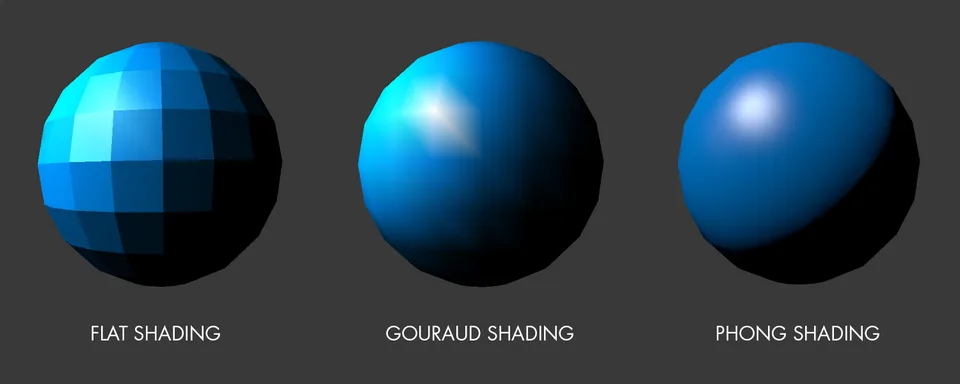
Flat, Gouraud, and Phong Shading Compared. Three blue spheres compare flat, Gouraud, and Phong shading, progressing from visible facets to a smooth surface with a compact highlight.Davi.trip · CC BY-SA 4.0 · via Wikimedia CommonsView source ↗
Prompt
Apply a Phong Shading effect, rendering existing forms as smooth early computer-generated solids with glossy plastic surfaces and tight, bright specular highlights. Use continuously curved lighting gradients, simple directional illumination, restrained ambient shadows, clean silhouettes, and minimal texture or environmental reflections. Keep the original subject and composition.
You see smooth, 3D computer models with [tight, bright spots]of reflected light. These [shiny highlights curve naturally]across the object's surface.
Principle
The computer calculates how light bounces for [every single pixel]. It interpolates1the surface orientation2across flat polygons to simulate curves.
Example
Martin Newell: Utah Teapot, 1975.
Try it out
Look closely at aglossy plastic object like acomputer mouse. Notice how the bright spot moves naturally as you turn it.
Background
In the early 1970s, 3D computer graphics looked clunky and flat. Objects were made of flat geometric panels. Early methods softened the edges between panels, but objects still looked dull. In 1973, Bui Tuong Phong changed this while working at the University of Utah. He realized glossy materials needed sharp reflections of the light source. His math calculated the surface angle for every pixel. This allowed digital objects to look like shiny plastic. It revolutionized 3D graphics by adding realistic specular highlights3.
Distinction
Gouraud shading only calculates light at polygon corners and blurs the colors inward. Phong shading calculates light for every pixel, allowing sharp reflections.
Aftermath
It teaches that calculating lighting per pixel creates much more realistic 3D materials than calculating per corner.
Further examples · 7 images
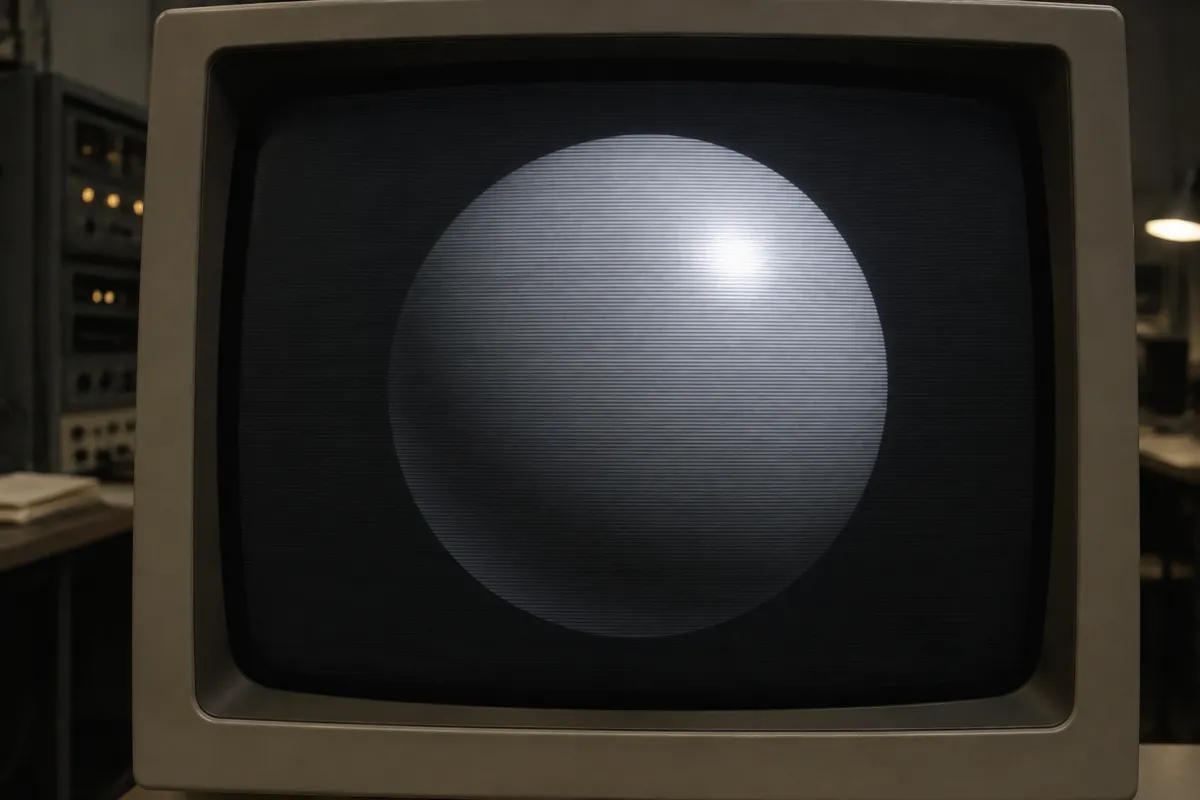
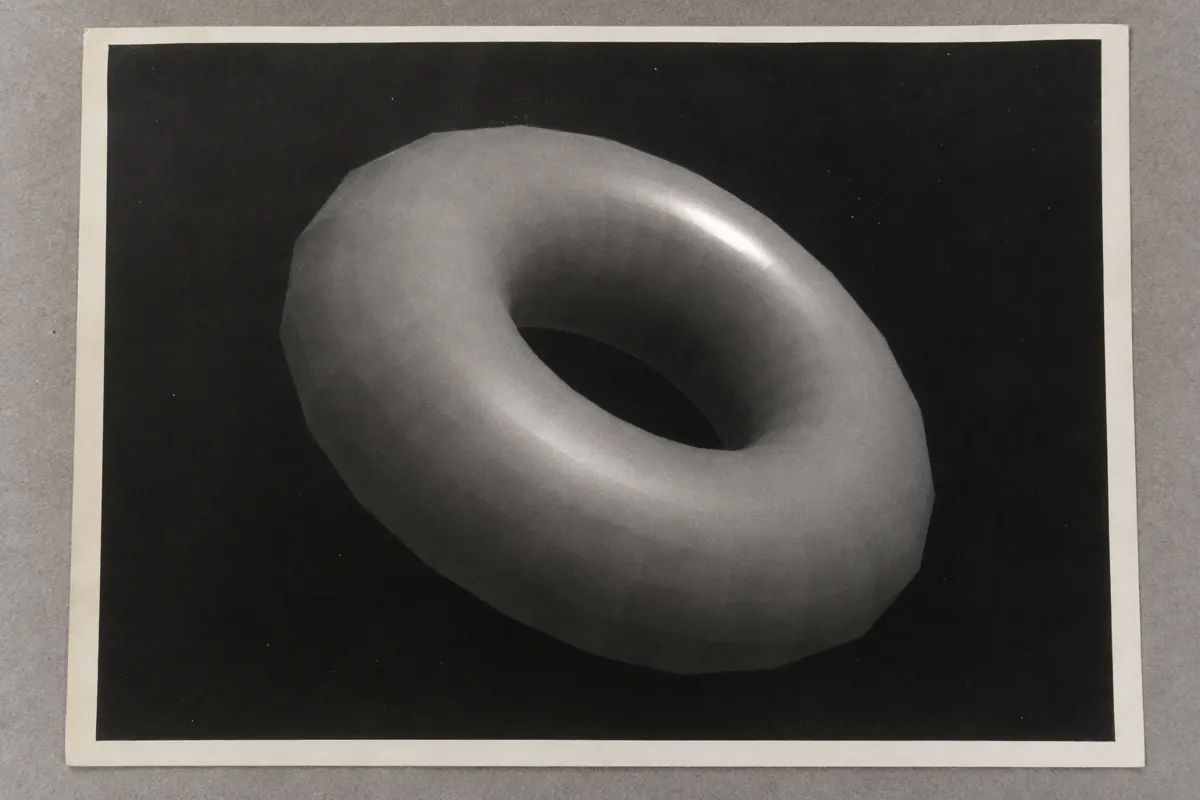
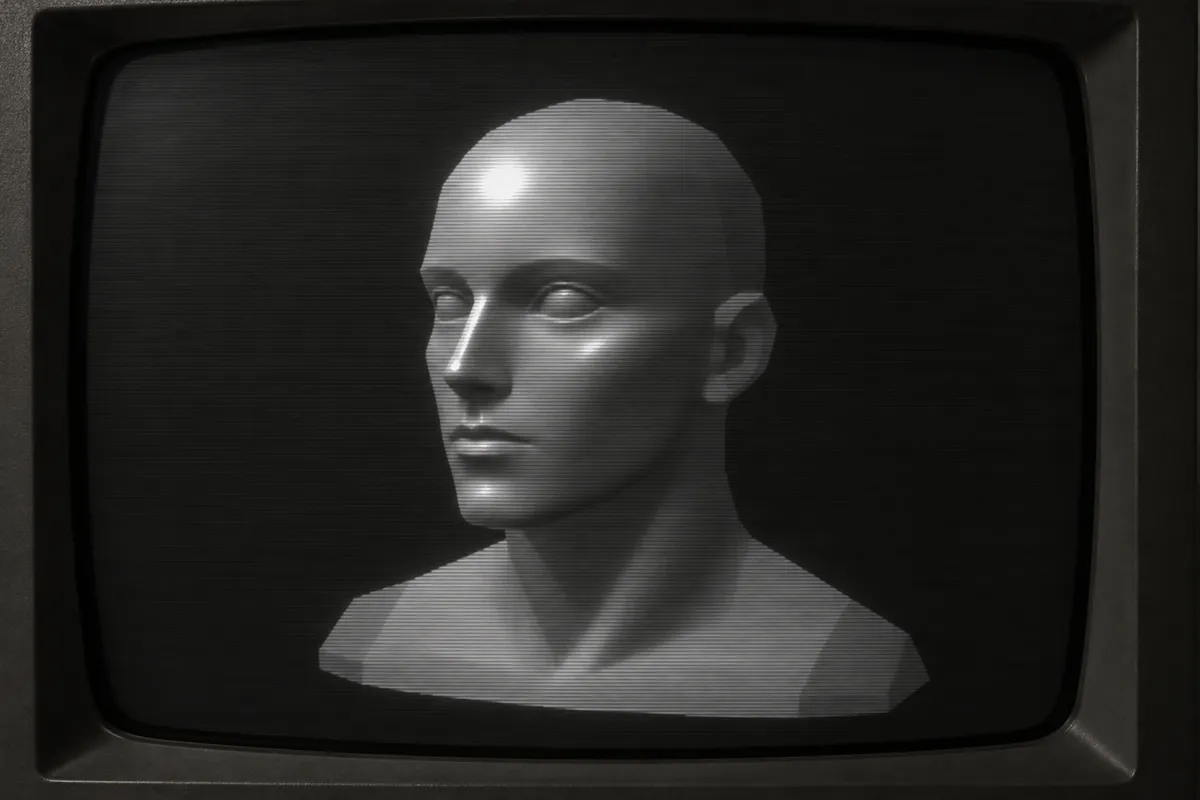
02Gray Sphere with Concentrated Specular HighlightA gray rendered sphere carries a concentrated white highlight surrounded by a smooth falloff of light. This isolated rendering clearly illustrates the smooth surface lighting and localized specular response associated with Phong shading.PantheraLeo1359531 · CC0 · Wikimedia Commons03Smooth-Shaded Teapot with Fractal DecorationA dark computer-rendered teapot carries a fiery fractal pattern, with a pale highlight running down its curved body. The smoothly varying surface shading and localized sheen illustrate the rounded appearance produced by Phong shading, although the decorative texture dominates the view.derivative work: Dhatfield (talk) Utah_teapot_surreal.png: Dhatfield · CC BY-SA 3.0 · Wikimedia Commons04Rendered Teapots with Smooth Specular HighlightsThree computer-rendered teapots stand on a wooden surface, with a transparent green vessel in front of white and charcoal examples. The opaque teapots display smooth tonal transitions and concentrated highlights characteristic of Phong shading, while the foreground glass emphasizes separate reflection and refraction effects.Morn · CC0 · Wikimedia Commons05AI illustration: Early Computer Graphics Specular SphereA smooth monochromatic sphere is displayed on a CRT monitor, featuring a distinct, concentrated specular highlight. This clearly demonstrates the interpolation of surface normals to create a realistic light reflection on a curved computer-generated geometry.Illustration generated for the Atlas (AI)06AI illustration: Shaded Torus Demonstrating Specular HighlightsThis print shows a torus where the inner surface is rendered with smooth gradients and a sharp light spot. The transition from faceted edges to a smooth, shiny center illustrates how the shading algorithm manages light across polygonal meshes.Illustration generated for the Atlas (AI)07AI illustration: Smooth Shading on Complex Human Head ModelA human head model on a vintage display shows bright, pinpoint highlights on the forehead and nose. The way the light curves naturally across the complex facial features identifies the per-pixel calculation characteristic of this shading technique.Illustration generated for the Atlas (AI)
Question
Why do older 3D games use Gouraud shading instead of Phong shading?
Show possible answer +Hide answer −
Calculating lighting for every single pixel requires massive computing power. Early computers and game consoles were simply not fast enough.