H 179 / 3211970s

Gouraud Shading

1971, Henri Gouraud's continuous shading method
Typeface · Quantico

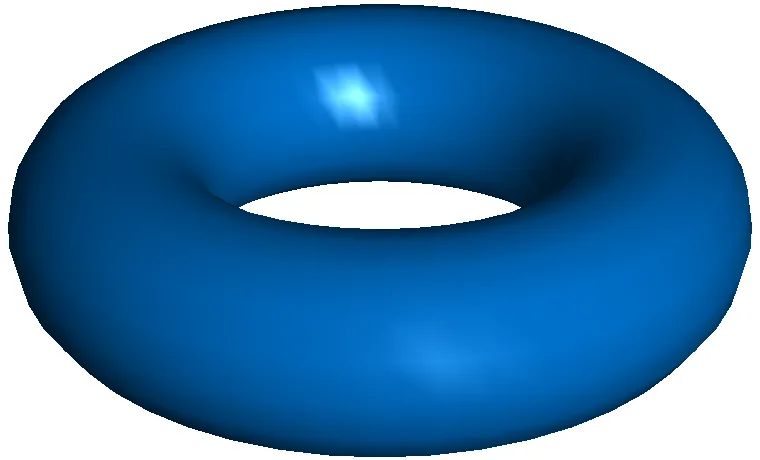
Blue Torus with Gouraud Shading. A blue polygonal torus carries smoothly blended shadows and a bright, angular highlight.
Blue Torus with Gouraud Shading. A blue polygonal torus carries smoothly blended shadows and a bright, angular highlight.Maarten Everts · Public domain · via Wikimedia CommonsView source ↗

Prompt

Apply a Gouraud Shading effect, rebuilding existing forms as low-polygon computer graphics with smoothly interpolated vertex colors. Use broad lighting gradients, muted diffuse surfaces, occasional triangular tonal transitions, and softened or missing small highlights; retain slightly angular silhouettes and a simple, clean background treatment. Keep the original subject and composition.

Identify

You see a 3D computer model with smooth, gradient-like surfaces instead of blocky facets. The colors blend seamlessly across the shape.

Principle

Software calculates lighting only at the corners of a flat polygon1. It then blends these colors evenly across the surface.

Example

Henri Gouraud: Sylvia's Face (first smooth-shaded 3D facial model), 1971.

Try it out

Look closely at an older 3D video game character. Notice how surfaces seem curved until you spot the straight, jagged outer edges.

Background

In the early days of computer graphics, 3D objects were built from flat triangles or polygons. Early rendering2 simply colored each polygon with a single flat shade. This created very blocky, faceted shapes. In 1971, Henri Gouraud invented a faster way to make these faceted objects look smoothly curved. His method calculated the light bouncing off the vertices3, which are the corners of each shape. The computer then smoothly blended those colors across the flat face. This optical trick saved immense computing power. It became a standard hardware feature in 3D graphics cards throughout the 1990s.

Distinction

Flat shading gives every polygon a single solid color. Phong shading calculates light at every single pixel, capturing precise glossy highlights that Gouraud shading misses.

Aftermath

It reveals how clever mathematical approximations can fool the human eye while saving massive amounts of computing power.

Further examples · 6 images

Gouraud-Shaded Gray Forms
02 Gouraud-Shaded Gray FormsRounded gray polygonal forms surround a smaller dark sphere against a black background. Smooth tonal transitions within angular silhouettes and patchy highlights demonstrate the characteristic appearance of Gouraud-shaded low-resolution geometry.Benjah-bmm27 · Public domain · Wikimedia Commons
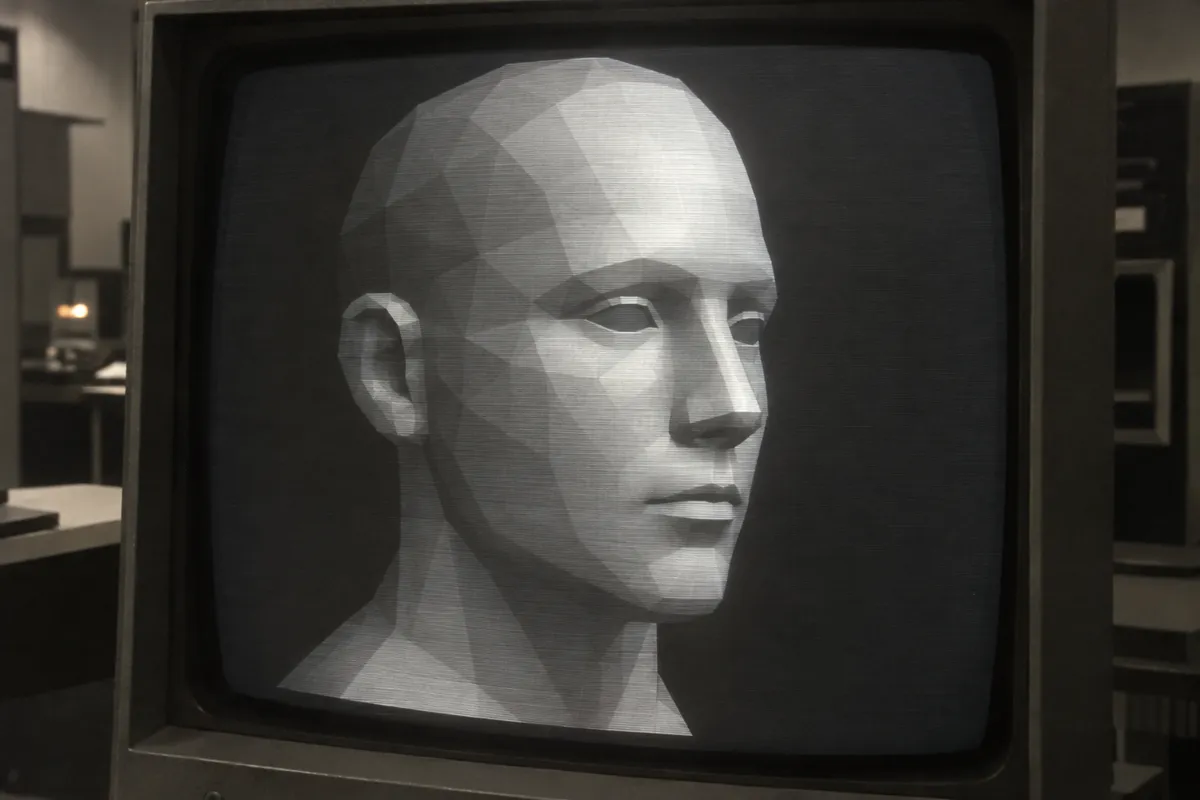
AI illustration: Gouraud shaded polygonal human head model
03 AI illustration: Gouraud shaded polygonal human head modelA low-polygon 3D head is displayed on a monochromatic cathode ray tube screen. The light gradients blend across the triangular faces of the mesh to create the illusion of a smooth curved surface.Illustration generated for the Atlas (AI)
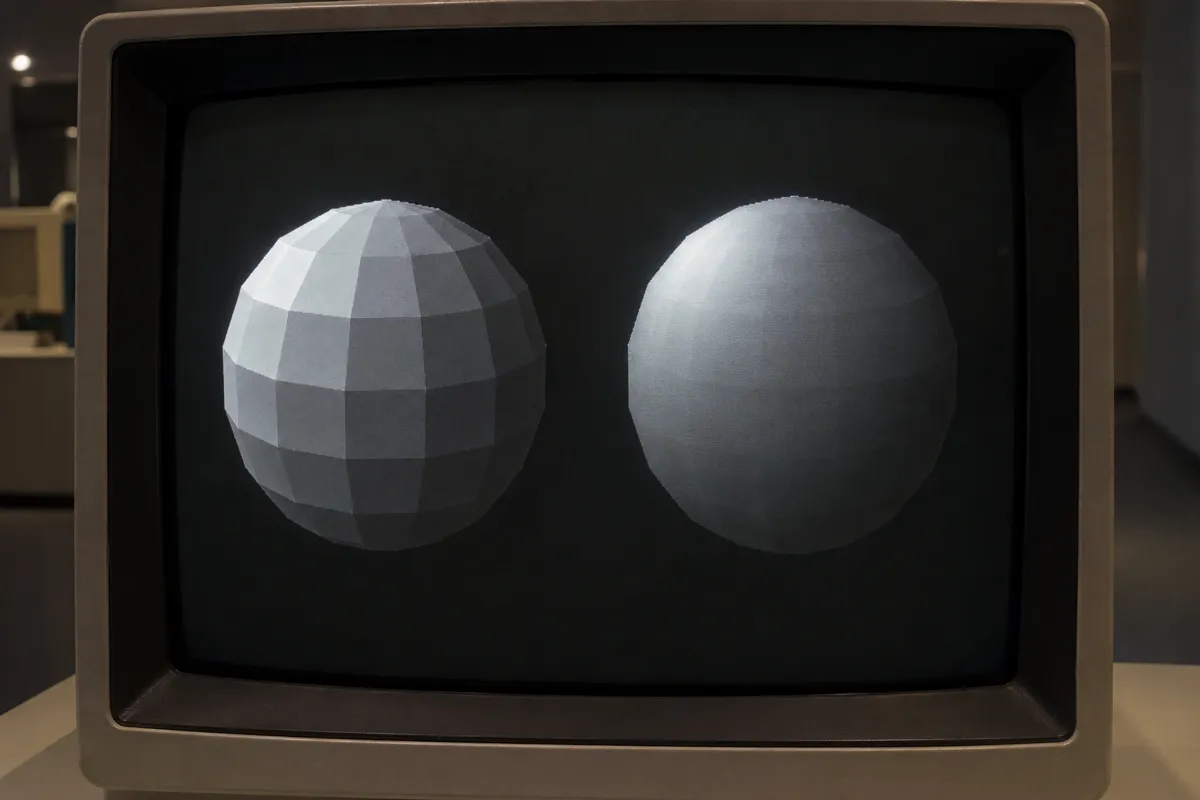
AI illustration: Comparison of flat and Gouraud shading on spheres
04 AI illustration: Comparison of flat and Gouraud shading on spheresTwo spheres are shown side-by-side to demonstrate the difference between flat and interpolated lighting models. The sphere on the right uses vertex color interpolation to hide the sharp edges of its geometric facets.Illustration generated for the Atlas (AI)
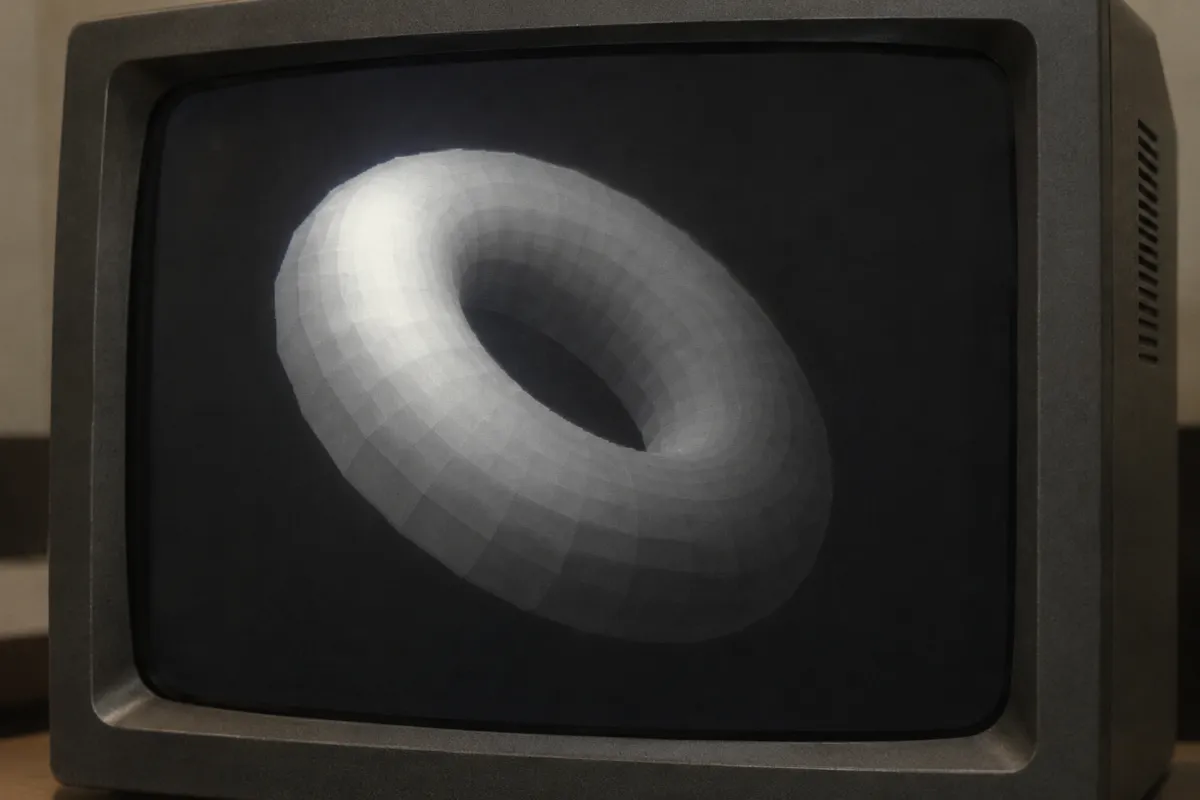
AI illustration: Smoothly shaded 3D torus on a CRT monitor
05 AI illustration: Smoothly shaded 3D torus on a CRT monitorA computer-generated torus floats in a void with lighting intensities calculated at each vertex. These values are averaged across the polygons to produce a soft, continuous transition of light and shadow.Illustration generated for the Atlas (AI)
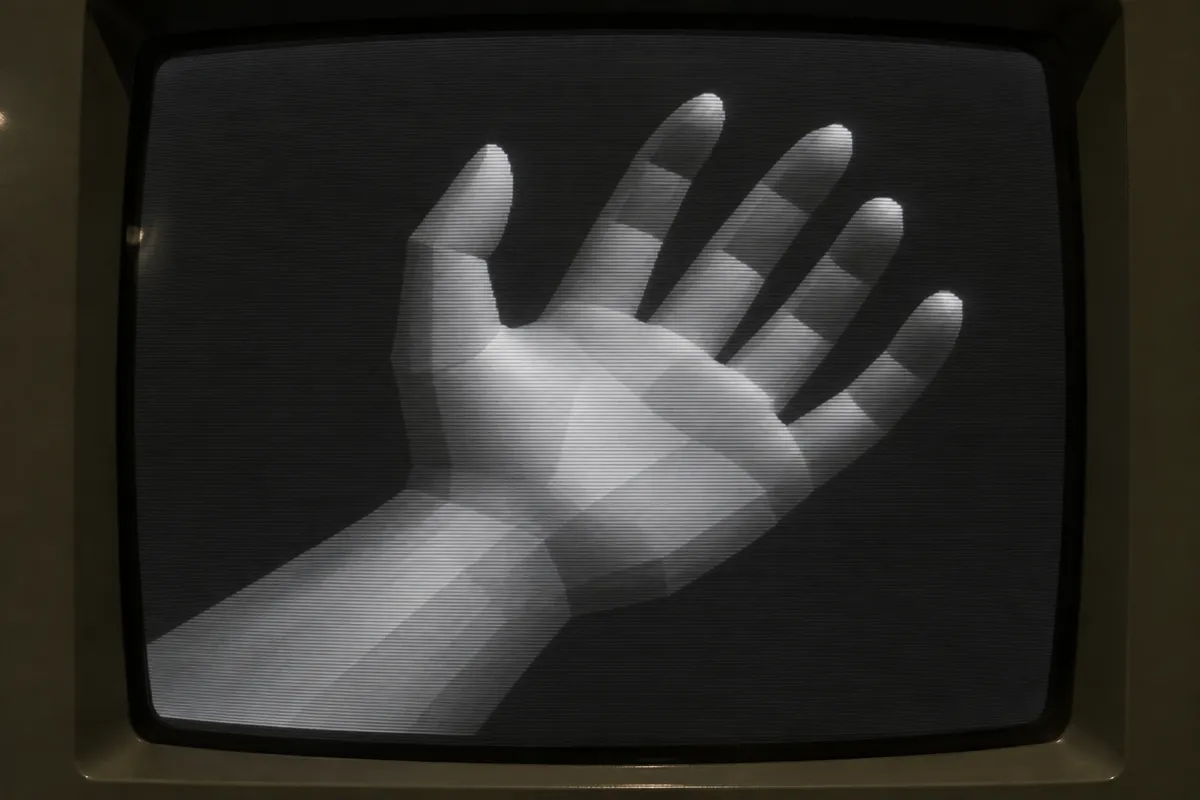
AI illustration: Interpolated lighting on a 3D hand model
06 AI illustration: Interpolated lighting on a 3D hand modelThis early digital model of a hand exhibits smooth tonal transitions across its angular geometry. The technique allows the blocky mesh to appear more organic by blending light between the points of each polygon.Illustration generated for the Atlas (AI)

Question

Why does a Gouraud-shaded object still look blocky on its outer silhouette?

Show possible answer +

The shading only smooths the colors on the interior surfaces. The actual geometry remains a collection of flat, straight-edged polygons.