H 209 / 3211980s

Palette Cycling

1980s, indexed-colour computer graphics and Deluxe Paint
Typeface · Workbench

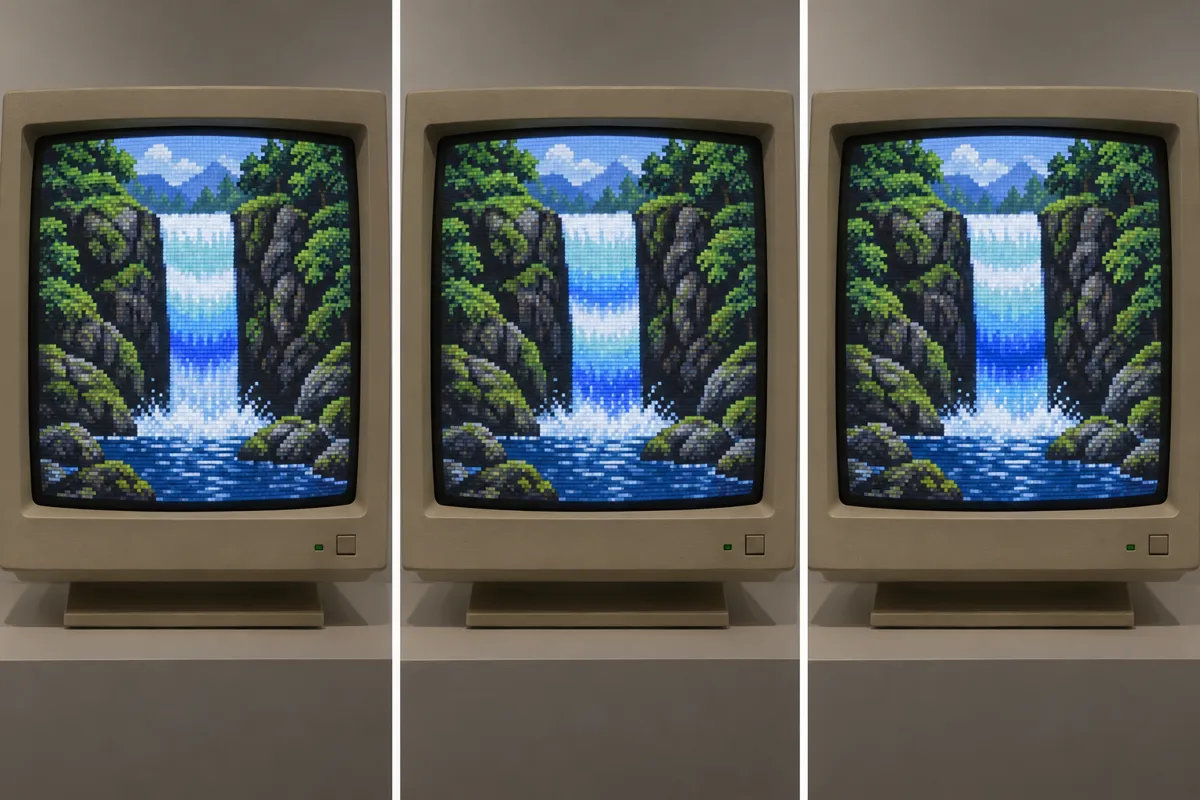
AI illustration: Waterfall movement through color index shifting.
AI illustration: Waterfall movement through color index shifting.Illustration generated for the Atlas (AI)View source ↗

Prompt

Apply a Palette Cycling effect using a restricted indexed-color appearance and repeating bands of cyan, blue, green, and violet. Arrange neighboring color steps along existing flowing forms to suggest rippling movement in a single frame, with fixed outlines and crisp pixel boundaries. Keep the original subject and composition.

Identify

Waterfalls stream, waves ripple, and lights pulse while their outlines stay fixed. Repeating bands of colour create apparent movement.

Principle

In indexed colour1, each pixel stores a palette index2 rather than its own colour value. Rotating palette entries changes displayed colours without moving pixels.

Example

Mark Ferrari (background art): Loom, 1990.

Try it out

Watch a palette-cycling waterfall, tracking one edge: notice how its colours change while its shape stays still.

Background

Palette cycling became a familiar animation technique on home computers during the 1980s. Deluxe Paint, first released in 1985, helped artists build pictures around cycling colour ranges3. Artists arranged palette indices into spatial patterns, then rotated the colours assigned to those indices. This could suggest flowing water, flickering fire, or moving highlights without storing a separate picture for every frame. Different ranges could cycle at different speeds. Mark Ferrari became particularly associated with richly detailed scenes using this method, including waterfalls. The motion depended on careful painting, not simply changing arbitrary colours.

Distinction

Unlike frame-by-frame animation, palette cycling can leave the stored pixel indices unchanged. Unlike a uniform hue shift, it cycles selected palette entries.

Aftermath

Palette cycling shows how changing colour assignments can suggest motion without changing an image's geometry.

Further examples · 7 images
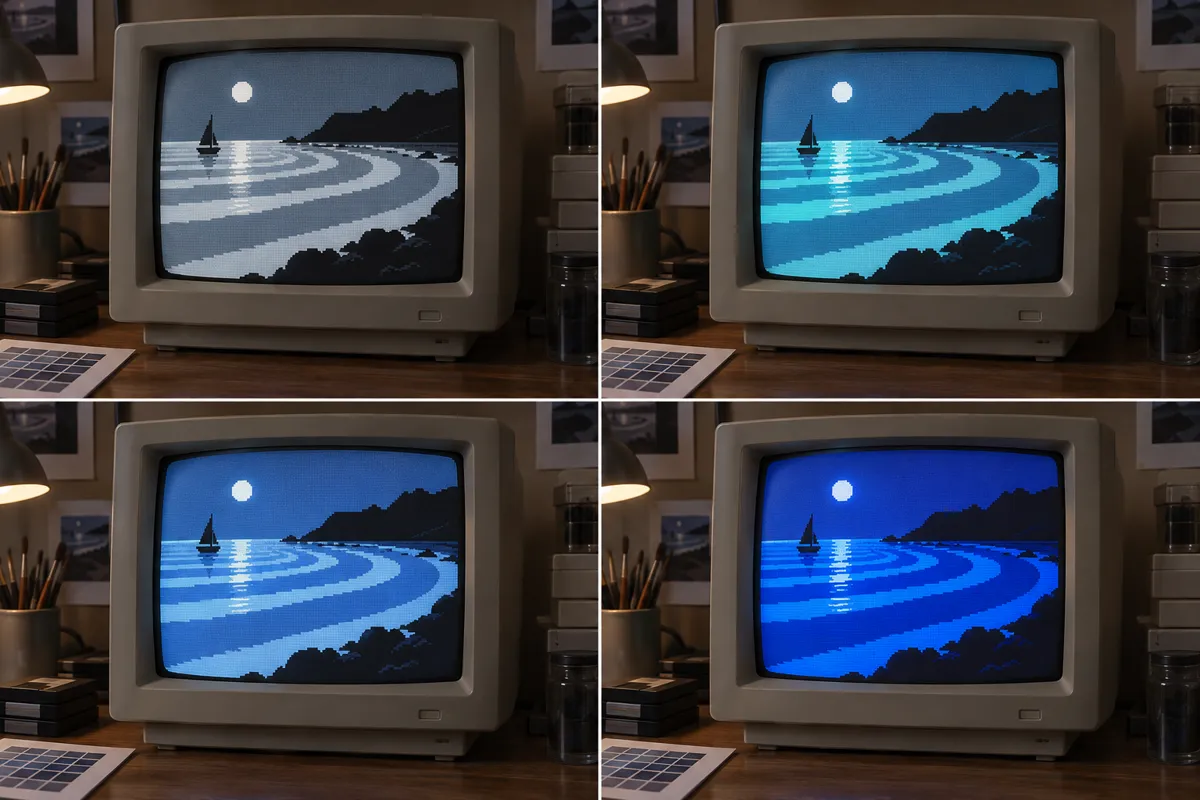
AI illustration: Radiating moonlight ripples on a low-resolution display
02 AI illustration: Radiating moonlight ripples on a low-resolution displayFour panels display a moonlit coastal scene with concentric rings of light radiating across the water. The shifting luminance values within those fixed circular regions create the perception of expanding ripples without changing the underlying pixel map.Illustration generated for the Atlas (AI)
AI illustration: Simulated chasing lights in a carnival environment
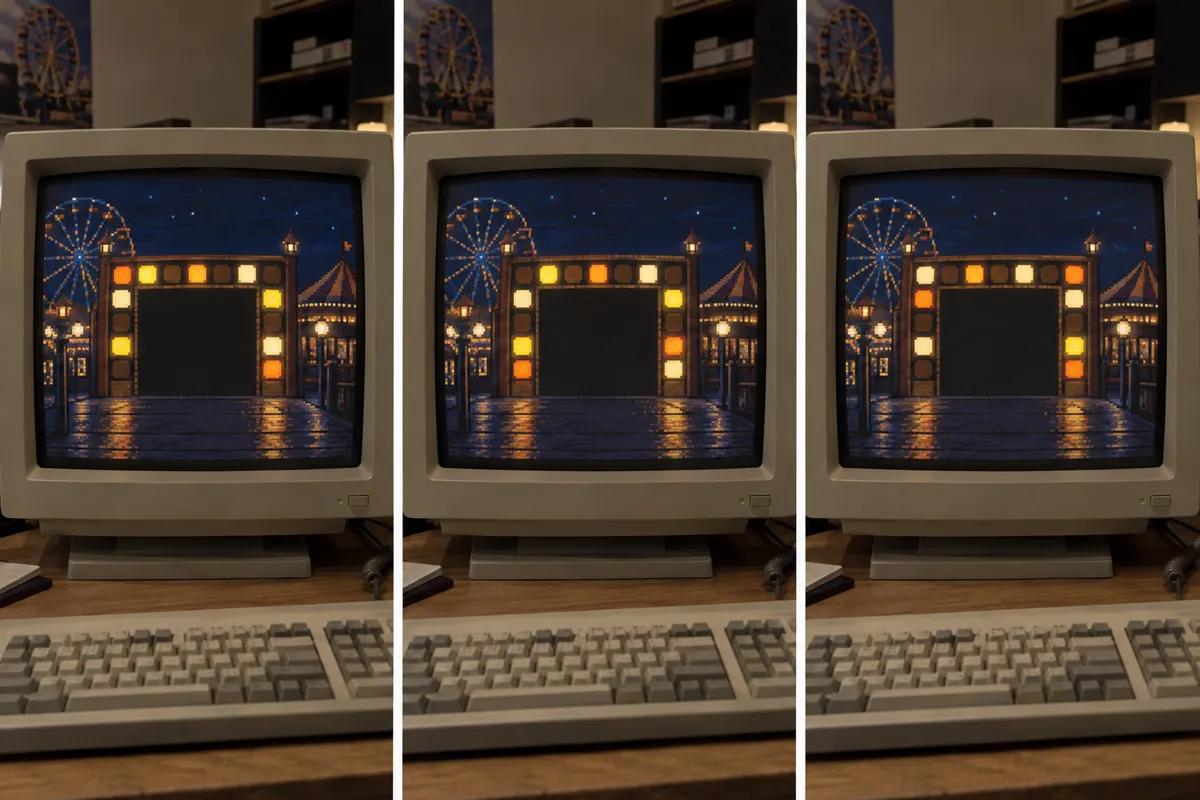
03 AI illustration: Simulated chasing lights in a carnival environmentThree frames capture a carnival scene where yellow and orange lights on a gateway appear to chase one another. The effect relies on alternating the active color palette to simulate electrical movement across static light structures.Illustration generated for the Atlas (AI)
AI illustration: Viscous lava flow animation using color rotation
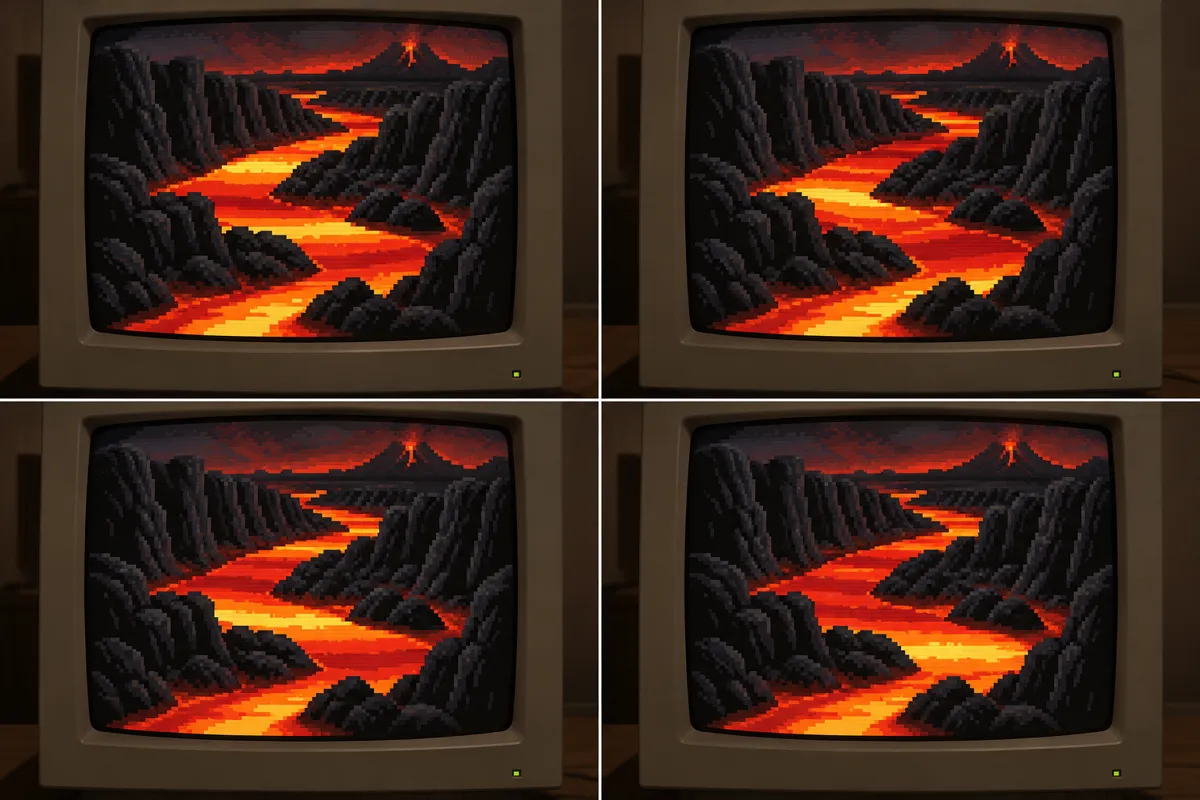
04 AI illustration: Viscous lava flow animation using color rotationA river of lava is depicted in four states, showing the brightest orange and yellow tones advancing down the stream. By cycling the color lookup table, the artist suggests a viscous flow through a high-contrast volcanic landscape.Illustration generated for the Atlas (AI)
AI illustration: Radar sweep simulation via palette manipulation
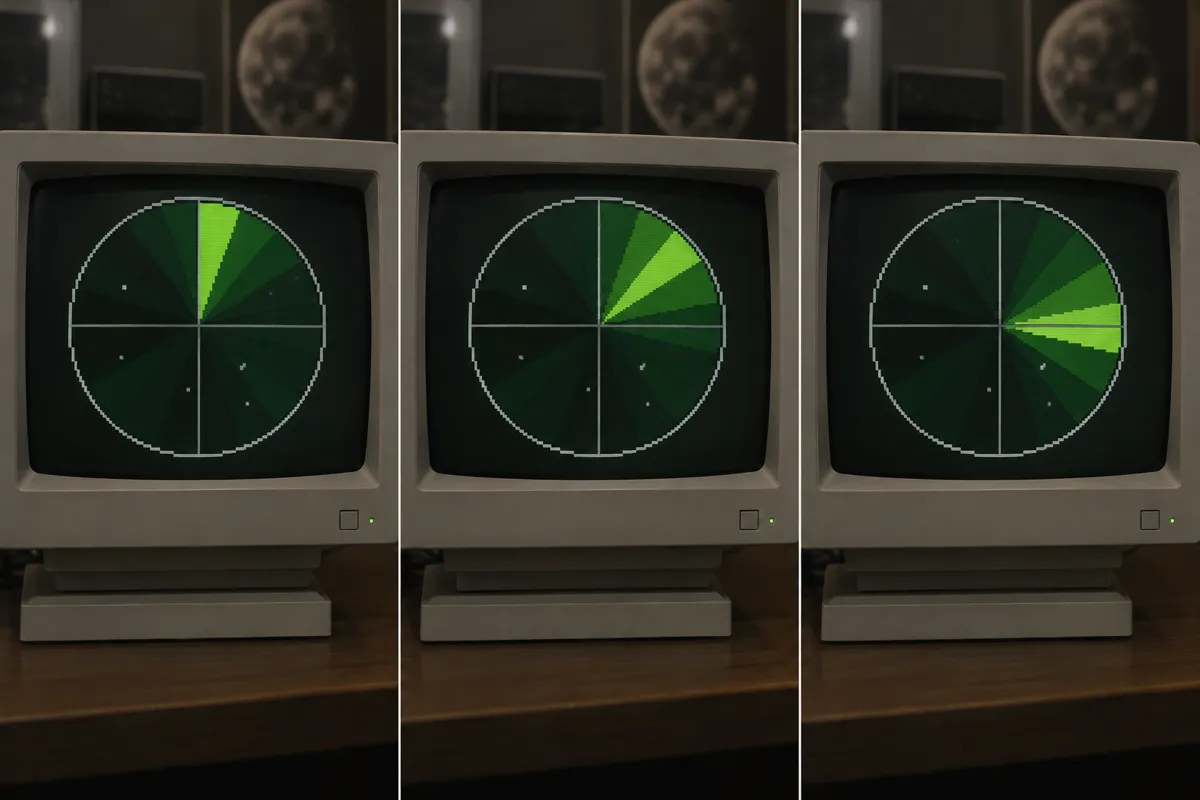
05 AI illustration: Radar sweep simulation via palette manipulationA green radar sweep is shown in three steps as a bright wedge rotates around a central point. The sweeping motion is created by changing which wedge-shaped segments of the static image are assigned the brightest green value.Illustration generated for the Atlas (AI)
AI illustration: Concentric geometric expansion in a digital tunnel
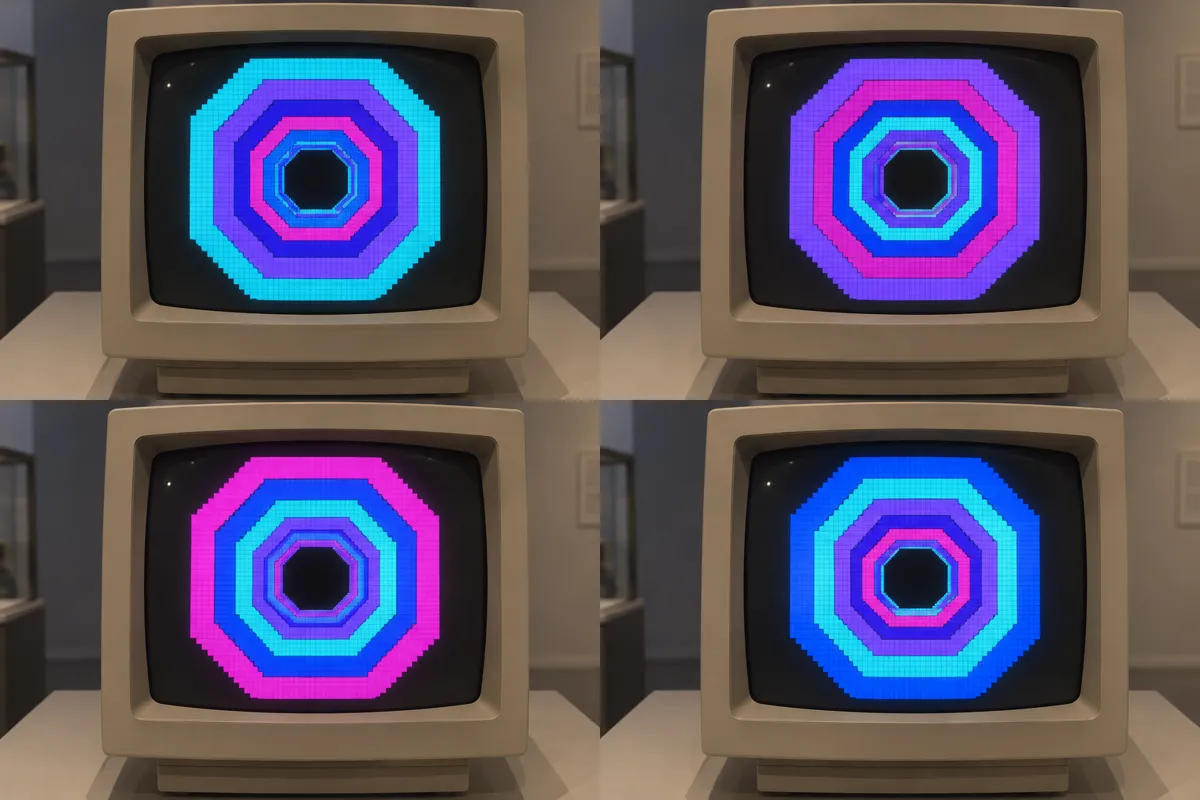
06 AI illustration: Concentric geometric expansion in a digital tunnelGeometric octagons appear to expand outward in a neon-colored tunnel across four distinct frames. This classic application shows how sequential color assignment to concentric shapes creates a sense of infinite forward travel.Illustration generated for the Atlas (AI)
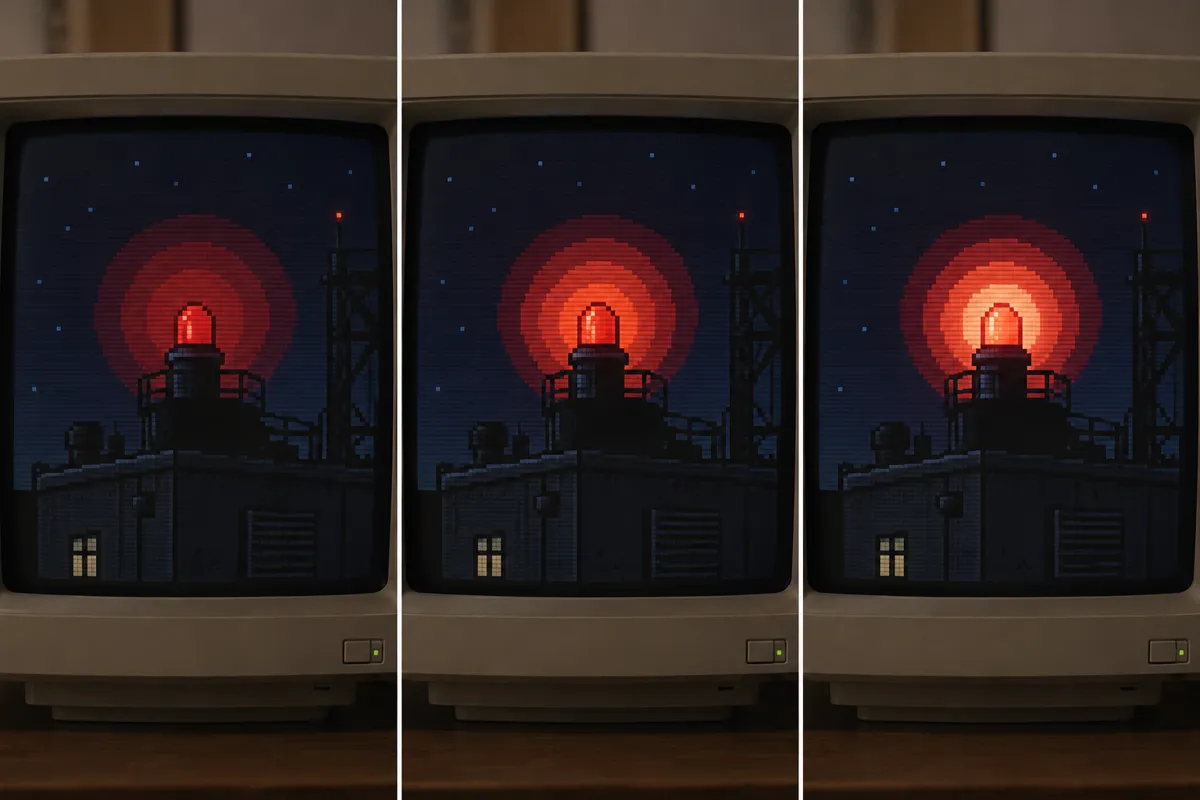
AI illustration: Pulsing red beacon light animation
07 AI illustration: Pulsing red beacon light animationA red beacon atop a building pulses with a warm glow that expands and contracts in three stages. The rhythmic heartbeat of the light is achieved by cycling through a range of red and orange hues within the fixed halo pixels.Illustration generated for the Atlas (AI)

Question

Why does rotating a palette not make every picture look like flowing water?

Show possible answer +

The palette indices must form spatial sequences that guide the apparent motion. Arbitrary arrangements usually produce flashing or colour changes instead.

Sources