Dot-Matrix Printout
1970s, widespread use in computer terminals and printers
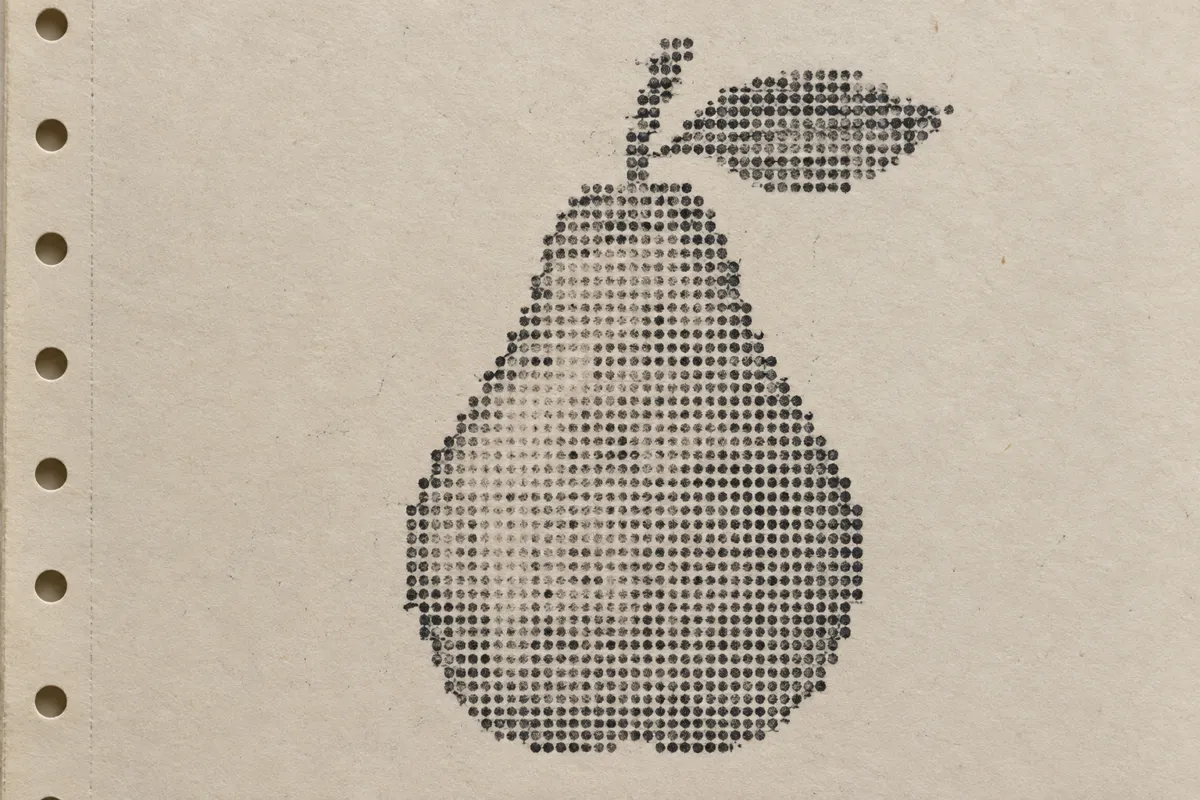
Prompt
Transform this image into a dot-matrix printout on warm off-white continuous-feed paper. Build every contour and tonal area from round black ink dots in regular rows, with stepped curves, faint ribbon strikes, occasional missing dots, and subtle horizontal printhead banding. Keep the original subject and composition.
Identify
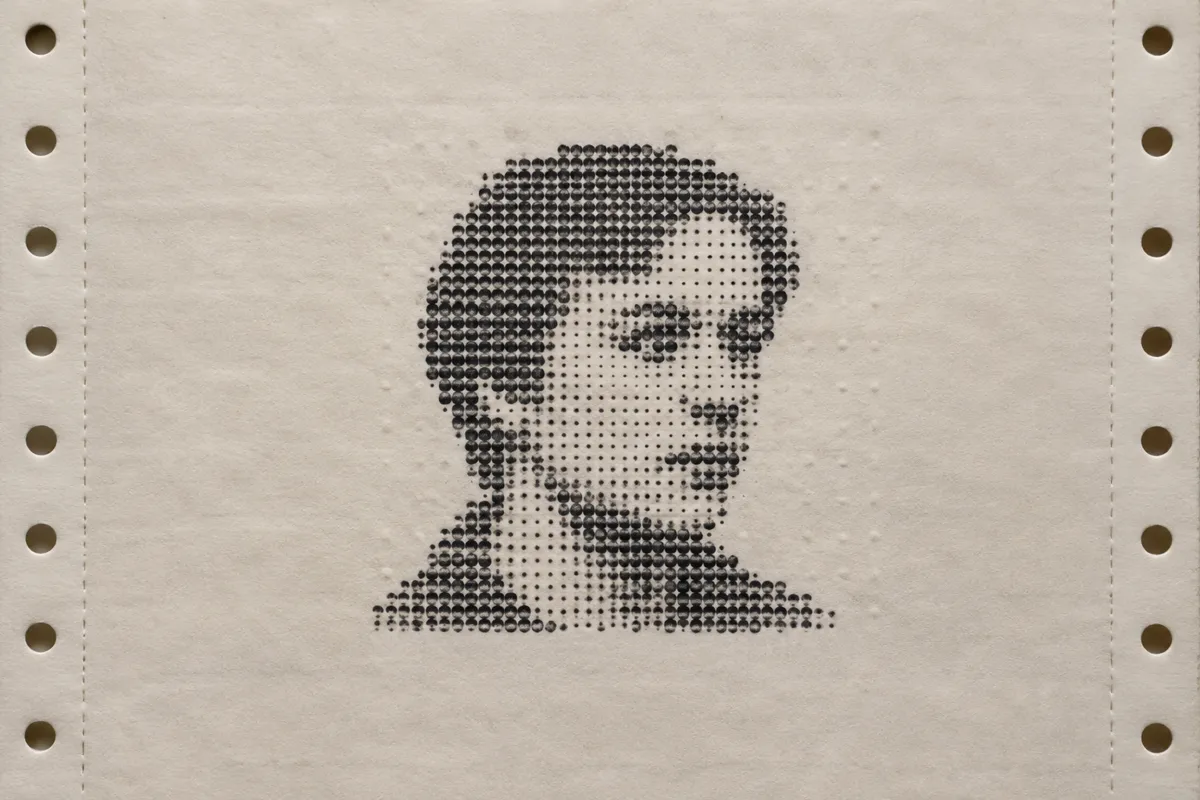
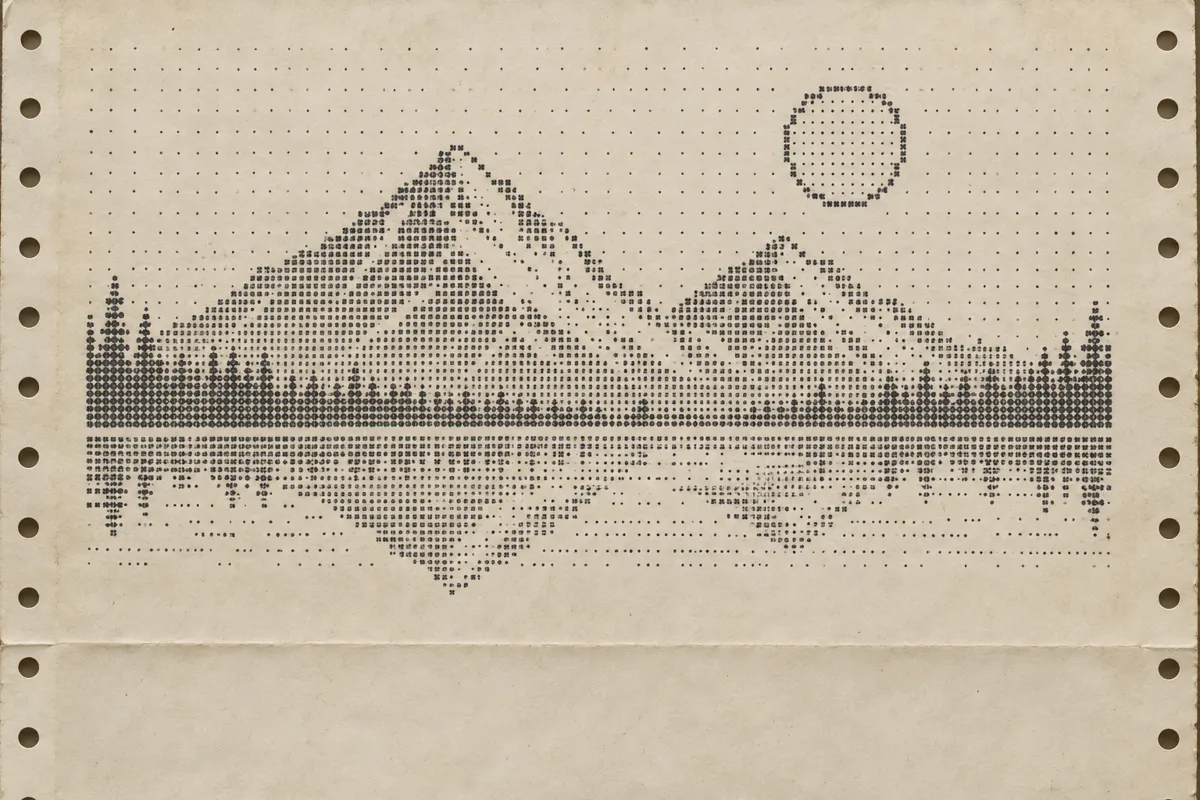
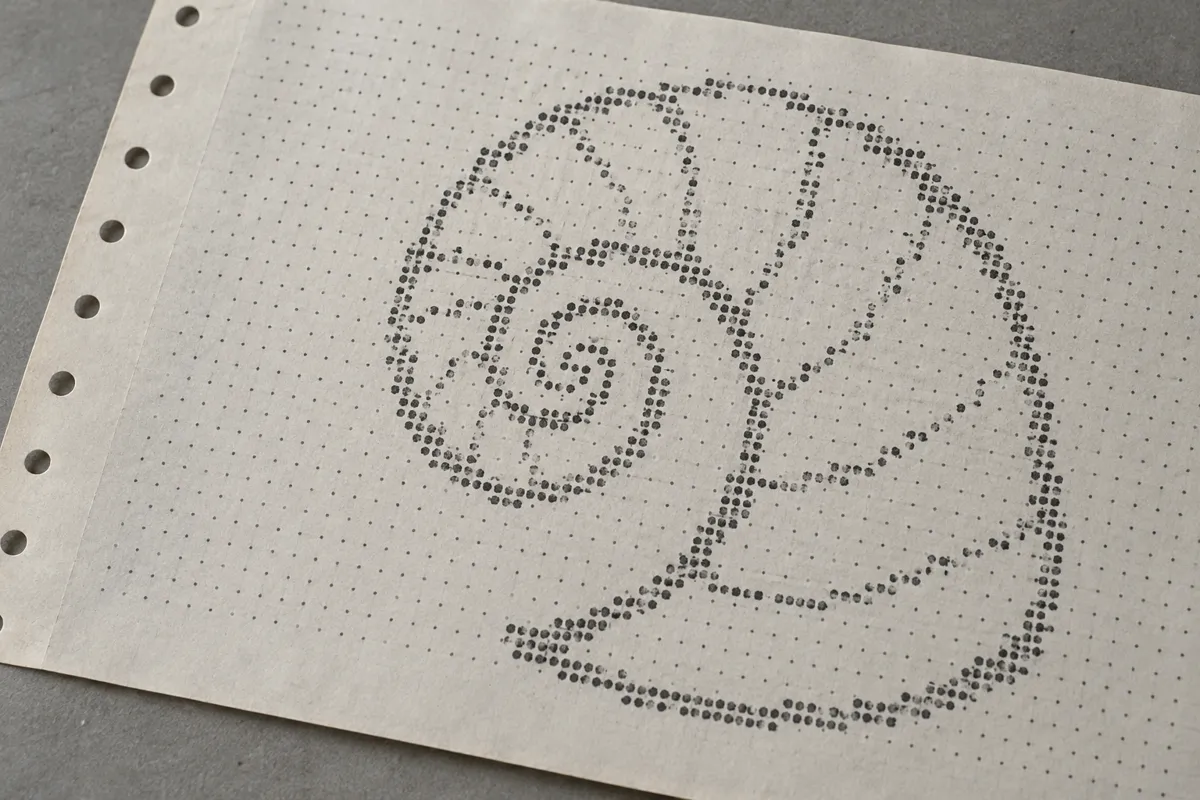
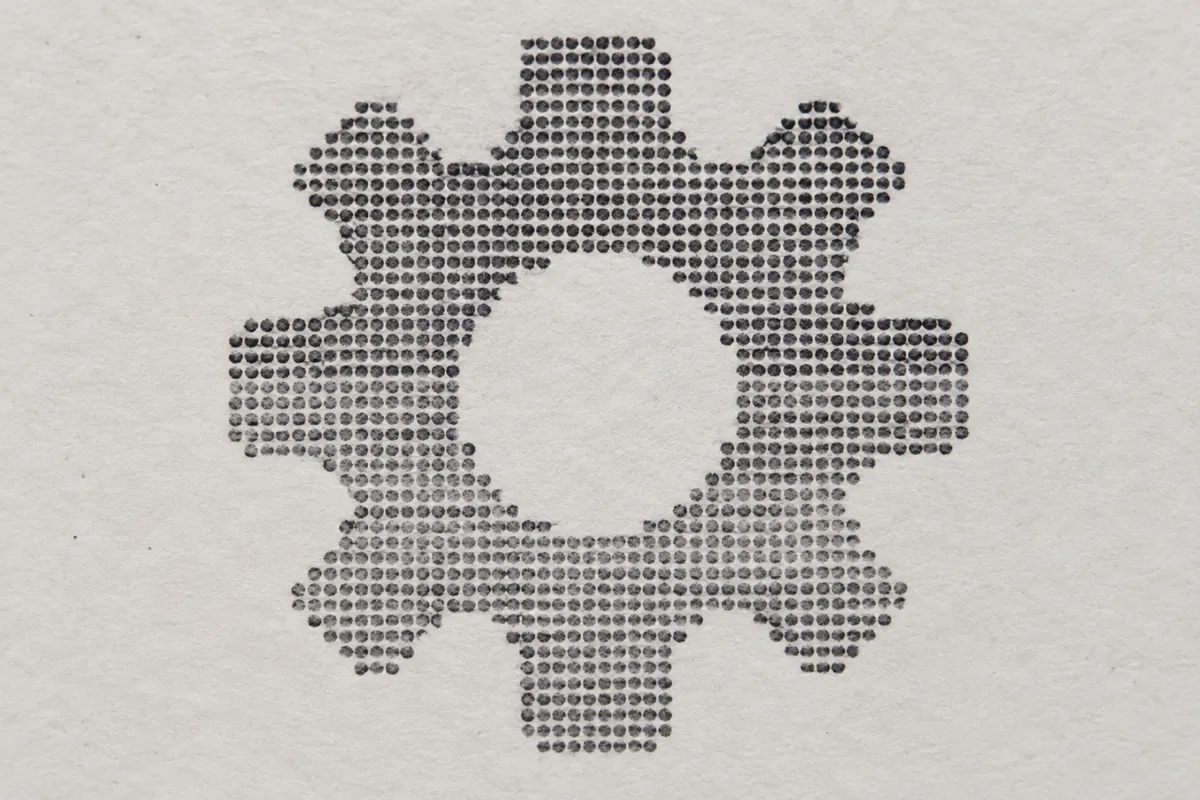
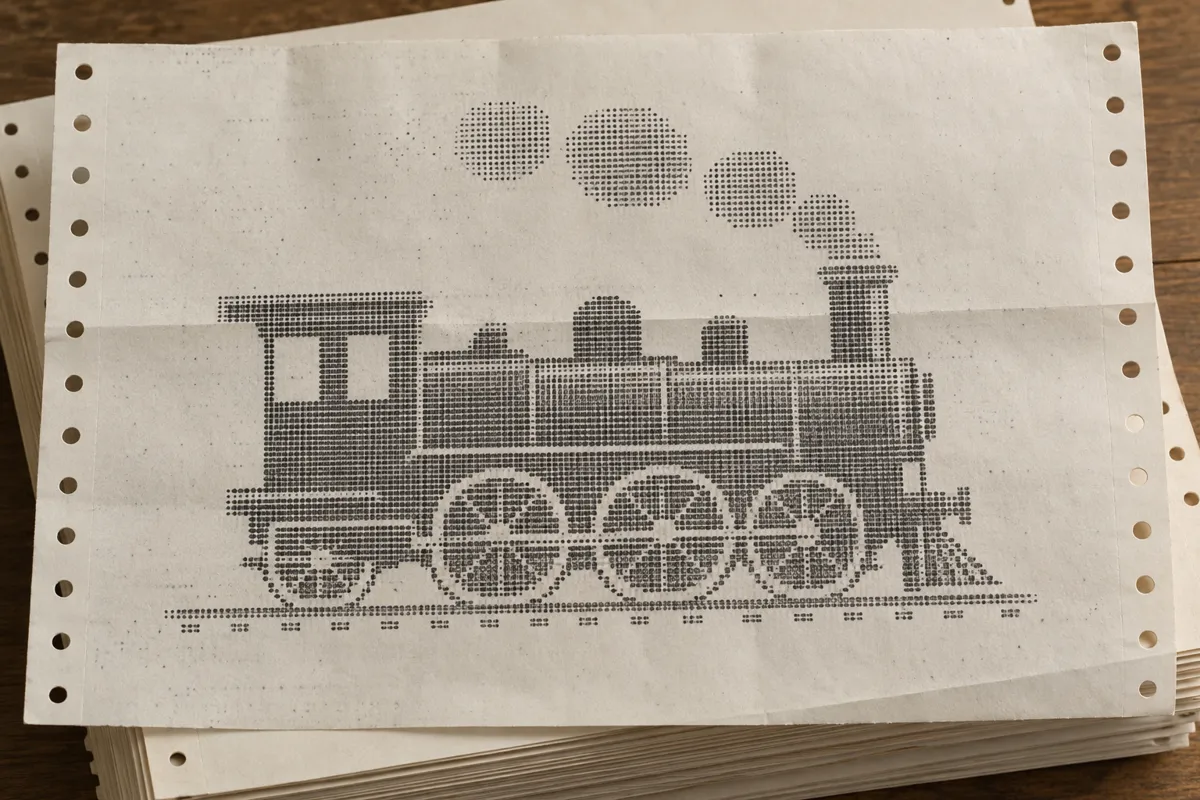
Text and images break into round dots arranged in regular rows. Coarse dot grids give curves stepped edges, while uneven ink makes some dots faint.
Principle
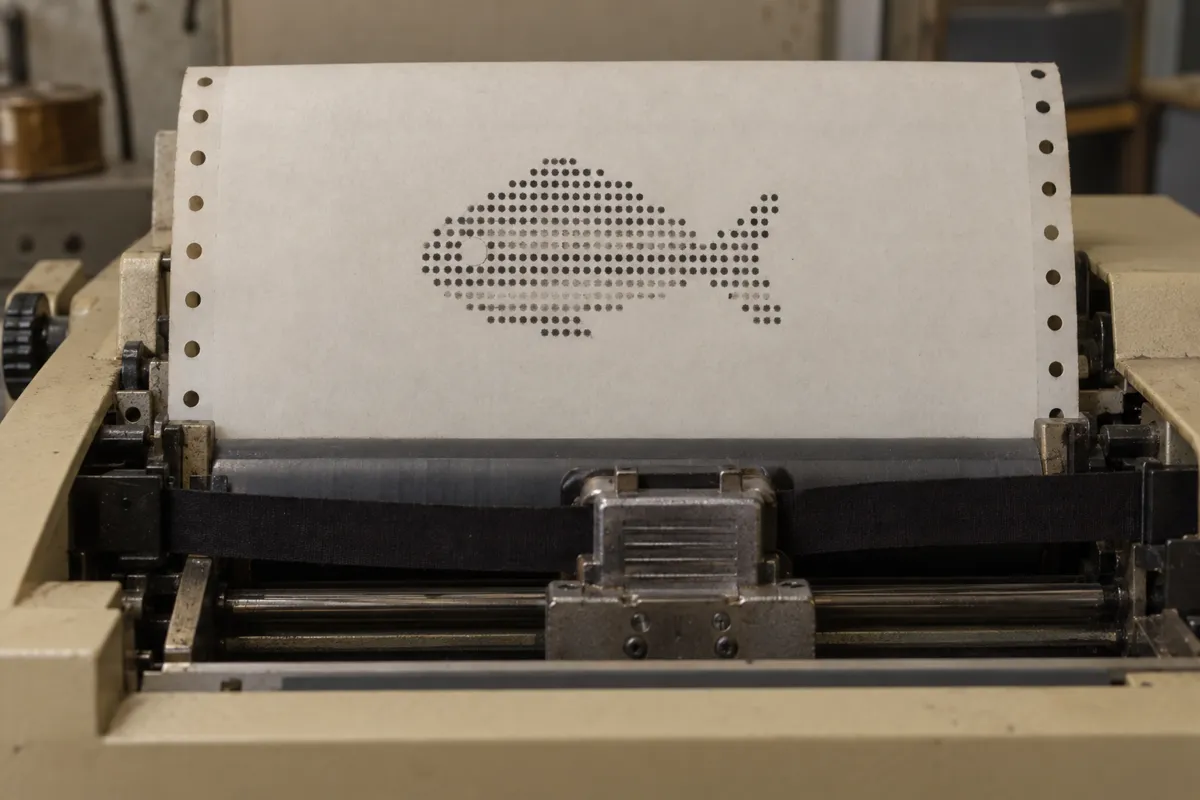
An impact printhead1 drives selected pins against an inked ribbon, transferring small ink marks onto paper. Printhead movement and paper feeding position these marks to build letters and pictures.
Example
Digital Equipment Corporation: LA36 DECwriter II, 1974.
Try it out
Examine an impact-printer receipt with a magnifier, then copy one letter onto squared paper using only dots.
Background
Dot-matrix impact printing became common in the 1970s as computers needed affordable paper output. Unlike printers with fixed letter shapes, these machines assembled characters from individually selected dots. A moving printhead struck an inked ribbon while the paper advanced between printed lines. Continuous stationery2 often had perforated edges that helped feed it through the machine. Graphics-capable models could also place dots to form diagrams and pictures. More pins and overlapping passes3 could improve detail, but printing took longer. The visible grid records both the printer's mechanical spacing and its instructions.
Distinction
Halftone printing uses dot patterns to reproduce tones, often by varying dot size. Impact dot-matrix printing builds marks with pin strikes, including the letters themselves.
Aftermath
The printout shows how a visible image can emerge from discrete marks constrained by mechanical movement.
Further examples · 7 images
Question
Why do curves often look stepped in a dot-matrix printout?
Show possible answer +Hide answer −
The printer places dots at discrete positions rather than drawing continuous curves. A coarse grid makes those positional steps easy to see.