Displacement mapping / texture displacement. Digital image distortion of the 1990s; today's real-time filters.
Typeface · Chakra Petch
Three Thai characters are shown as a grayscale map and a corresponding 3D wireframe mesh. The image illustrates how light and dark pixel values translate directly into physical height variations in the underlying geometry.Banlu Kemiyatorn · Public domainView source ↗
Prompt
Apply a Displacement Mapping effect that visibly pushes and pulls image surfaces into textured ridges, ripples, and shallow grooves. Bend existing lines and color boundaries along a coherent relief pattern, adding matching highlights and crevice shadows while leaving major forms recognizable. Keep the original subject and composition.
Displacement is aprinciple with various implementations. It involves the 2D shifting of horizontal and vertical image coordinates using acontrol layer. Software often distinguishes between actual geometry changes and bump mapping. The 1990s mark the learning phase for desktop deformation filters, not the origin of all displacement techniques. Today, digital image editors offer texture scaling, curves, and map blurring in adirectly visible preview.
Distinction
In compositing, image coordinates are shifted; in 3D, true displacement can change the geometry. Bump and normal mapping primarily alter the light response.
Aftermath
An invisible second image layer can control the shape of the visible image.
Further examples · 7 images
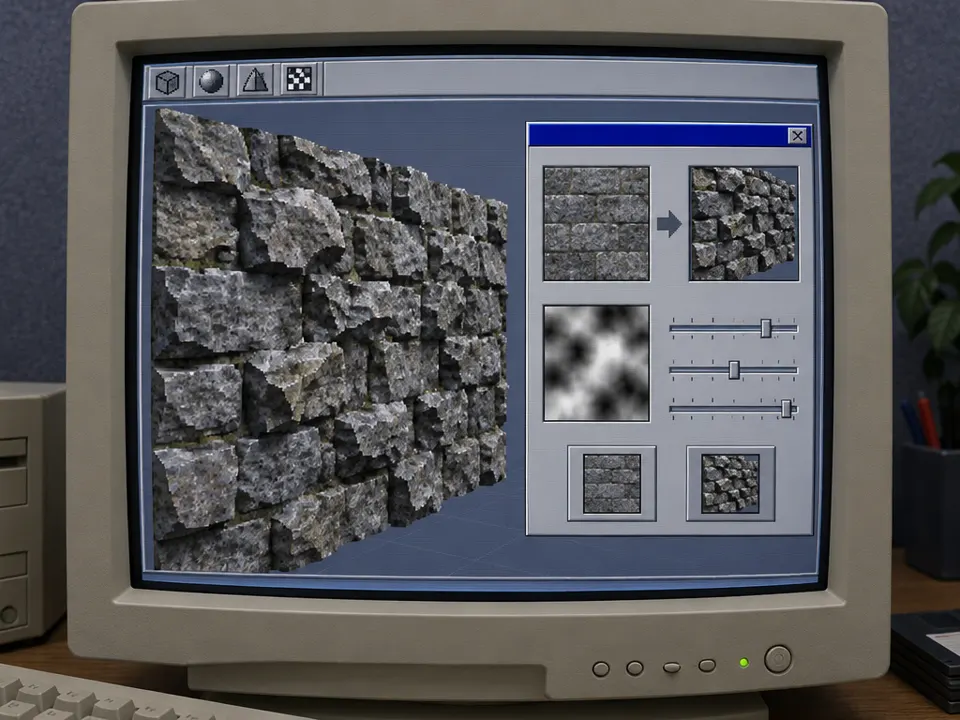
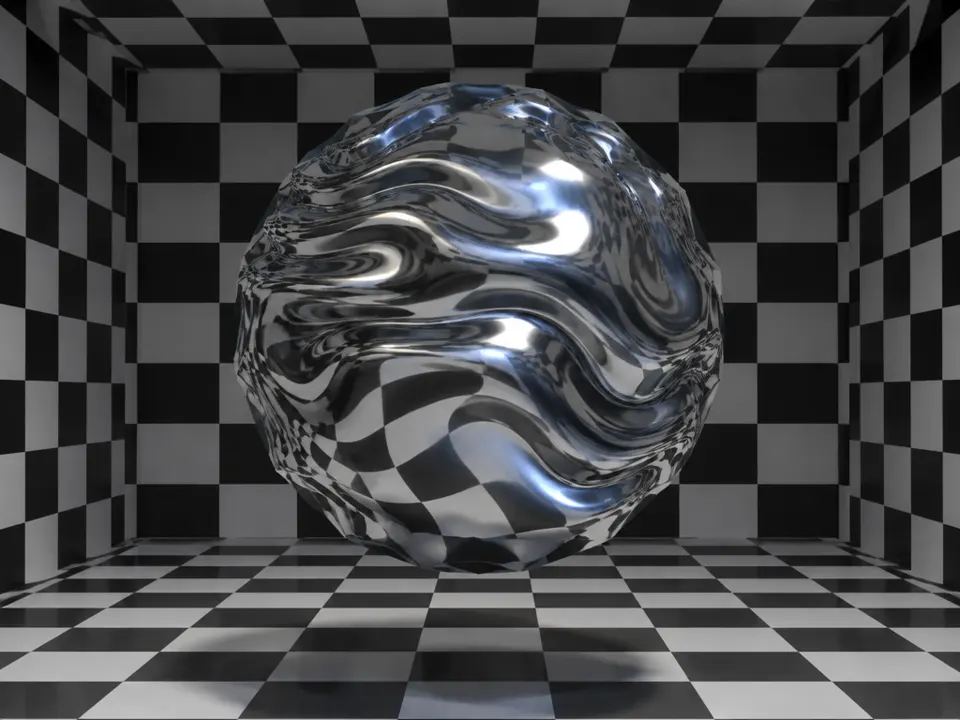
02BMRT - Displacement ShaderTwo Utah teapots are rendered with a cratered, lunar-like surface texture. This demonstrates how a displacement shader modifies the silhouette and surface of a standard 3D primitive to simulate organic, rocky details.Morn · CC0 · Wikimedia Commons03Aqsis - Utah teapot displacement shaderA green vase and a metallic teapot are shown with distinct surface treatments. The teapot features a heavy, irregular displacement that alters its actual mesh structure compared to the smooth surface of the vase.Morn · CC0 · Wikimedia Commons04DisplacementMappingExampleHeightMapA grayscale brick pattern displays soft gradients around each rectangular edge. This height map serves as a control card where white areas represent peaks and black areas represent valleys for surface deformation.Unknown · CC BY-SA 3.0 · Wikimedia Commons05Blender3D JuteDisplacementA top-down view in Blender shows a blurred, woven jute texture applied as a displacement. The image highlights how map blurring softens sharp geometric transitions, creating a more organic and less rigid deformation.SoylentGreen · CC BY-SA 3.0 · Wikimedia Commons06AI illustration: A CRT monitor displays a 3D stone wall textureA CRT monitor displays a 3D stone wall texture. It shows a grayscale control map used to deform the surface geometry, illustrating the relationship between a displacement map and the resulting 3D relief.Illustration generated for the Atlas (AI)07AI illustration: A reflective sphere exhibits warped surface geometryA reflective sphere exhibits warped surface geometry. The distorted reflections of the checkerboard environment demonstrate how displacement mapping physically alters a mesh to create uneven, wavy contours.Illustration generated for the Atlas (AI)
Question
Why does a grey map differ from a high-contrast map?
Show possible answer +Hide answer −
Uniform gray produces auniform or neutral offset; strong local changes in brightness produce opposing, abrupt shifts.