H 207 / 3211980s

Digital Video Effects

1980s broadcast television; Ampex ADO introduced in 1981
Typeface · Iceland

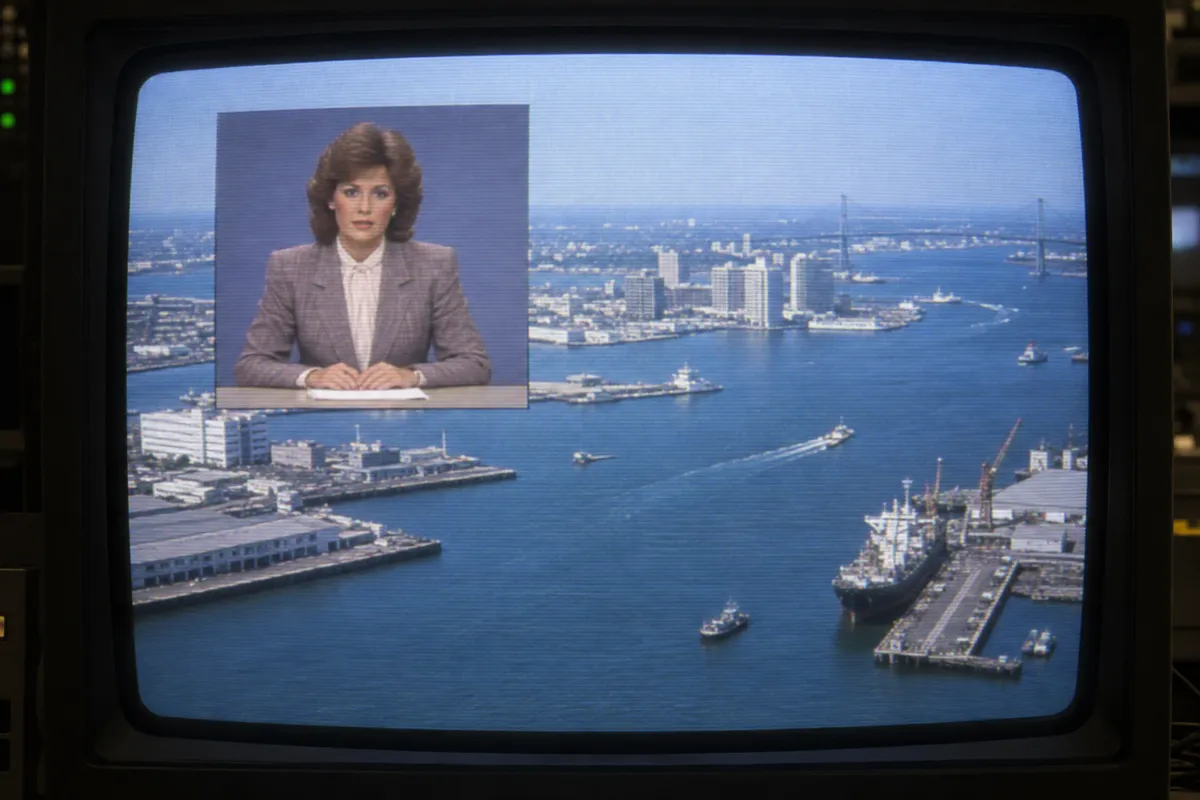
AI illustration: Picture-in-picture news broadcast composition.
AI illustration: Picture-in-picture news broadcast composition.Illustration generated for the Atlas (AI)

Prompt

Apply an early Digital Video Effects treatment, presenting the image as a nearly full-frame floating video panel with slight perspective tilt, beveled borders, and a curled corner. Add smaller offset panel echoes behind it, subtle scanlines, and saturated electronic highlights. Keep the original subject and composition.

Identify

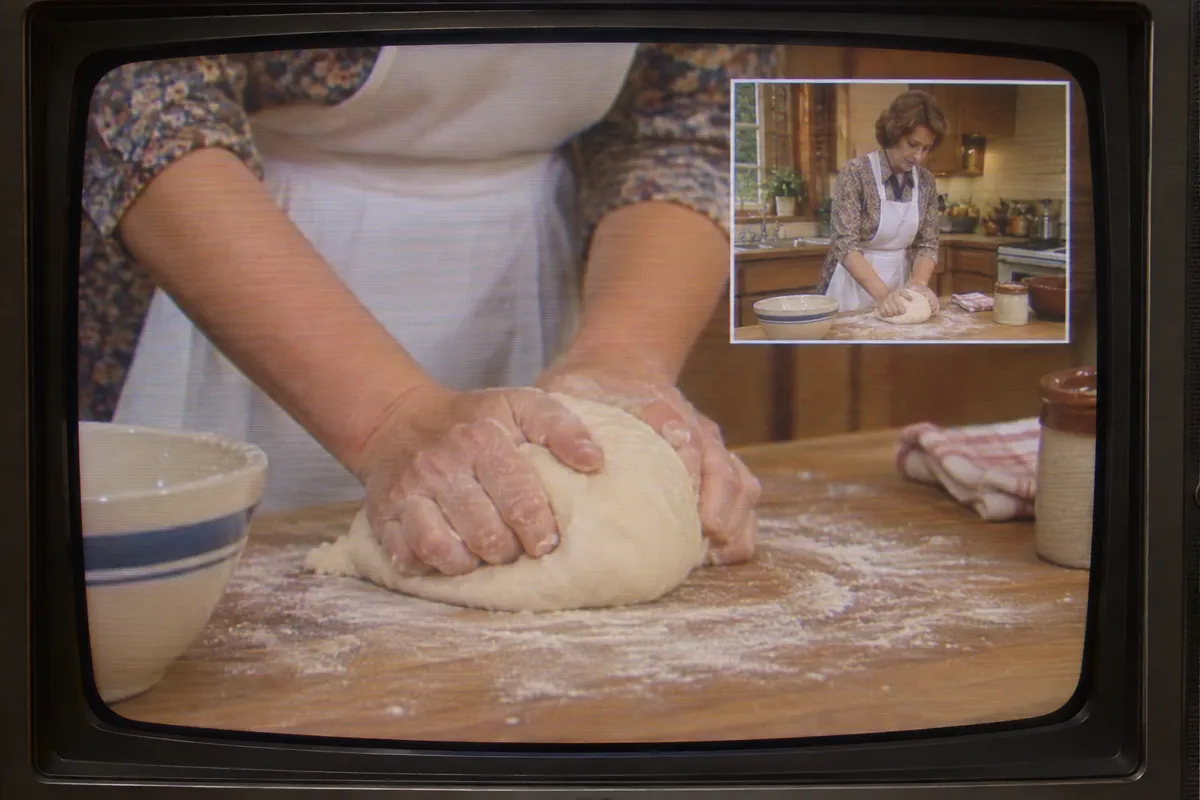
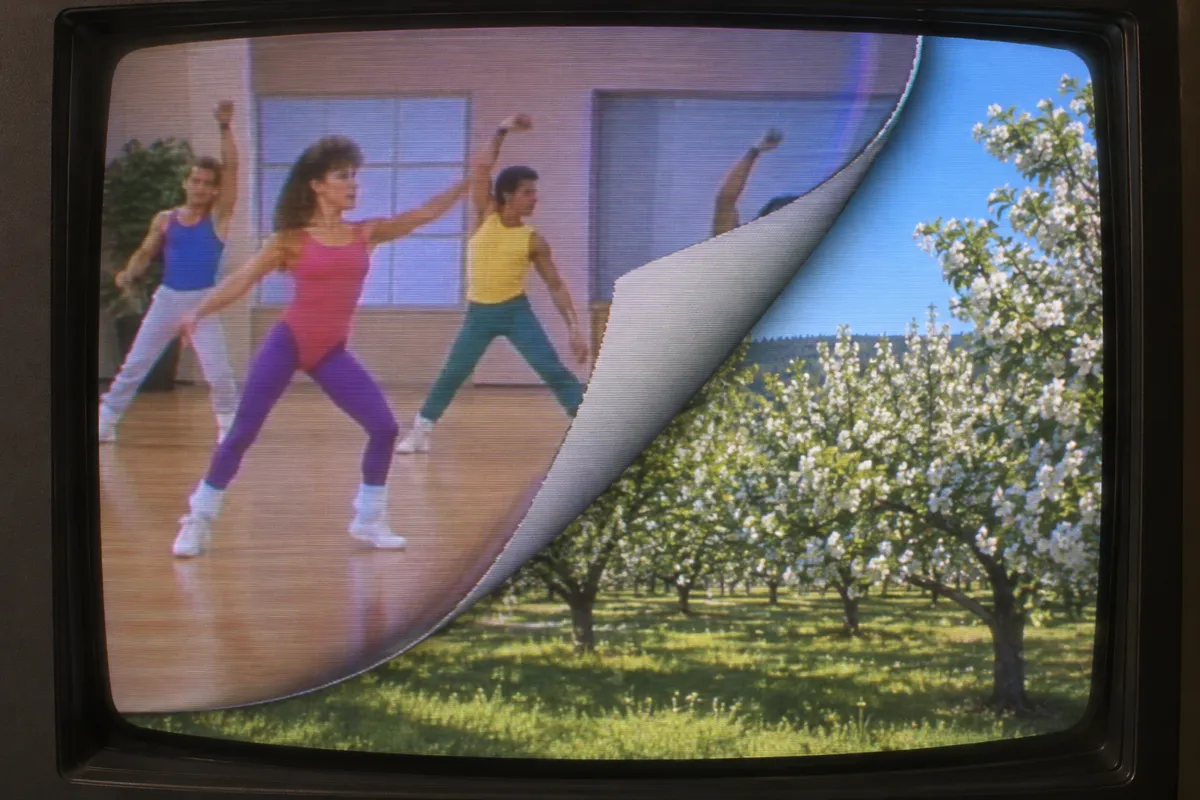
Television pictures shrink into floating panels, rotate through space, or appear as picture-in-picture windows. Page turns and flying cubes make moving images behave like flexible sheets or solid surfaces.

Principle

Digital processors store video frames in memory, then remap their pixels to change size, position, shape, and apparent perspective1. Compositing2 places the transformed picture over another image.

Example

Ampex: ADO (Ampex Digital Optics), 1981.

Try it out

Watch a television transition frame by frame, checking whether the picture changes shape while movement continues inside it.

Background

Digital video effects became a familiar part of television during the 1980s, building on digital equipment developed in the previous decade. Ampex introduced ADO in 1981, helping establish electronically positioned and rotated video pictures as a broadcast design tool. A frame store3 held sampled images while processors calculated new pixel locations. Operators could move pictures across backgrounds without moving a camera or a physical screen. Different systems offered different capabilities; elaborate page turns and cubes were not universal features. These transformations became common in sports coverage, station promotions, and music television.

Distinction

A conventional wipe reveals one picture by moving a boundary across another; it need not distort either image. DVE transforms the picture itself, although a production can combine both techniques.

Aftermath

DVE shows how storing video as numerical samples lets the screen become a movable object within another screen.

Further examples · 7 images
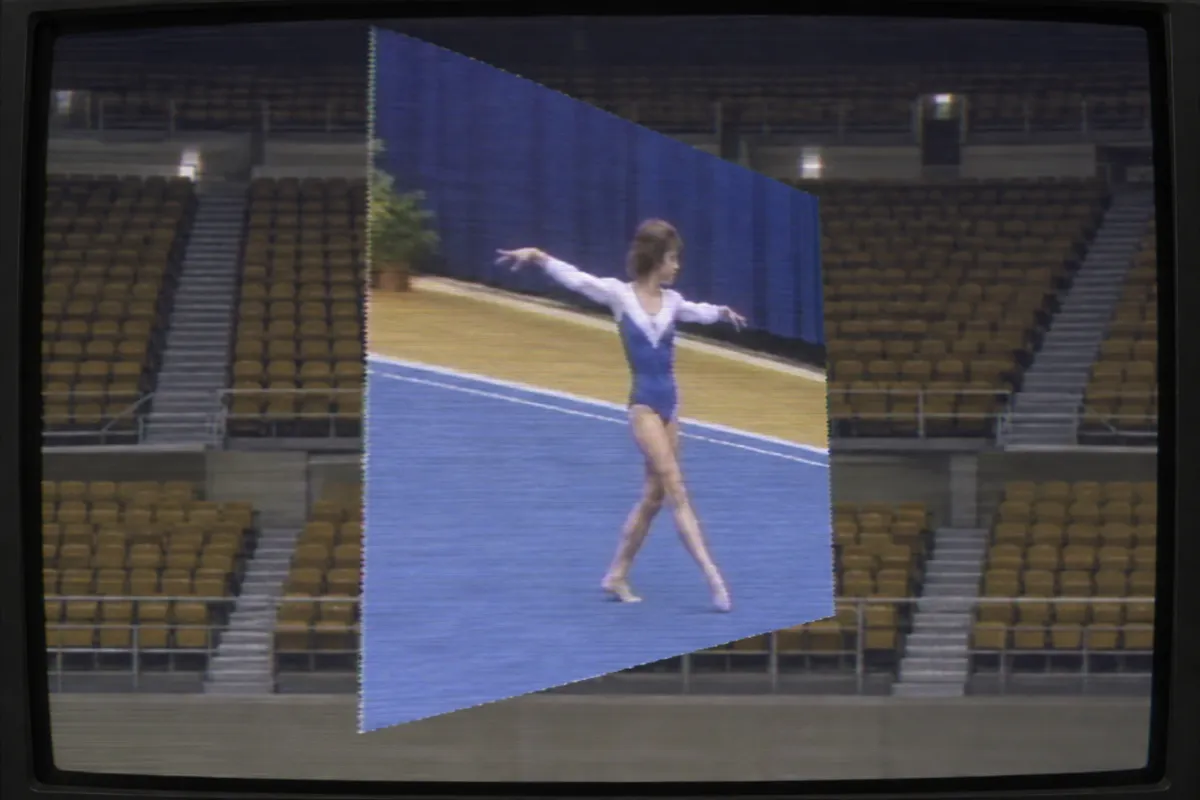
AI illustration: Perspective distortion of a live sports broadcast
02 AI illustration: Perspective distortion of a live sports broadcastA video of a gymnast is shown being squeezed and rotated into a trapezoidal shape. This illustrates the remapping of pixels to create the illusion of three-dimensional depth from a 2D source.Illustration generated for the Atlas (AI)
AI illustration: Basic digital video frame inset
03 AI illustration: Basic digital video frame insetA secondary video frame showing a woman kneading dough is positioned in the upper corner of a main shot. This simple spatial transformation allows two distinct video streams to share one screen simultaneously.Illustration generated for the Atlas (AI)
AI illustration: Digital page-turn transition effect
04 AI illustration: Digital page-turn transition effectAn exercise video appears to be peeling away from the screen corner to reveal a landscape underneath. This page-turn transition treats the television frame as a flexible, physical sheet through digital processing.Illustration generated for the Atlas (AI)
AI illustration: Rotating 3D cube with video mapped surfaces
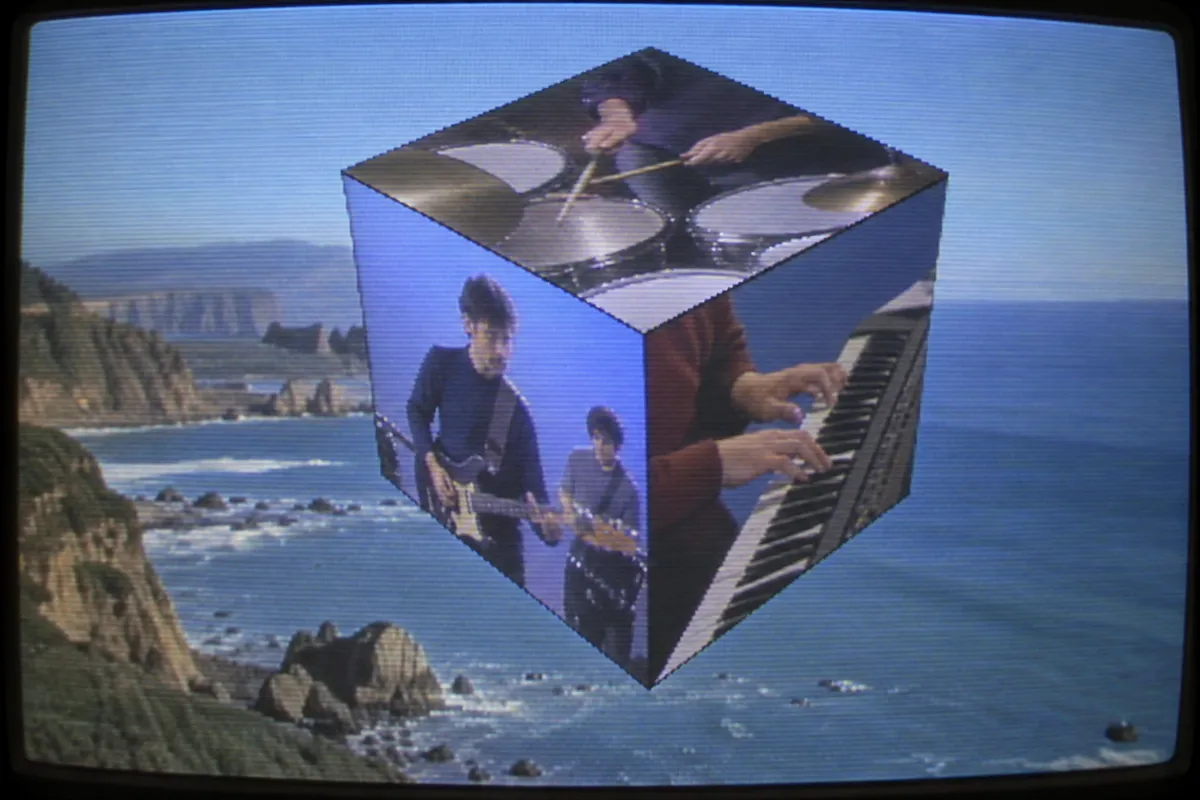
05 AI illustration: Rotating 3D cube with video mapped surfacesMultiple video clips of musicians are mapped onto the faces of a rotating three-dimensional cube. This complex manipulation shows video memory being used to treat moving images as solid geometric surfaces.Illustration generated for the Atlas (AI)
AI illustration: Transformed video panels on a digital background
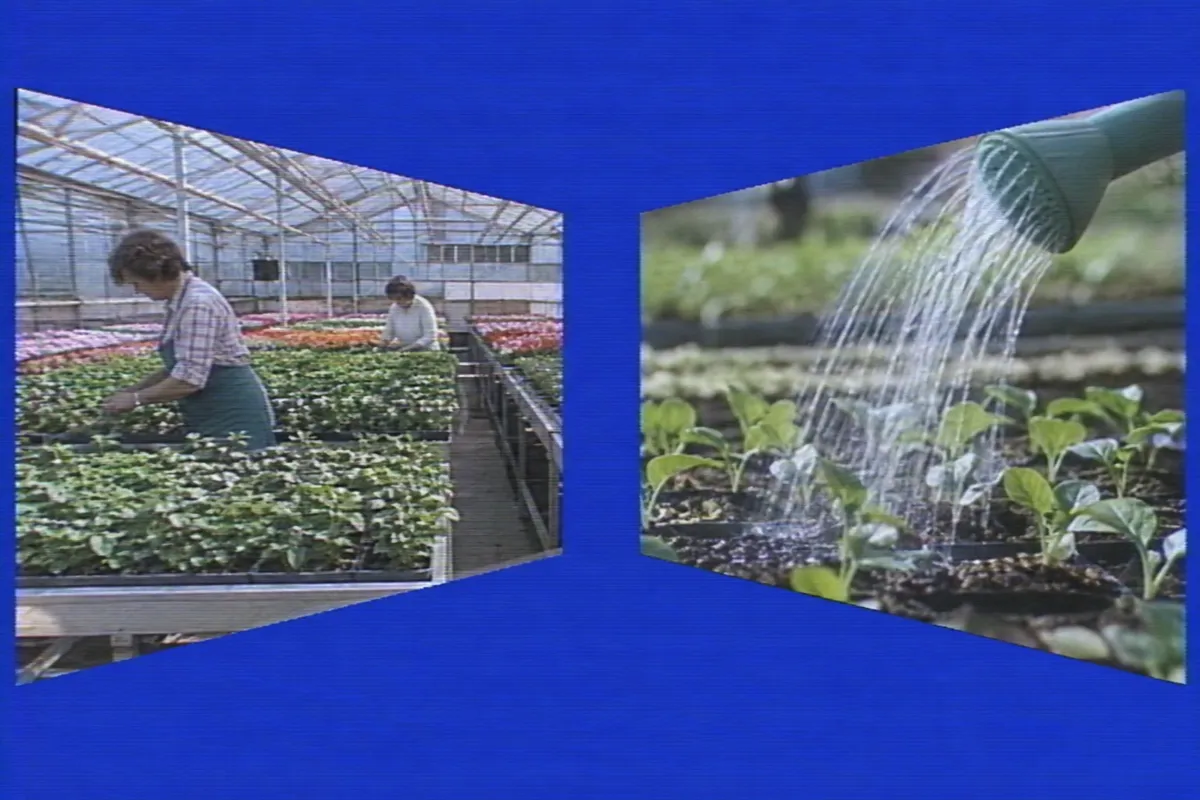
06 AI illustration: Transformed video panels on a digital backgroundTwo video panels showing greenhouse work are skewed and positioned against a solid blue background. The trapezoidal shapes demonstrate the ability to transform the apparent camera angle of a video stream.Illustration generated for the Atlas (AI)
AI illustration: Multiple scaled video windows receding in perspective
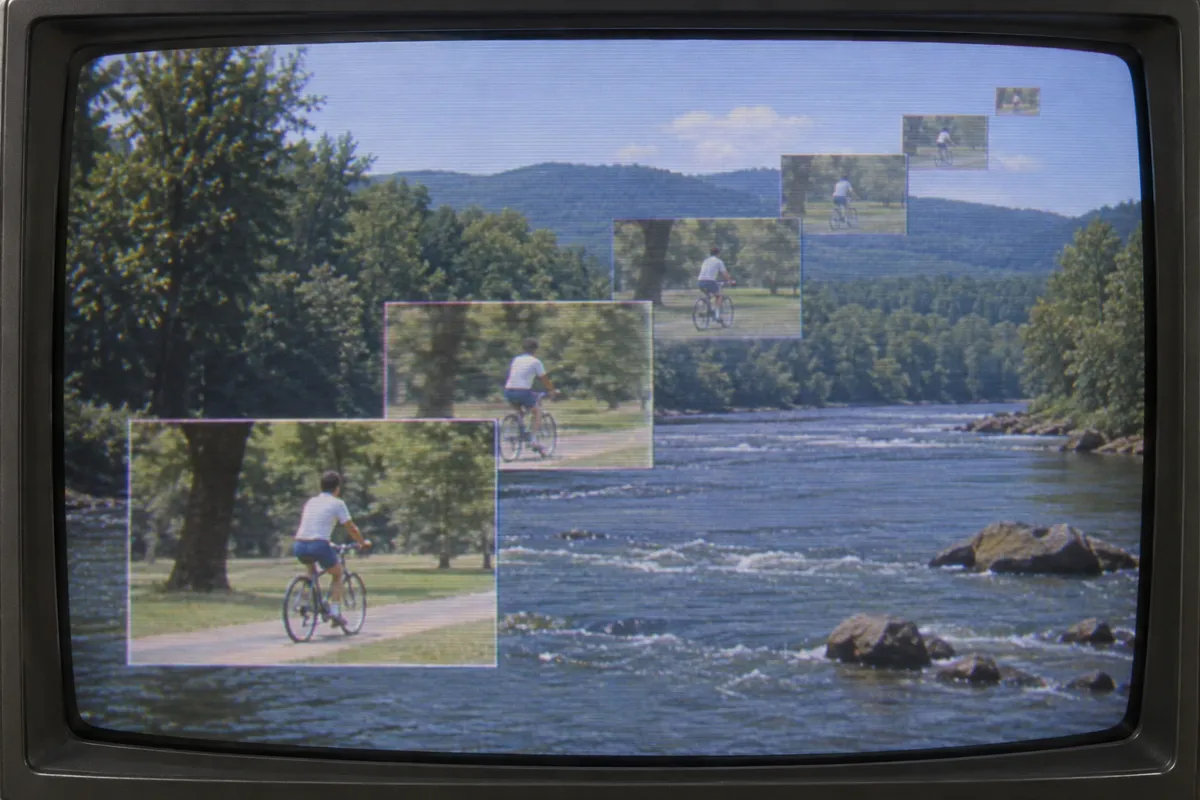
07 AI illustration: Multiple scaled video windows receding in perspectiveA cyclist is shown in multiple windows that shrink and recede into the distance over a river scene. This trail effect demonstrates real-time scaling and positioning to create a sense of motion through space.Illustration generated for the Atlas (AI)

Question

Does a flying video cube require filming a real cube?

Show possible answer +

No. A system can transform flat video pictures into apparent cube faces and combine them against a background.