Depth-Map Portrait
Depth-map portrait / computational portrait mode. 2017: Pixel 2 portrait mode as a vivid milestone
Prompt
Apply a Depth-Map Portrait effect, keeping the face and principal subject sharply resolved while progressively blurring background regions according to apparent distance. Preserve natural skin texture, soft background light discs, and believable focus transitions, with only faint segmentation softness around stray hairs. Keep the original subject and composition.
Identify
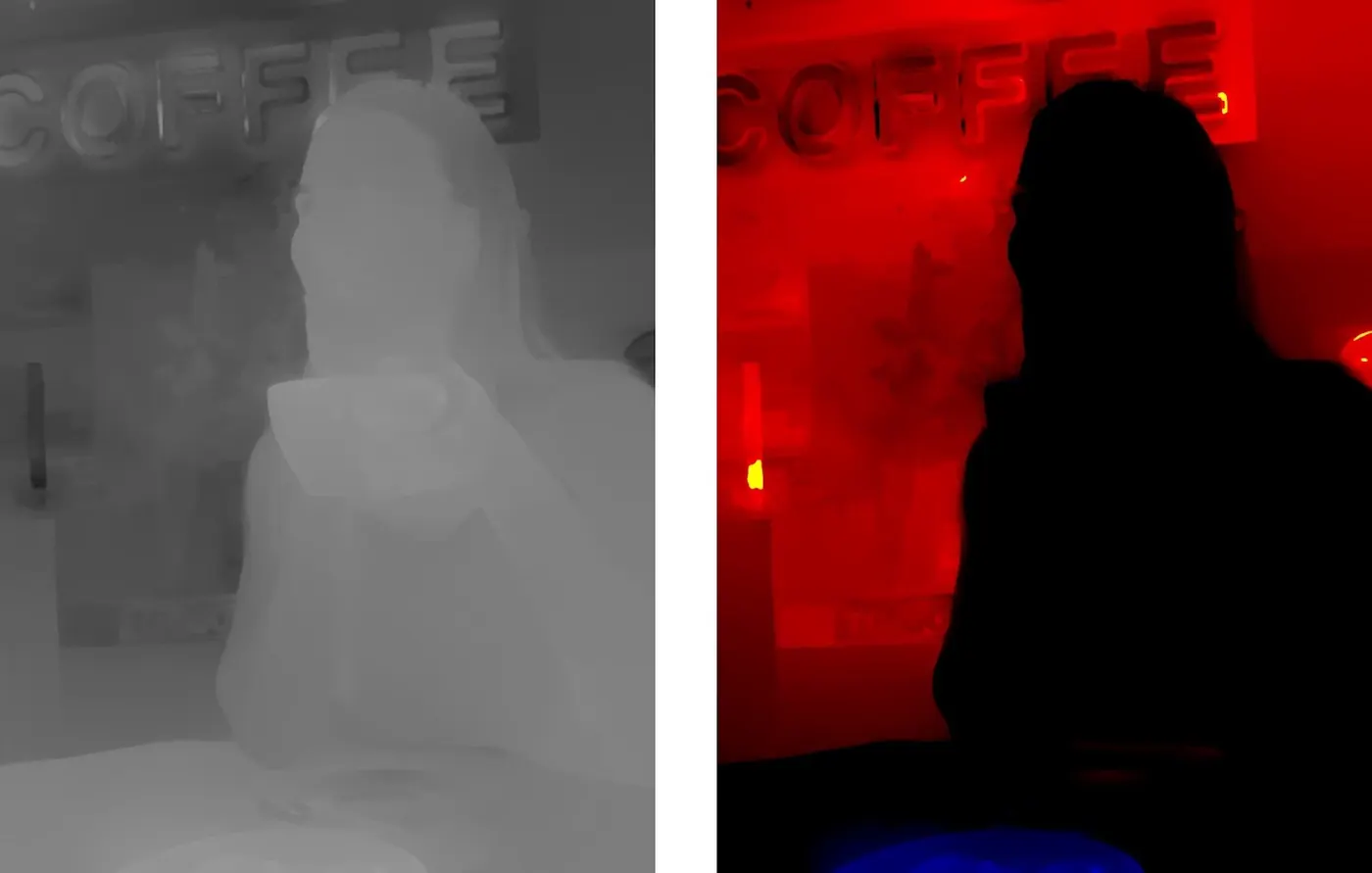
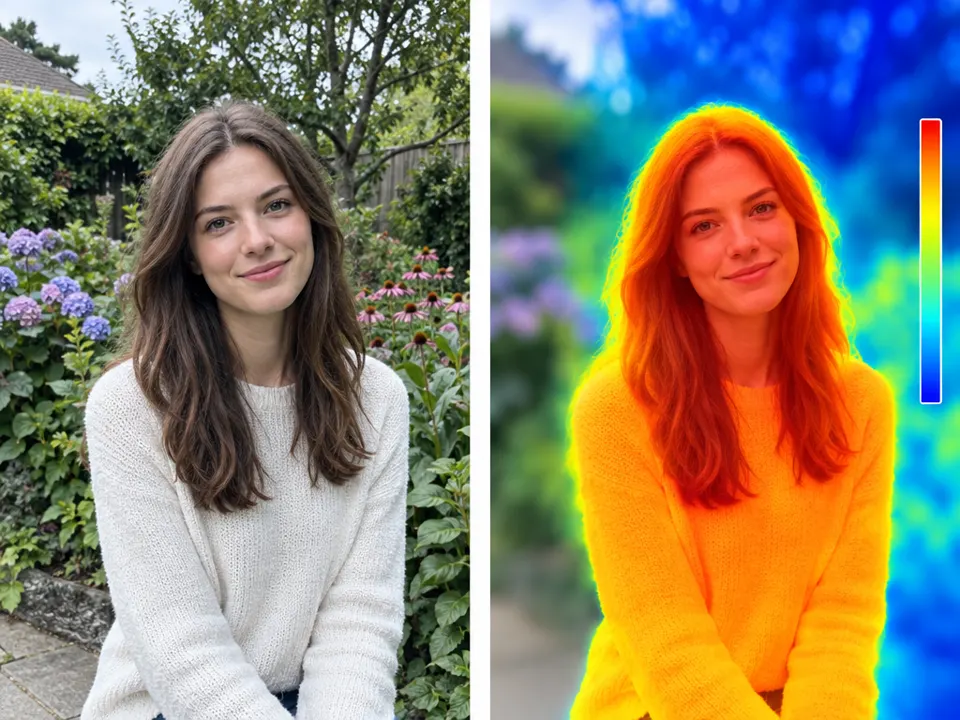
Face in focus, background blurred depending on estimated distance.
Principle
Segmentation1 and depth mapping2 control artificial defocusing.
Example
Pixel 2: Portrait mode, 2017.
Try it out
Test hair, eyeglasses, and objects in front of your body.
Background
In 2017, Google explained the Pixel 2 portrait mode as a combination of image processing, person masking, and depth estimation. The main camera is particularly illustrative: Split sensor pixels provide two slightly different views through different parts of the same lens. A depth map is then estimated from this. Together with segmentation, this determines how much individual image areas are blurred. The process is therefore more than simply isolating a person from a generally blurred background. In the example explained, a pastry in front of the person must be treated differently than the more distant surroundings. In the exercise, look for similar borderline cases. These will help you determine whether a portrait filter actually takes depth of field into account.
Distinction
A person mask is not a depth map; both pieces of information can be used together.
Aftermath
The look refers back to optical depth of field, but its flaws also arise from masks and estimated geometry.
Further examples · 7 images





Question
Why is a sharply focused object in front of the face a possible error?
Show possible answer +Hide answer −
With a corresponding optical focus plane, it should be less sharp; a simple face mask can confuse its spatial position.