H 214 / 3211980s

Animated GIF

1987, CompuServe introduces GIF; 1989, GIF89a adds animation controls.
Typeface · Micro 5 Charted

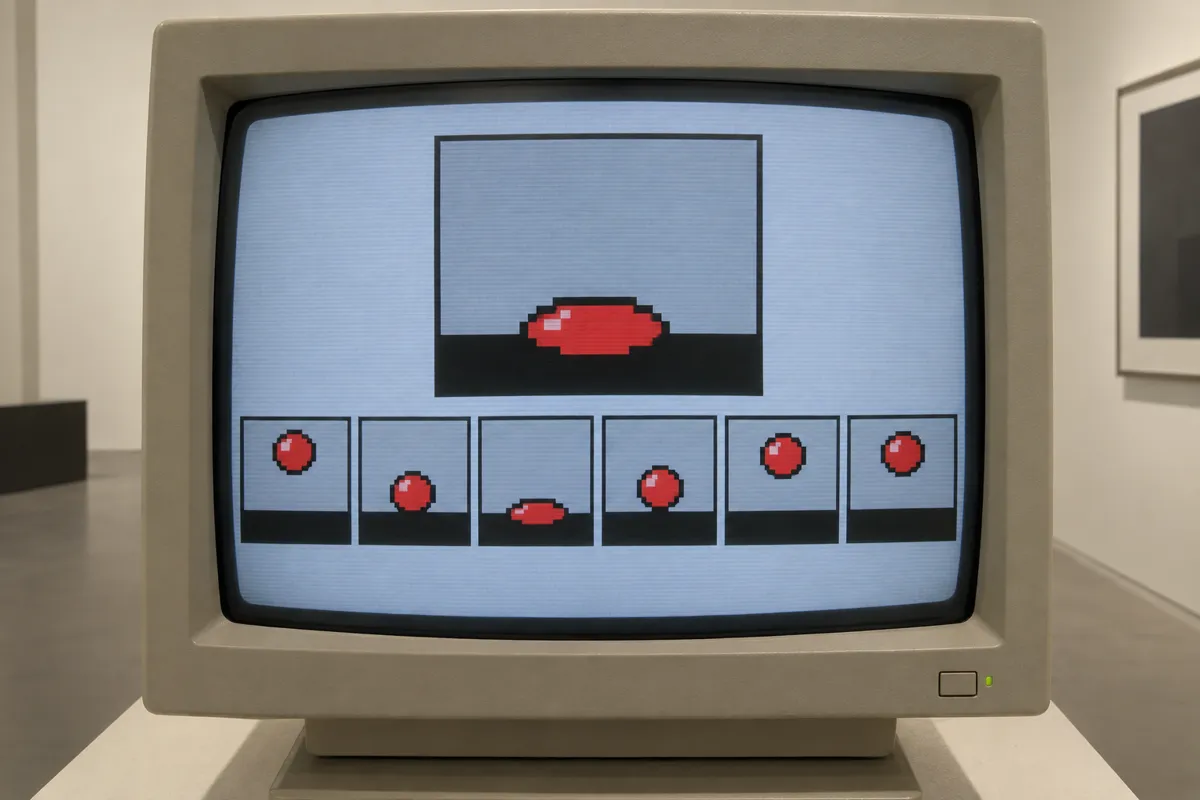
AI illustration: Bouncing ball animation frames on CRT monitor.
AI illustration: Bouncing ball animation frames on CRT monitor.Illustration generated for the Atlas (AI)View source ↗

Prompt

Apply an Animated GIF aesthetic as a single representative frame, using a limited palette of no more than 256 colors, hard pixel edges, flat color areas, and speckled dithering. Suggest stepped looping movement with a few tightly spaced motion echoes around active details. Keep the original subject and composition.

Identify

A short sequence repeats, often with stepped motion, hard pixel edges, and a limited palette. Flat colors or speckled shading are common.

Principle

A player displays stored image frames in sequence, using timing instructions to create apparent motion. Each frame uses a color table1 of at most 256 entries; a looping extension2 requests repetition.

Example

Chris Torres: Nyan Cat, 2011.

Try it out

Open a looping GIF in a frame viewer. Compare adjacent frames, then check whether they have equal display times.

Background

CompuServe introduced GIF in 1987 for exchanging color images across computer systems. The original format could hold multiple images. GIF89a followed in 1989, adding controls for frame delays, transparency3, and how previous frames are retained or cleared. Continuous looping came through a later Netscape application extension, not the original GIF89a specification alone. Each image can have its own color table, so an animation can contain more than 256 colors overall. Small files and broad browser support helped animated GIFs spread through early websites, then online jokes and reaction images.

Distinction

Unlike a static GIF, an animated GIF changes its displayed image over time. Unlike most web video formats, GIF has no standard audio track.

Aftermath

Animated GIFs show how carefully chosen frames and timing can make restricted color and simple repetition expressive.

Further examples · 7 images
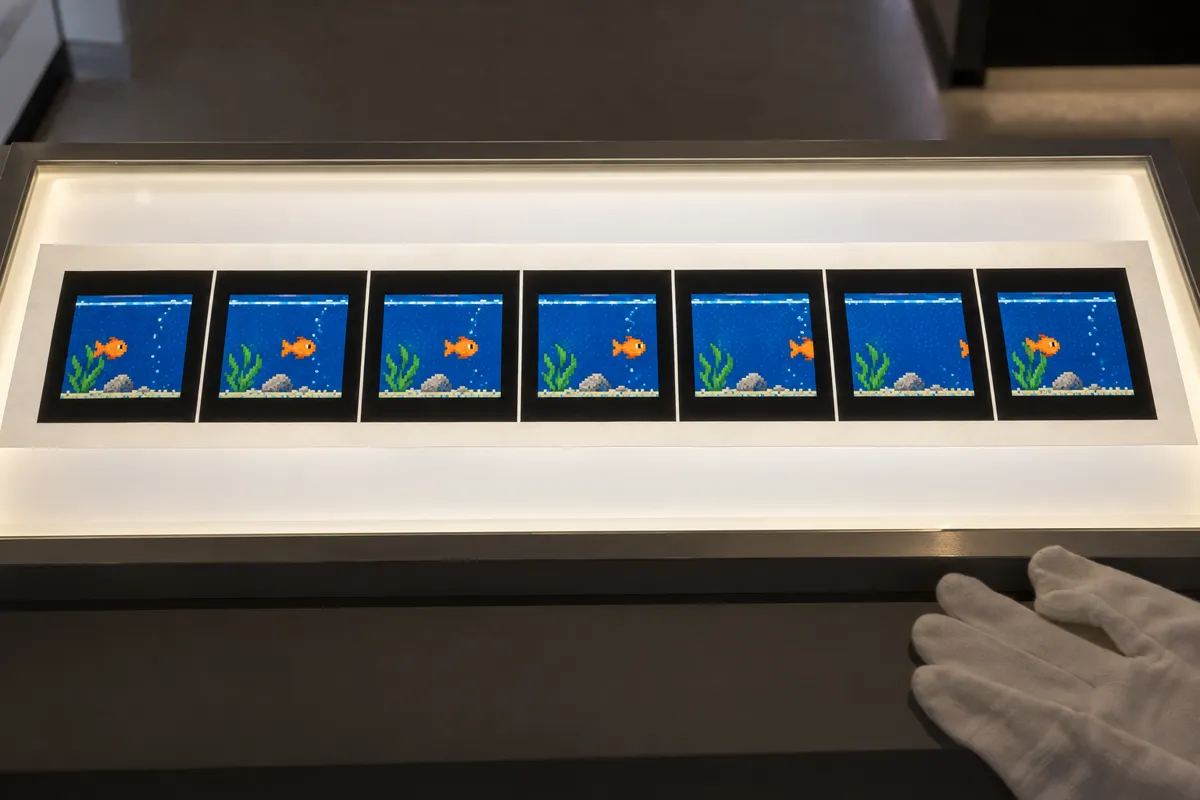
AI illustration: Sequential frames of a swimming fish
02 AI illustration: Sequential frames of a swimming fishSeven printed stills of a pixel-art fish in a blue tank are presented in a museum display case. These individual frames demonstrate the discrete steps required to create the illusion of swimming motion in a loop.Illustration generated for the Atlas (AI)
AI illustration: Hourglass rotation sequence with pixel dithering
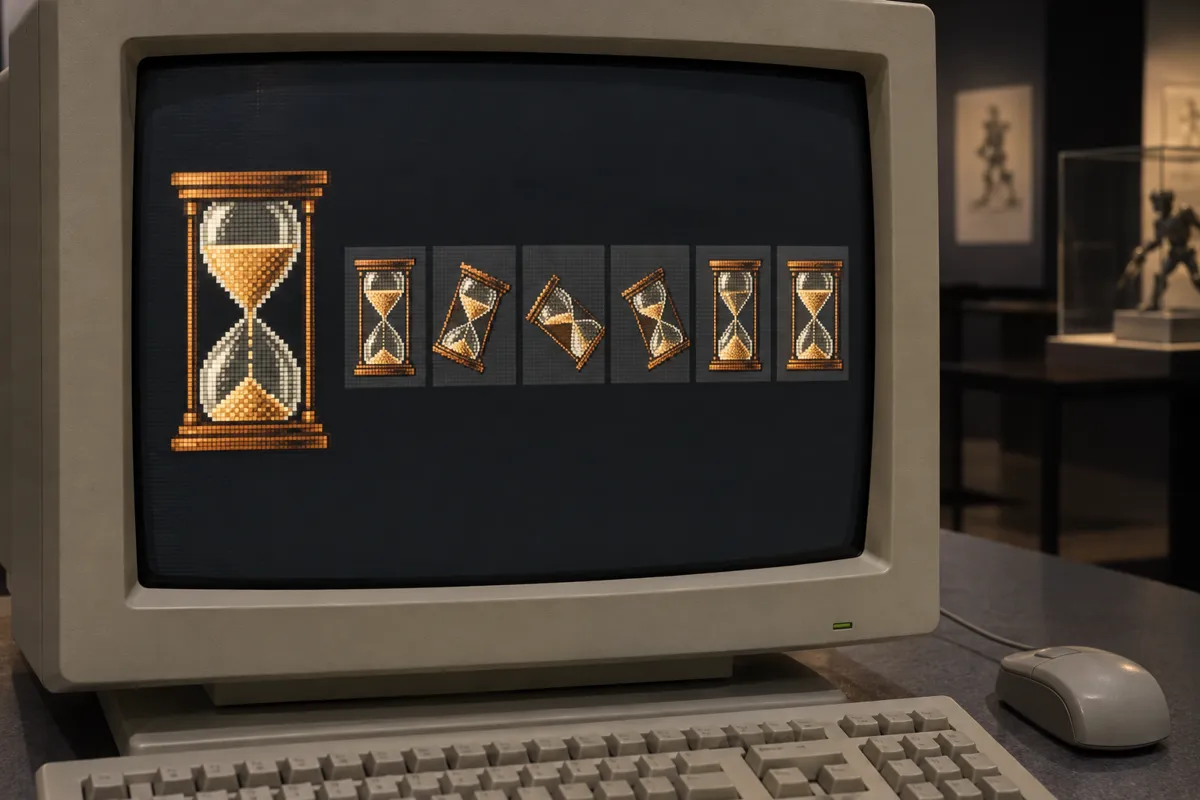
03 AI illustration: Hourglass rotation sequence with pixel ditheringThe screen shows a rotating hourglass rendered with heavy dithering and a restricted color count. Below the main graphic, a timeline of thumbnail frames captures the specific rotational increments used for the repeating loop.Illustration generated for the Atlas (AI)
AI illustration: Deconstructed flower animation in physical gallery
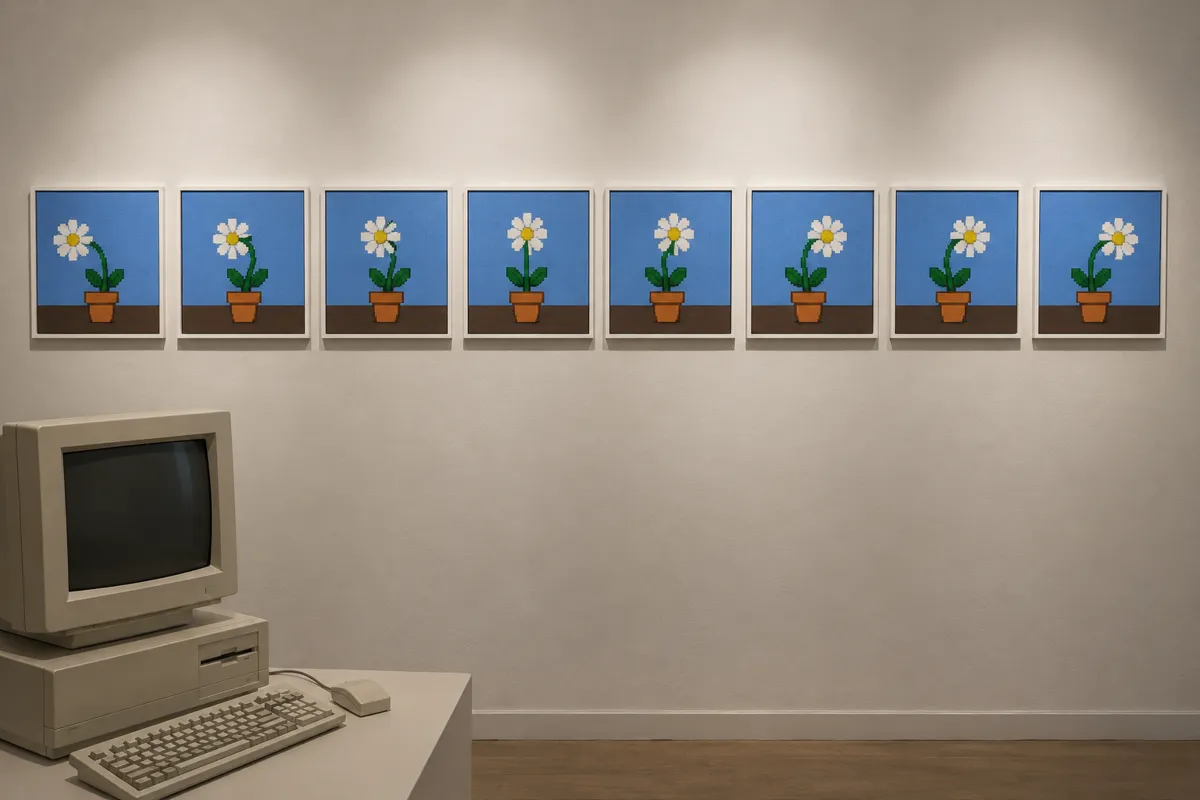
04 AI illustration: Deconstructed flower animation in physical galleryA series of eight square canvases on a gallery wall show a pixelated flower swaying in the wind. This physical deconstruction of the animation process highlights the repetitive, stepped nature of graphic interchange cycles.Illustration generated for the Atlas (AI)
AI illustration: Rotating geometric shape animation display
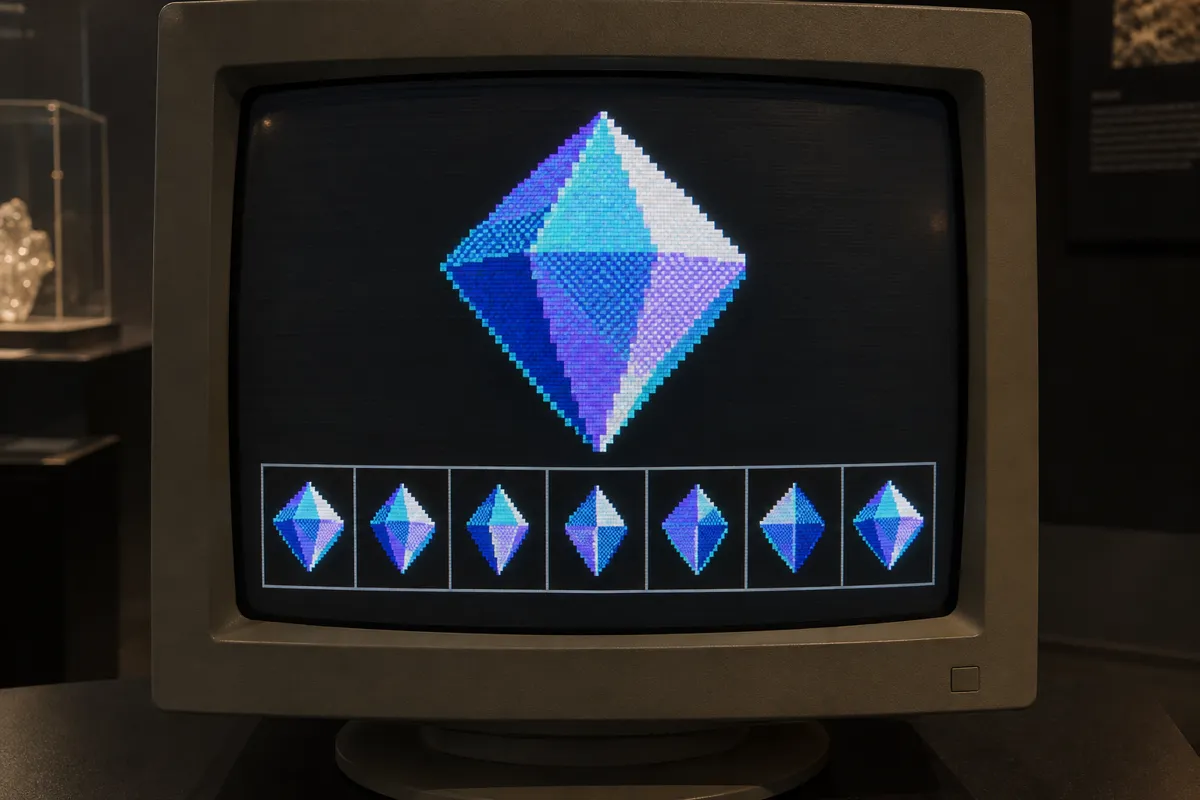
05 AI illustration: Rotating geometric shape animation displayA glowing blue octahedron rotates on a CRT screen, accompanied by a row of playback frames at the bottom. The sharp edges and flat-shaded polygons exemplify the aesthetic of low-bitrate digital assets.Illustration generated for the Atlas (AI)
AI illustration: Jumping frog pixel art animation sequence
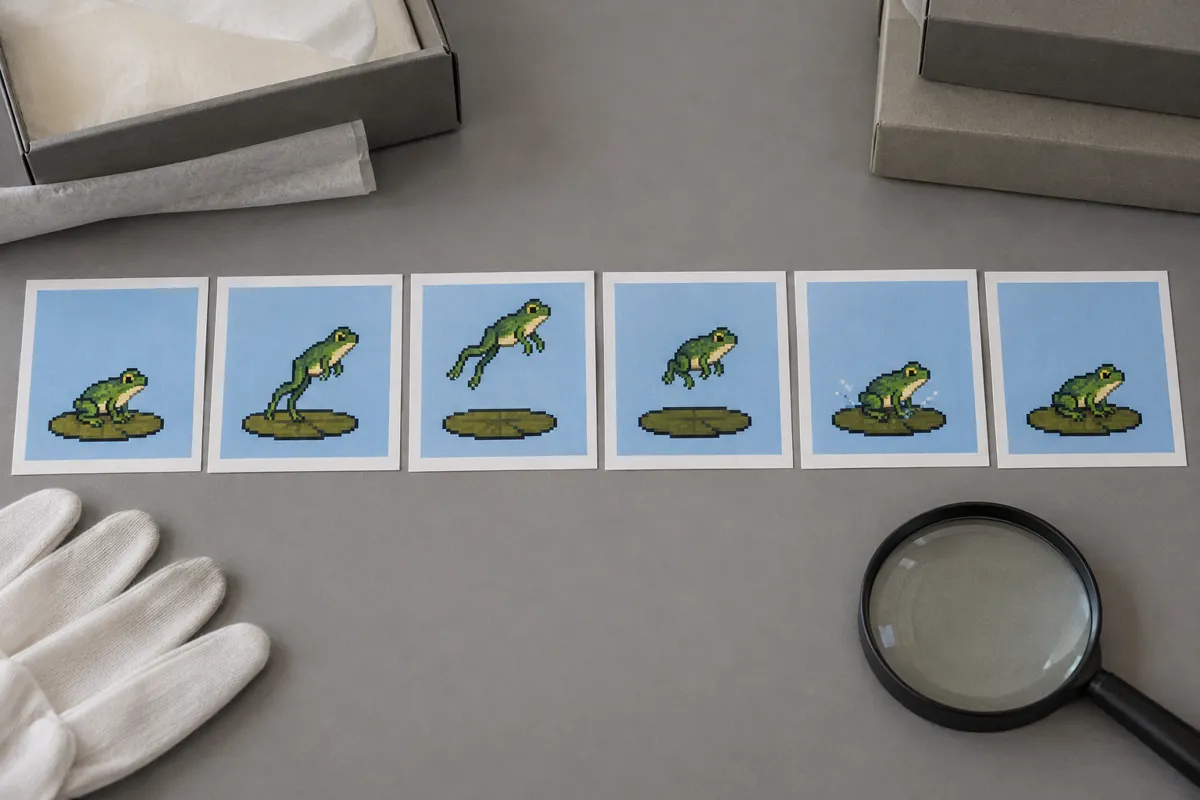
06 AI illustration: Jumping frog pixel art animation sequenceArchival prints show a green frog jumping across a lily pad in six distinct motion phases. The use of flat colors and jagged pixel borders clearly demonstrates the construction of a simple character loop.Illustration generated for the Atlas (AI)
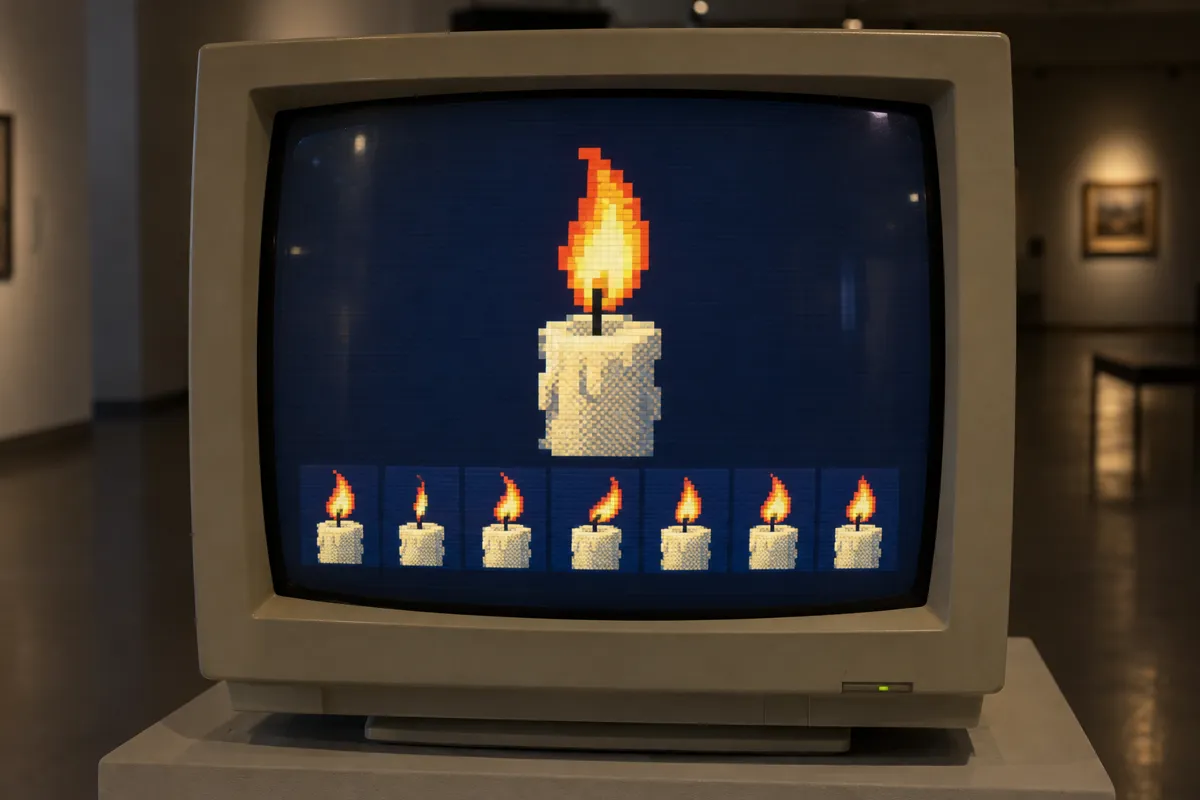
AI illustration: Flickering candle loop with frame strip
07 AI illustration: Flickering candle loop with frame stripA flickering candle flame is shown on a computer monitor, with each state of the flicker isolated in a frame strip below. This arrangement perfectly captures the cyclical timing and indexed color palette of the medium.Illustration generated for the Atlas (AI)

Question

Must an entire animated GIF contain no more than 256 colors?

Show possible answer +

No. Each frame can use a different color table, allowing more than 256 colors across the animation.

Sources