WordArt
1990s, Microsoft Office decorative lettering
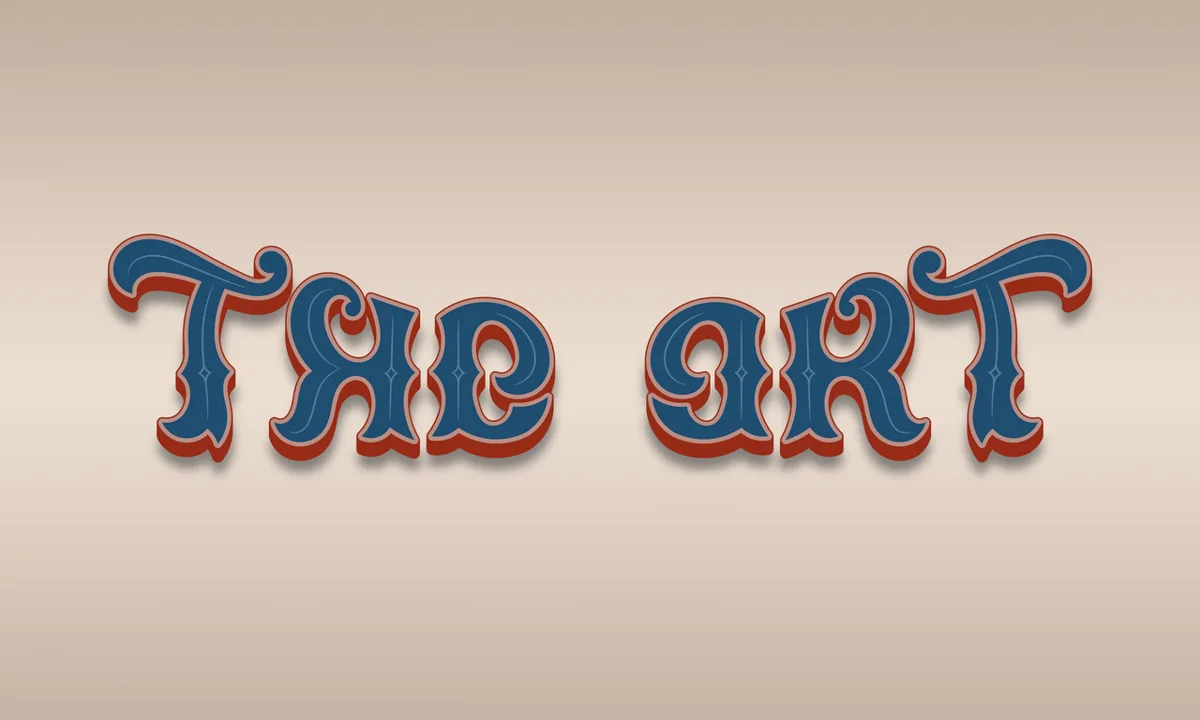
Prompt
Apply a decorative 1990s typography effect, styling existing lettering or adding a compact descriptive heading with arched baselines, stretched letterforms, rainbow gradients, thick outlines, chunky simulated extrusion, offset shadows, and glossy white highlights. Give the lettering a playful molded-plastic appearance without obscuring important details. Keep the original subject and composition.
Identify
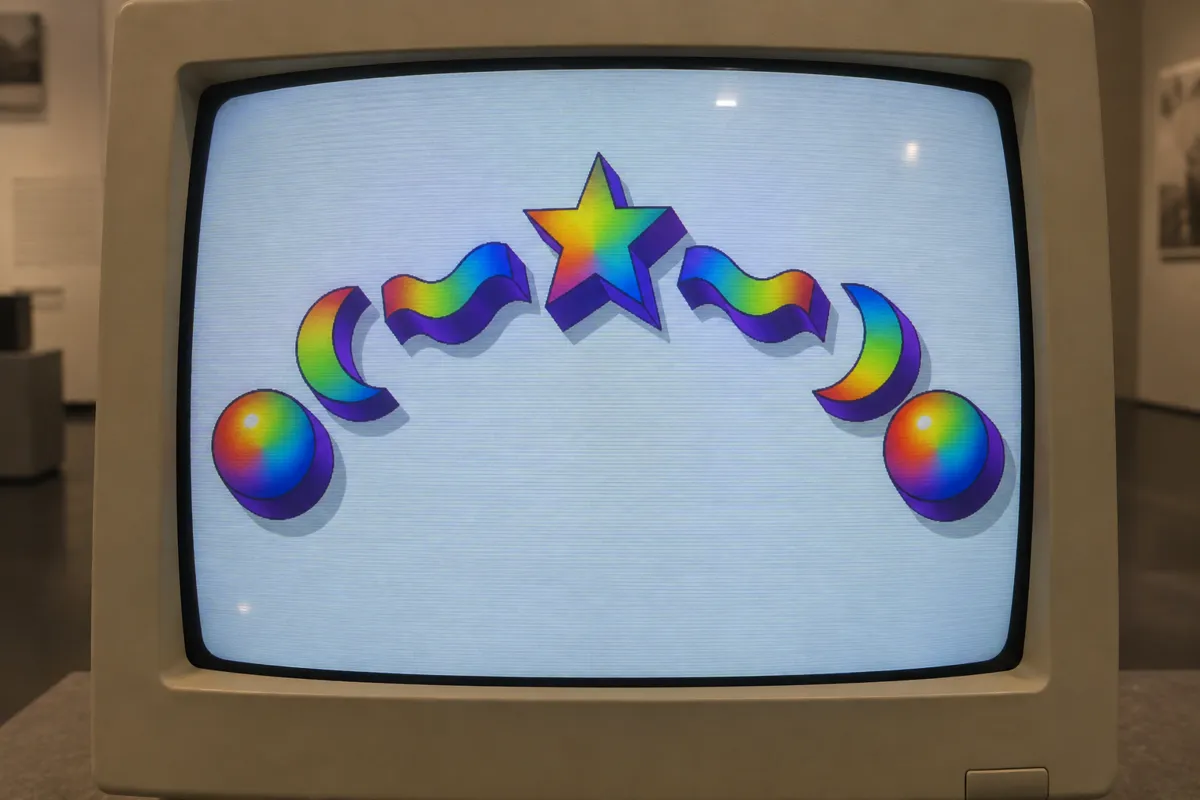
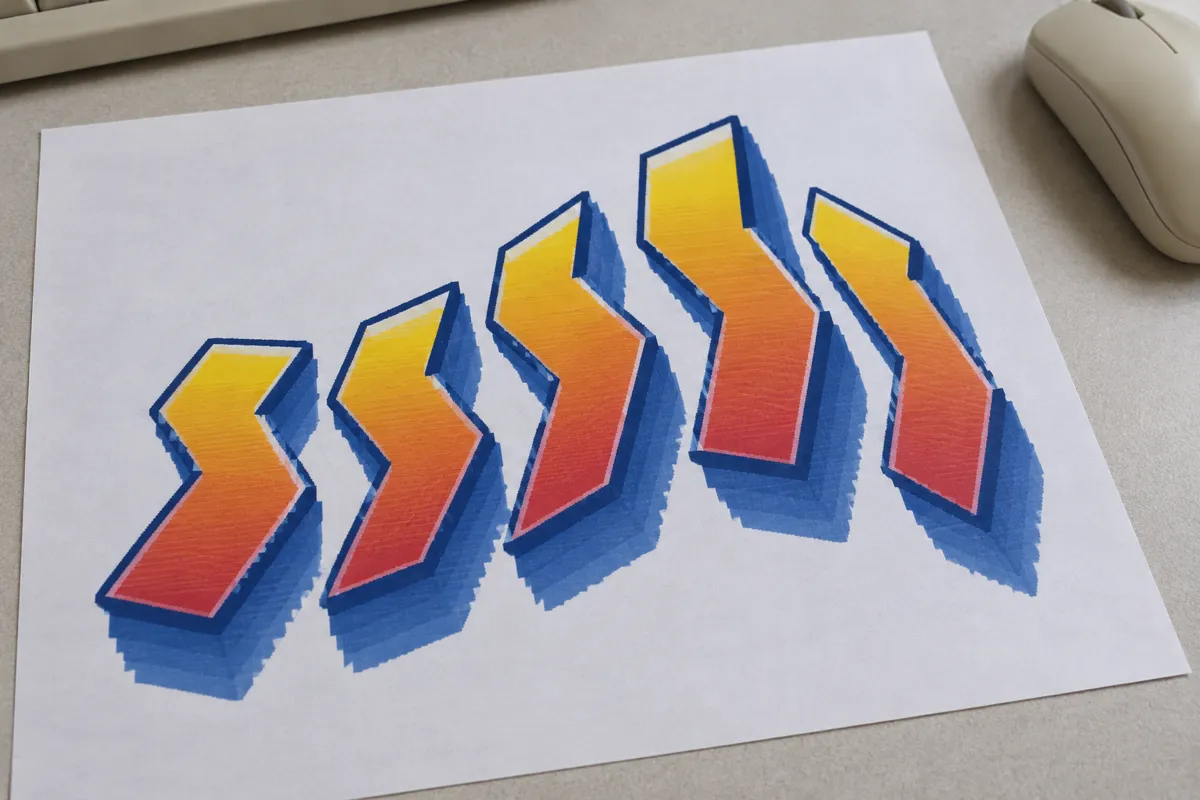
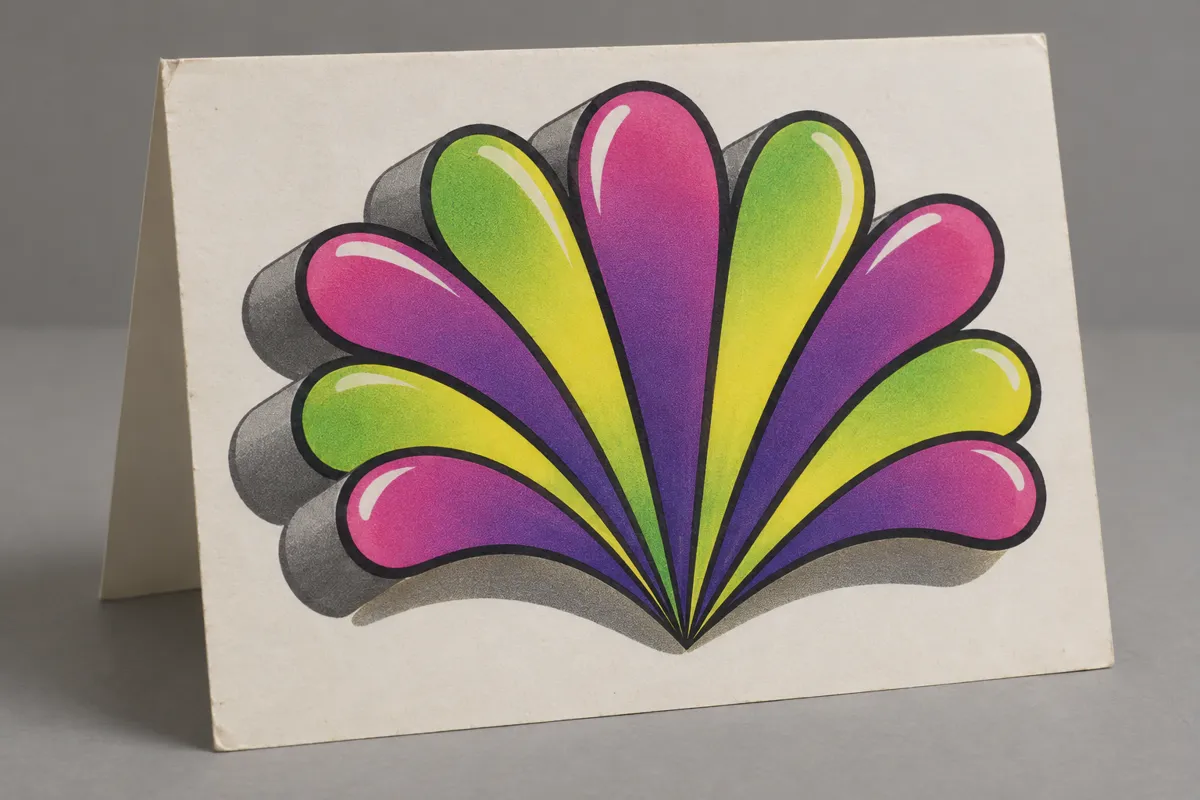
Large letters form curved lines or stretched shapes, often with rainbow gradients, heavy outlines, and simulated extrusion1. Shadows and shiny highlights make flat lettering resemble solid objects.
Principle
Software transforms letter outlines2 and applies color fills, outlines, shadows, and depth effects. Gradients vary color across each shape; simulated extrusion adds visible sides without requiring a physical object.
Example
Microsoft: Word 97 WordArt gallery, 1997.
Try it out
Style one word with a curve, gradient, and depth effect; remove each treatment separately to see what changes.
Background
WordArt brought decorative display lettering into everyday office documents during the 1990s. Users could turn ordinary words into graphic objects rather than arrange individual letters by hand. Presets3 combined shaped text with outlines, fills, and other treatments, although available features changed between versions. Curving or stretching altered the lettering’s geometry. Gradients supplied changing color, while shadows and simulated sides suggested depth on a flat page. These accessible controls made elaborate headings practical for school assignments, flyers, and presentations. The recognizable look came from combinations of treatments, not one particular typeface.
Distinction
WordArt is not a font: the same typeface can receive many different treatments. Unlike physical extruded lettering, its apparent depth remains an image.
Aftermath
WordArt shows how reusable software presets can make decorative lettering recognizable across otherwise unrelated documents.
Further examples · 7 images


Question
Does a rainbow gradient create the same depth cue as simulated extrusion?
Show possible answer +Hide answer −
No. A gradient changes color across a surface, while simulated extrusion depicts sides extending behind the letter faces.