H 068 / 3211900s

Stencil Coloring

1903, Pathé Frères introduced an automated stencil system
Typeface · Stardos Stencil

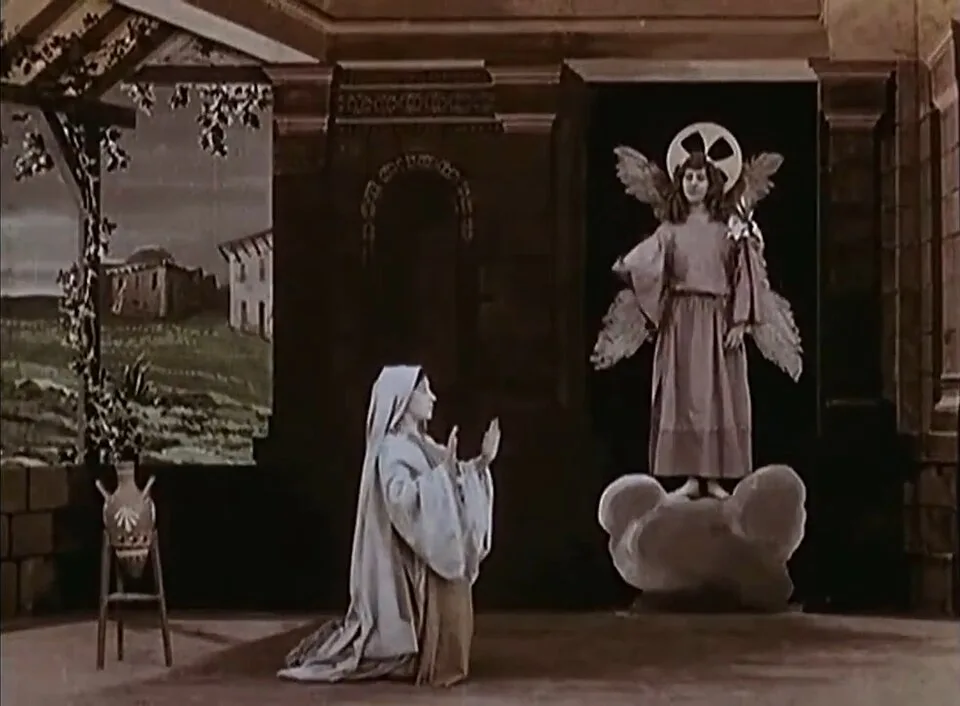
Stencil-Colored Annunciation Scene. A kneeling woman in pale blue faces a winged angel in pink, framed by brown architecture and a green pastoral backdrop.
Stencil-Colored Annunciation Scene. A kneeling woman in pale blue faces a winged angel in pink, framed by brown architecture and a green pastoral backdrop.Lucien Nonguet / Ferdinand Zecca · Public domain · via Wikimedia CommonsView source ↗

Prompt

Apply the Stencil Coloring effect over a grainy black-and-white photographic base. Fill selected existing objects with bright translucent crimson, yellow, and turquoise dyes, allowing slight registration offsets, uneven dye density, and small color spills beyond their silhouettes. Leave uncolored areas monochrome with visible luminance detail. Keep the original subject and composition.

Identify

You see black-and-white moving pictures where specific objects are brightly colored. The colors often jitter or pulse slightly between frames.

Principle

Workers cut specific shapes out of a film strip to make a stencil. Dye was brushed through these holes onto a matching print.

Example

Pathé Frères: The Life and Passion of Jesus Christ, 1903.

Try it out

Watch a digitally restored stencil-colored film and track one colored object, noticing how the color edges shift slightly.

Background

In the earliest days of cinema, films were often colored by hand, frame by frame. Because this was slow and expensive, Pathé Frères industrialized the process in the 1900s. They used a pantograph machine1 to carefully trace and cut out specific areas across sequential frames. These cut frames became a stencil roll. A machine then pressed this stencil against a fresh projection print2. Velvet rollers applied dye through the cutouts onto the film below. Up to six colors could be added by using a different stencil roll for each dye.

Distinction

Hand-coloring involves painting directly onto each frame with a brush, causing wild variations. Stencil coloring applies flat dye through precise cutouts.

Aftermath

It highlights early cinema's intense labor and the desire for color long before photographic color film existed.

Further examples · 7 images
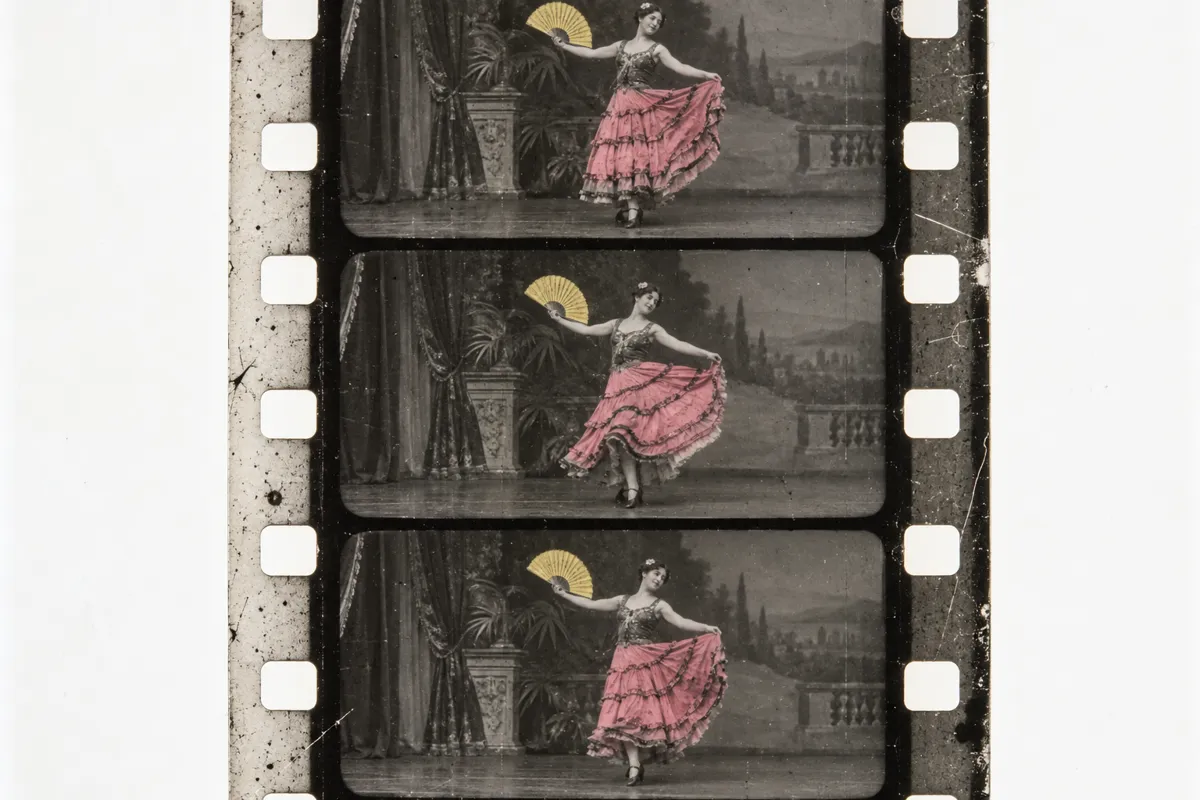
AI illustration: Film strip showing Pathécolor stencil application
02 AI illustration: Film strip showing Pathécolor stencil applicationThree sequential film frames show a dancer in a vibrant pink dress against a monochromatic background. The color is applied through a precision stencil process, resulting in flat, saturated tones that track the movement across the film strip.Illustration generated for the Atlas (AI)
AI illustration: Selective color application in a monochromatic scene
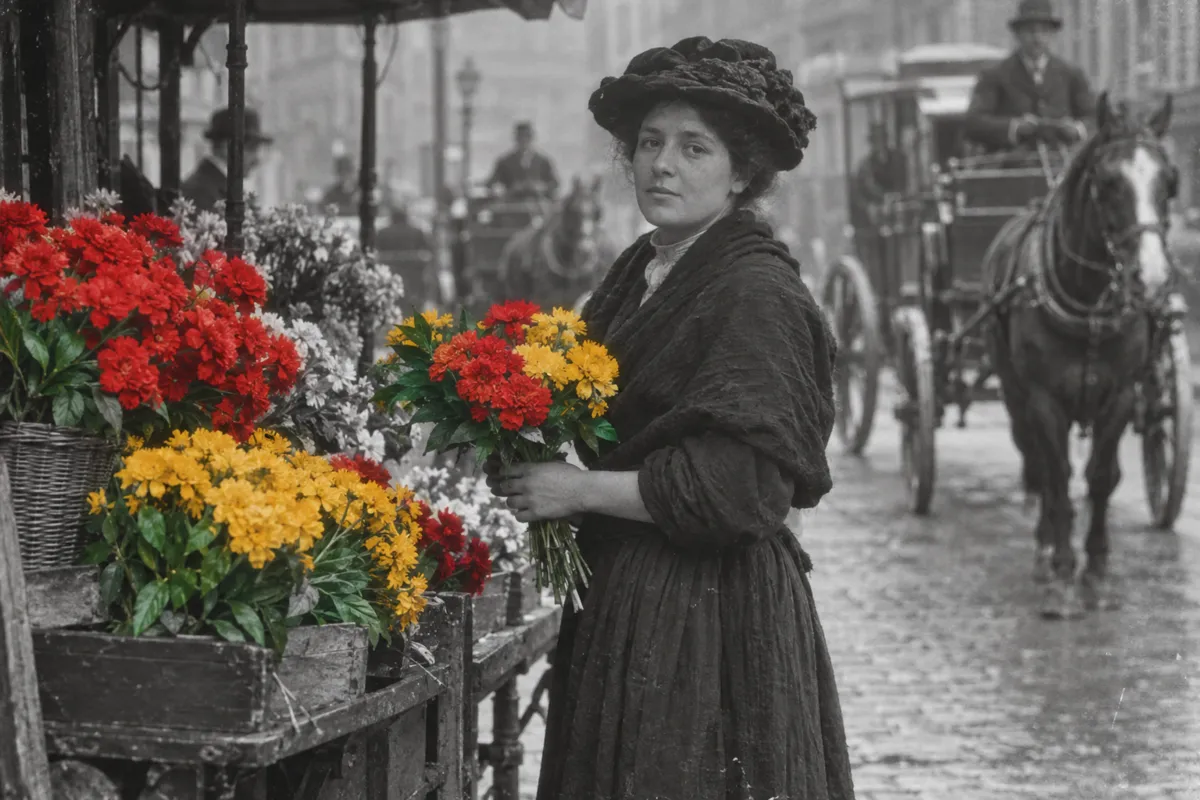
03 AI illustration: Selective color application in a monochromatic sceneA woman stands in a city square holding bouquets of bright red and yellow flowers that stand out against the grey scene. The selective application of dye to specific objects demonstrates the aesthetic result of the stencil coloring technique.Illustration generated for the Atlas (AI)
AI illustration: Stereoscopic film frames with manual stencil dyes
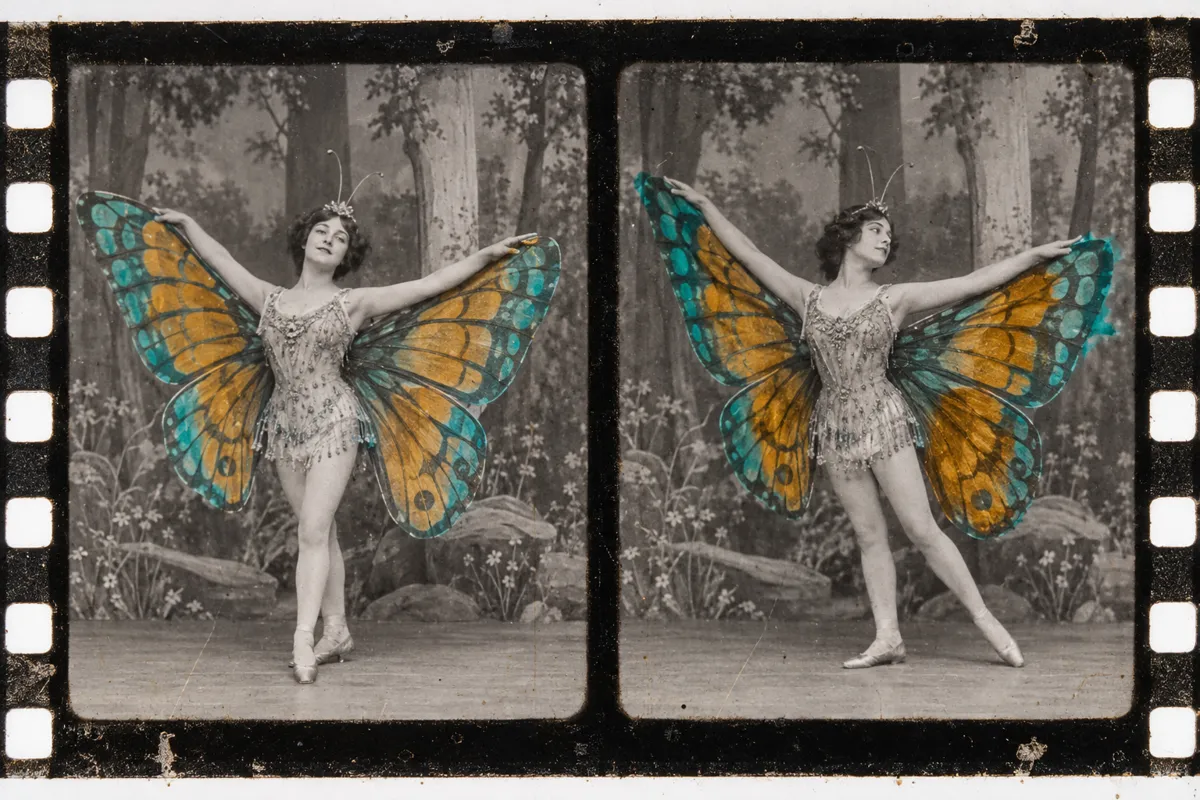
04 AI illustration: Stereoscopic film frames with manual stencil dyesThis pair of film frames features a performer with large wings colored in teal and orange. Each frame shows slight variations in dye placement, characteristic of the manual brushing process used in early cinema colorization.Illustration generated for the Atlas (AI)
AI illustration: Demonstration of the manual film stenciling process
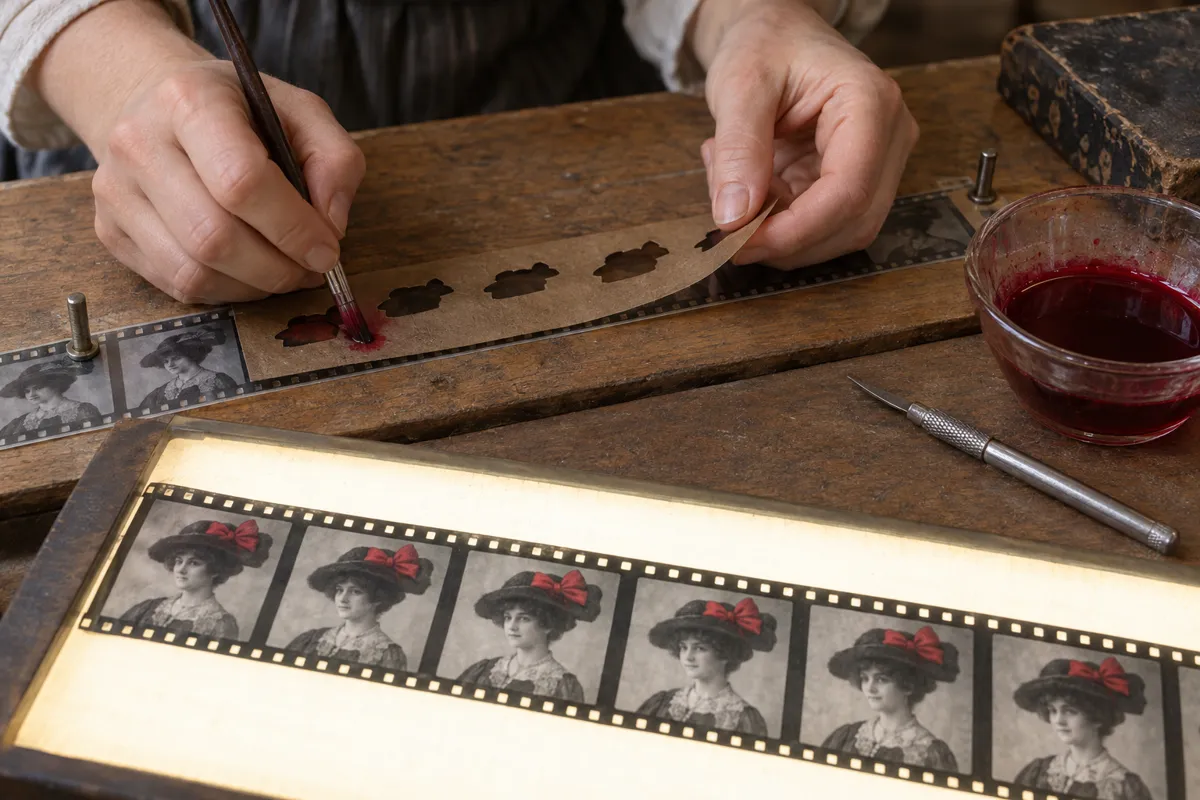
05 AI illustration: Demonstration of the manual film stenciling processDemonstration of the manual film stenciling processIllustration generated for the Atlas (AI)
AI illustration: Hand-applied stencil tints on a harbor photograph
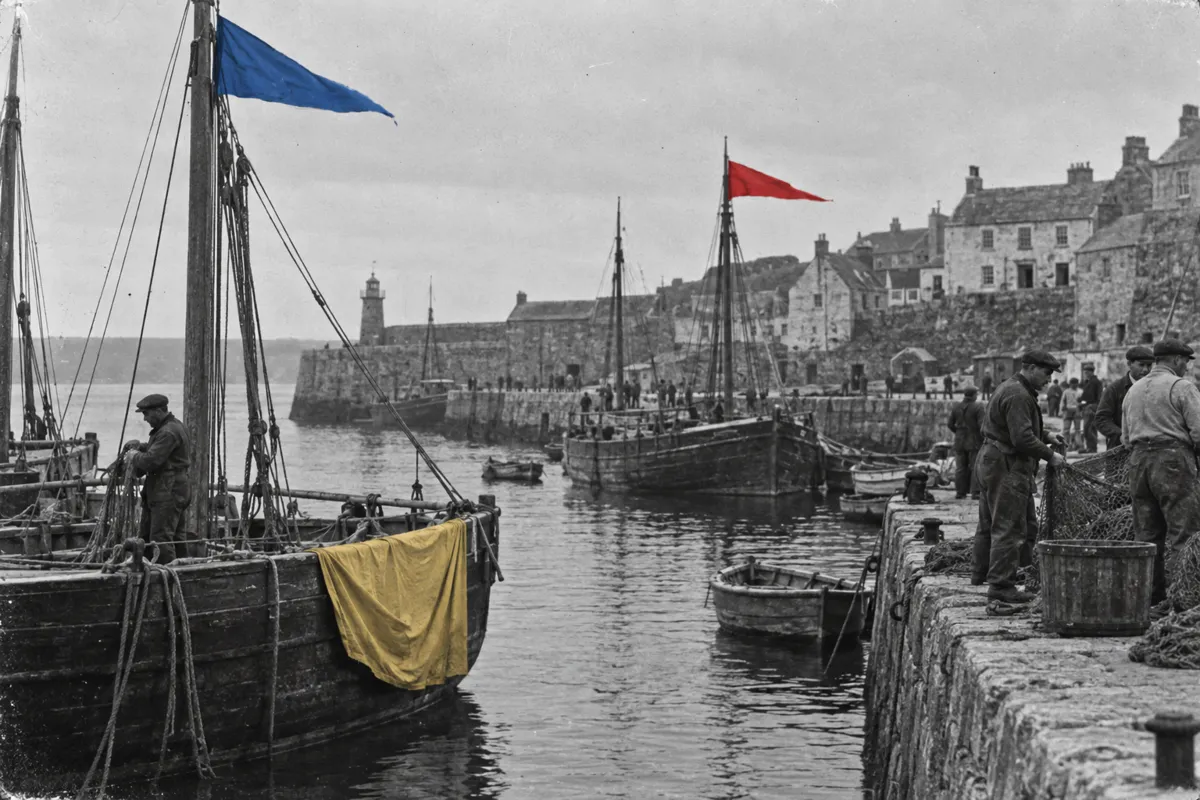
06 AI illustration: Hand-applied stencil tints on a harbor photographBrightly colored flags and a yellow cloth provide visual accents within a dark, monochromatic harbor scene. The sharp edges and flat opacity of the colors are typical of the stencil-based coloring method used for landscape photography.Illustration generated for the Atlas (AI)
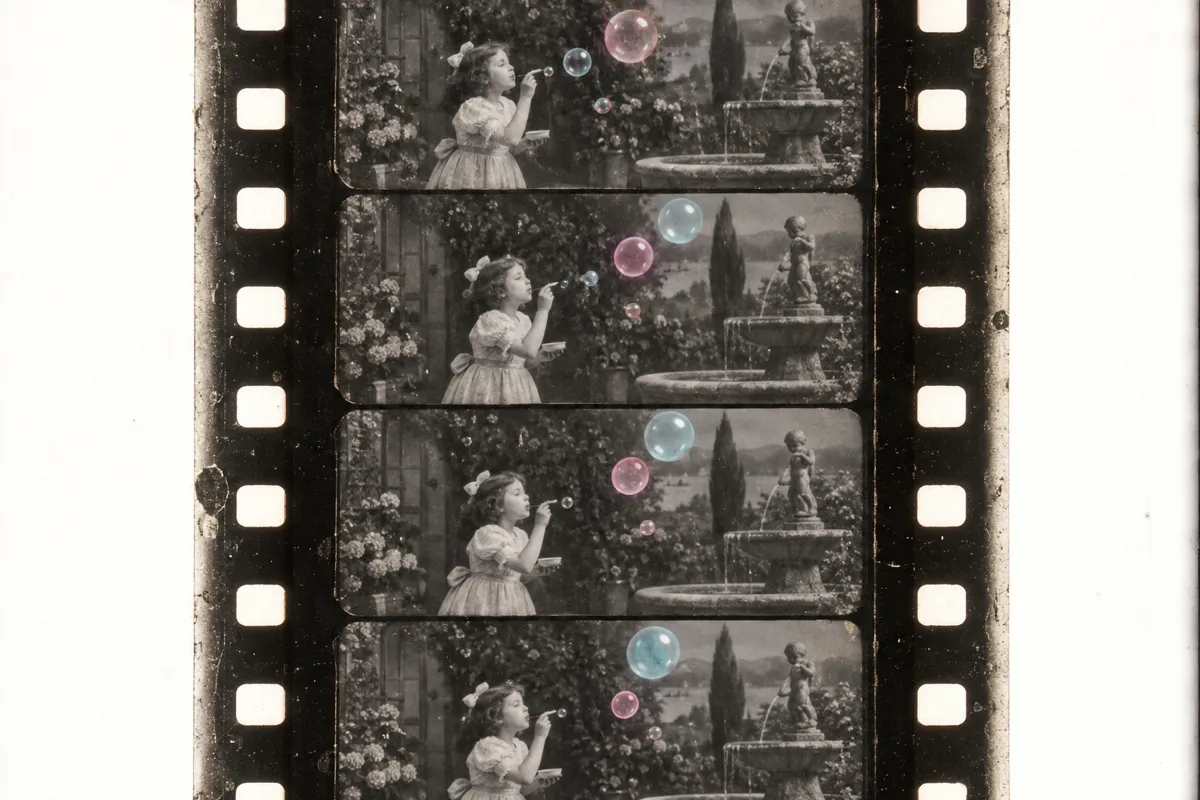
AI illustration: Multi-color stencil tinting on sequential film frames
07 AI illustration: Multi-color stencil tinting on sequential film framesA sequence of four frames depicts a girl blowing bubbles, with each bubble tinted in a soft blue or pink hue. The process uses a different stencil for each color, allowing for complex multi-colored effects in early silent films.Illustration generated for the Atlas (AI)

Question

Why did stencil-colored objects sometimes have vibrating or shifting color edges?

Show possible answer +

The stencils were cut by hand for thousands of frames. Tiny tracing errors caused the dye to slightly miss the object's outline.

Sources