M 176 / 18308 AI Pipelinesschematic / technique preview

Masked Generation

ai pipelines & generative controls
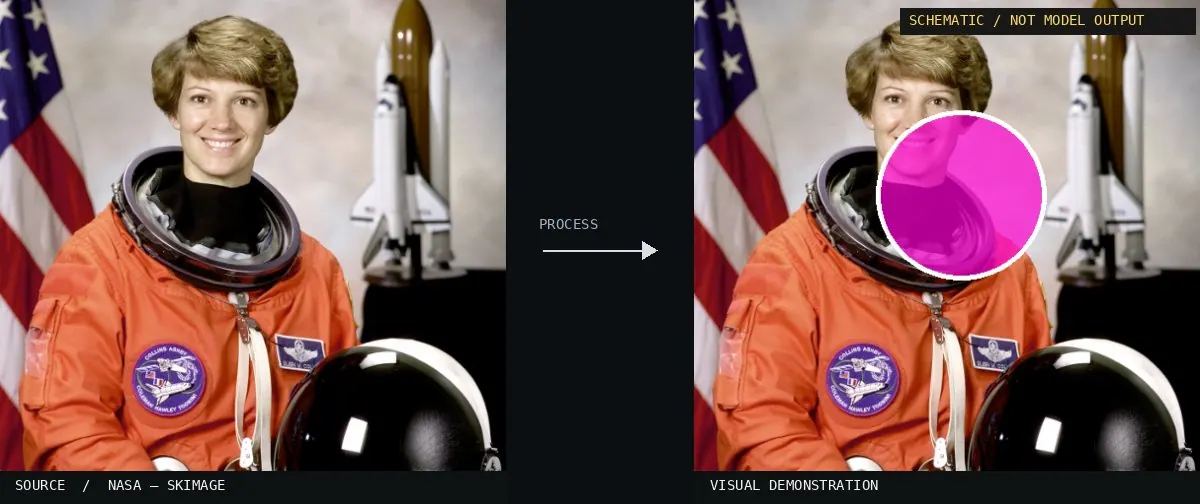
Typeface · Allerta Stencil

Schematic or classical approach — not a trained AI model output.
Schematic or classical approach — not a trained AI model output.Image: NASA / Eileen Collins · scikit-image (public domain)View source ↗

Prompt

Apply Masked Generation to one small background region, replacing its texture with a plausible continuation of adjacent surroundings. Match perspective, material grain, color, shadows, and edge softness, with an invisible transition at the mask boundary. Leave all unmasked pixels and the main subject untouched. Keep the original subject and composition.

Identify

Only a specific region is enabled for changes.

Principle

A binary mask1 controls where a generative system resynthesizes2.

Try it out

Vary the mask edge.

Classification

Schematic visualization, not neural inference.

Further examples · 7 images

Stable Diffusion Inpainting
02 Stable Diffusion InpaintingA side-by-side comparison shows an original photograph and a resynthesized version where the background and clothing are changed while the person's pose is preserved. It demonstrates inpainting within a generative framework.Ali Salesi · CC BY-SA 4.0 · Wikimedia Commons
Demonstration of inpainting and outpainting using Stable Diffusion (step 3 of 4)
03 Demonstration of inpainting and outpainting using Stable Diffusion (step 3 of 4)This frame displays an intermediate step of masked generation, where a hand-drawn black outline defines the region to be modified. It illustrates the spatial constraint applied to the diffusion process.Benlisquare · CC BY-SA 4.0 · Wikimedia Commons
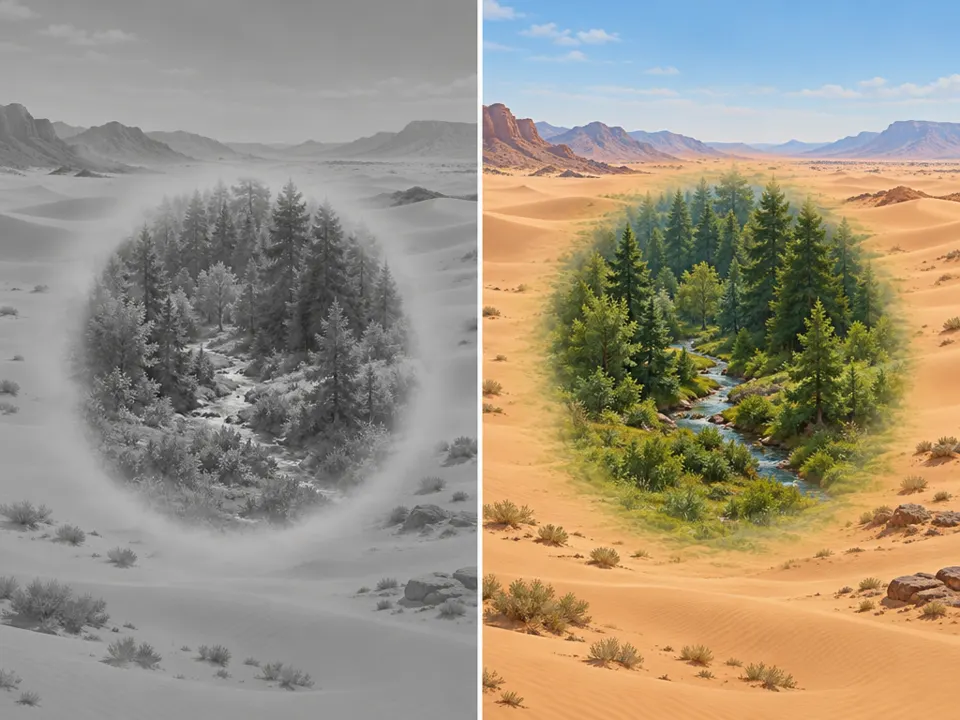
AI illustration: A desert scene contains a central oval of forest
04 AI illustration: A desert scene contains a central oval of forestA desert scene contains a central oval of forest. This illustrates masked generation by showing a specific region resynthesized with different content using a feathered mask edge.Illustration generated for the Atlas (AI)
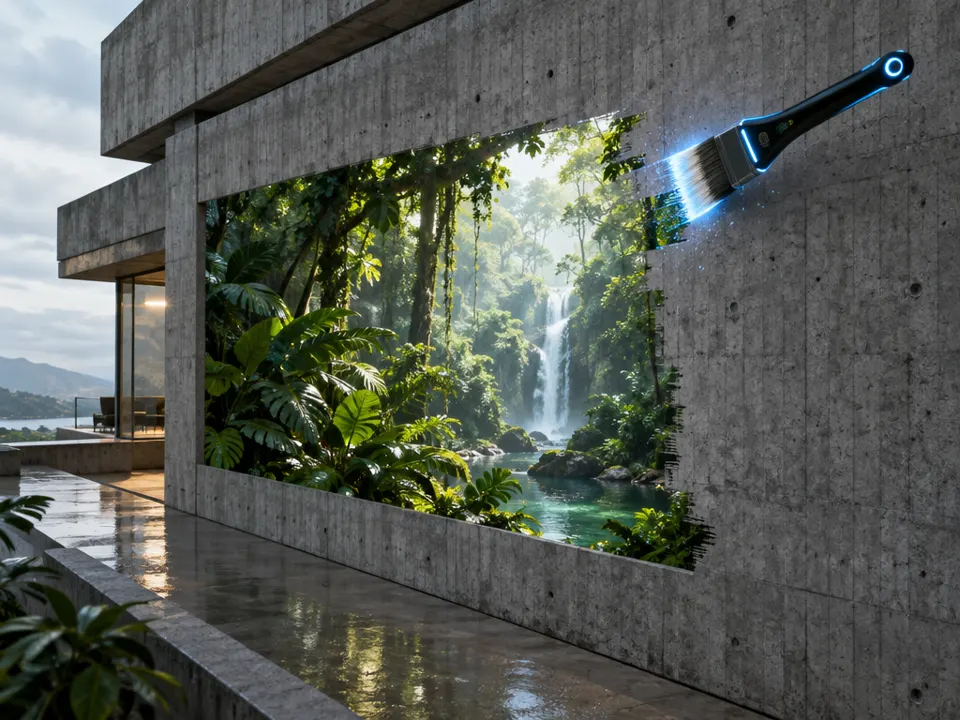
AI illustration: A digital brush reveals a tropical jungle on a concrete wall
05 AI illustration: A digital brush reveals a tropical jungle on a concrete wallA digital brush reveals a tropical jungle on a concrete wall. This shows a generative process enabled only where the brush mask is applied to the surface.Illustration generated for the Atlas (AI)
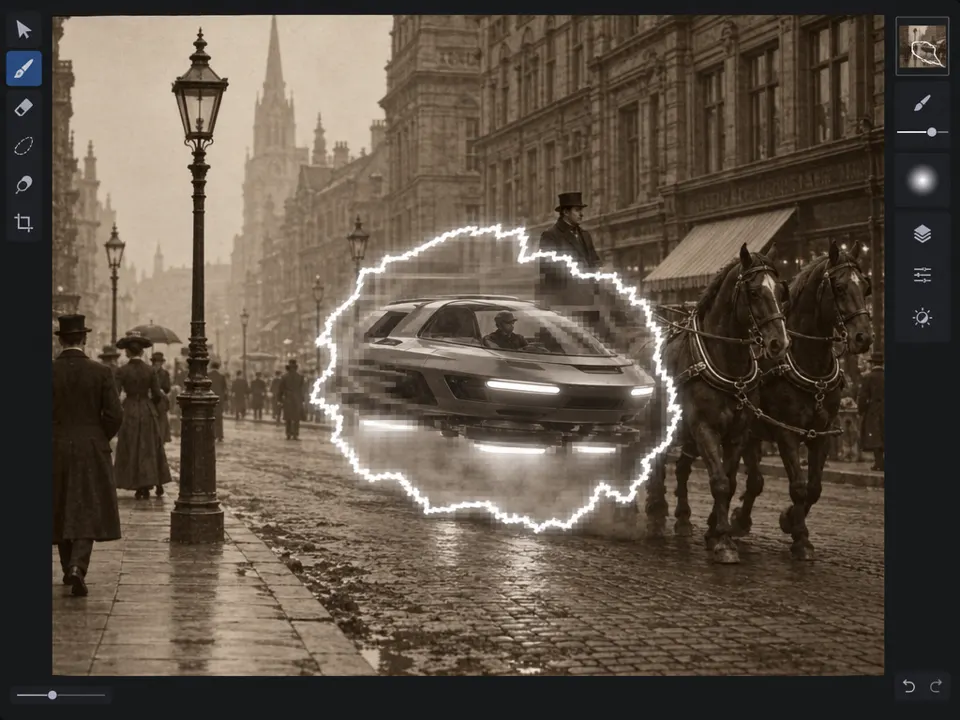
AI illustration: A glowing selection boundary indicates a targeted area for synthesis with
06 AI illustration: A glowing selection boundary indicates a targeted area for synthesis withA glowing selection boundary indicates a targeted area for synthesis within a sepia street scene. The futuristic vehicle appears only within this masked region while the surrounding context remains unchanged.Illustration generated for the Atlas (AI)
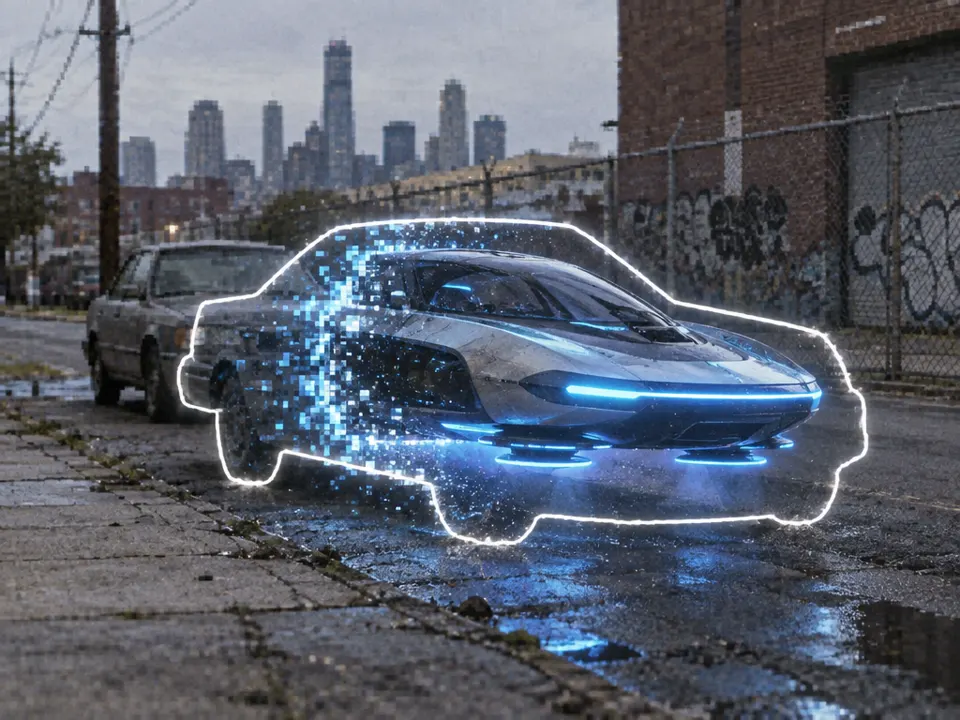
AI illustration: A futuristic car is generated within a glowing white outline atop an urba
07 AI illustration: A futuristic car is generated within a glowing white outline atop an urbaA futuristic car is generated within a glowing white outline atop an urban street. The defined border limits the transformation to the interior region, illustrating localized resynthesis.Illustration generated for the Atlas (AI)