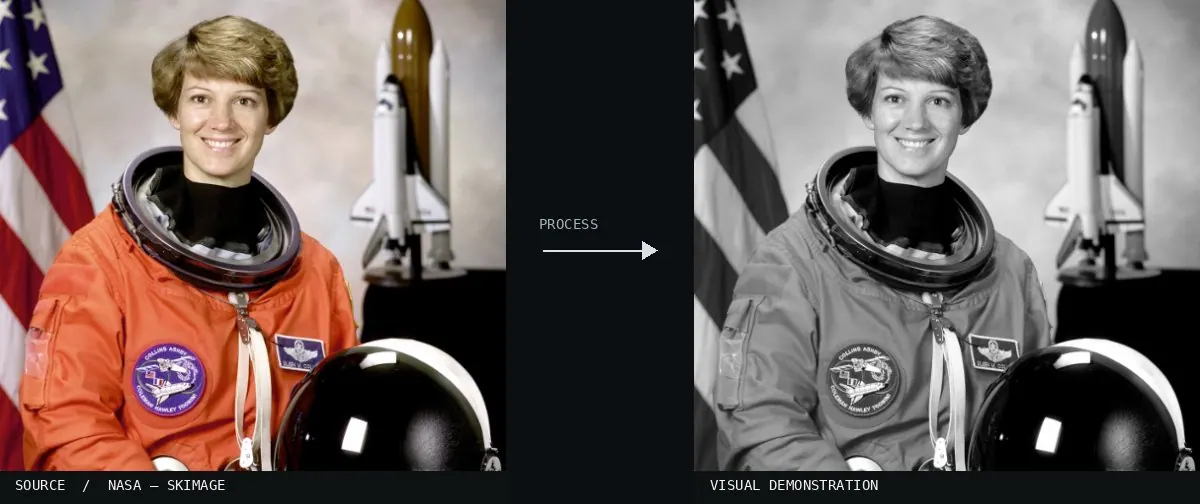
Real-world algorithm demonstration, applied to a NASA portrait.Image: NASA / Eileen Collins · scikit-image (public domain)View source ↗
Prompt
Apply a Luminance Grayscale effect, replacing all colors with neutral black, white, and gray according to perceptual brightness. Retain luminous yellows and greens, darker blues, smooth tonal transitions, natural surface texture, and existing light direction. Avoid tinting, added grain, or exaggerated contrast. Keep the original subject and composition.
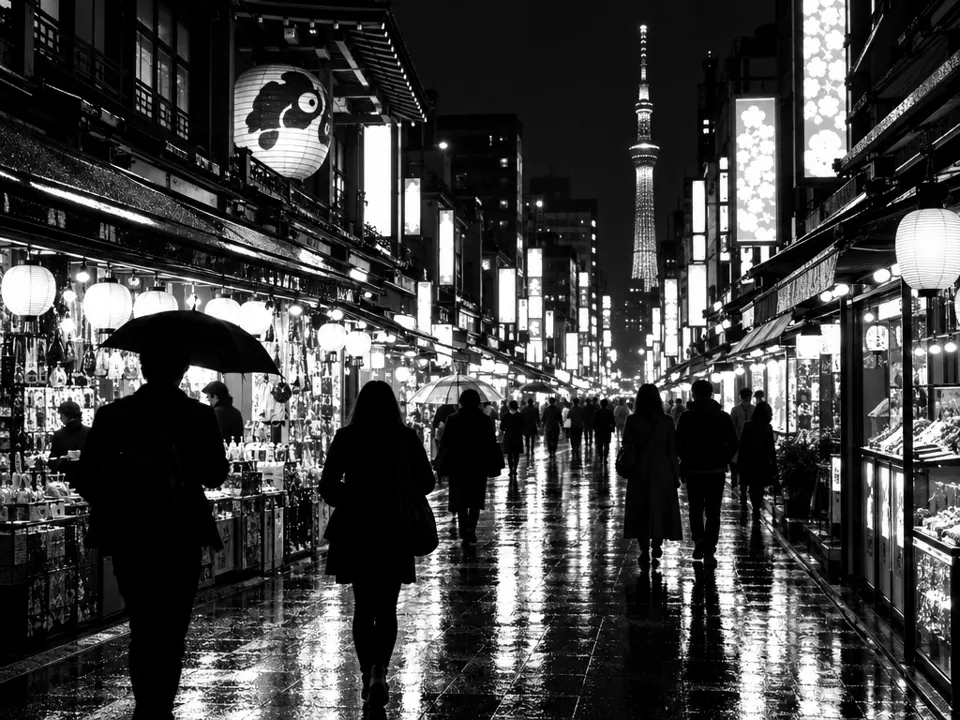
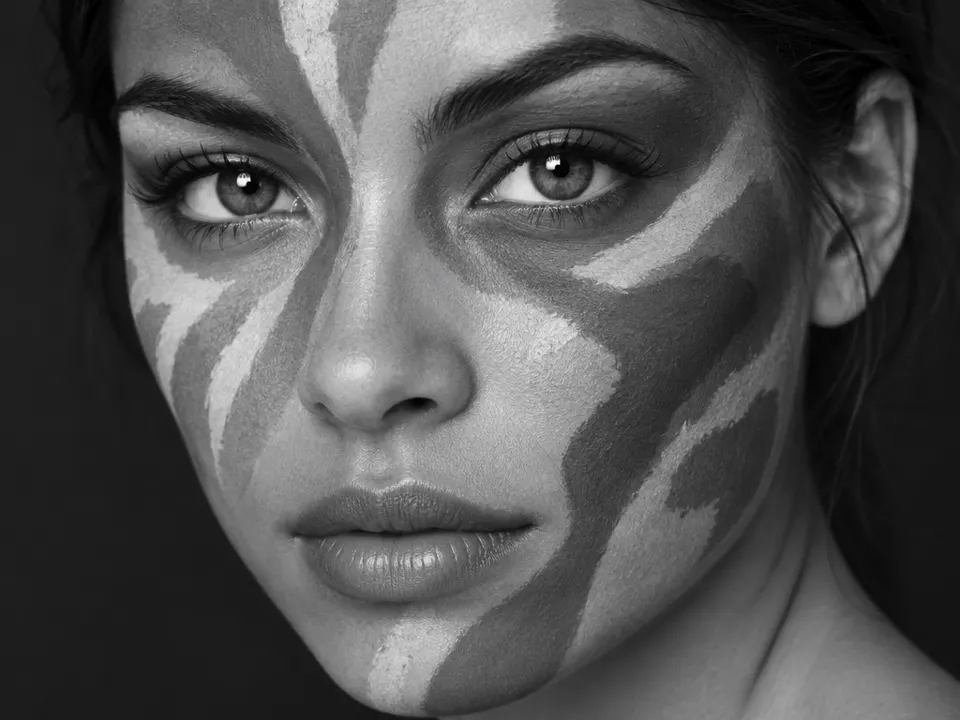
02Helmholtz-Kohlrausch effect visualized improvedColored squares and black brackets appear against a gray background, with bottom squares matching the background luminance. It demonstrates how luminance grayscale can make objects disappear when their calculated brightness matches the surrounding field.Retep998 · CC BY-SA 4.0 · Wikimedia Commons033D RGB profile of the Linear Gray Continous color gradientA linear path through the RGB cube from black to white. It represents a pure luminance axis where all color saturation is removed, leaving only brightness values.Adam majewski · CC BY-SA 4.0 · Wikimedia Commons04Cormorant-ycbcrA comparison of luma and chroma components of an image. The leftmost panel shows the luminance channel, demonstrating how brightness information survives the removal of color data.Guyy8fh · CC BY-SA 4.0 · Wikimedia Commons05Fire-breather 601 Luma Y'A fire-breather is captured using the Rec. 601 Luma weighted formula. The image shows how different color channels are mapped to grayscale based on perceptual brightness rather than simple averaging.Fire_breathing_2_Luc_Viatour.jpg: Luc Viatour; various "lightness" components extracted by jacobolus · CC BY-SA 3.0 · Wikimedia Commons06AI illustration: A night street scene is shown in monochromeA night street scene is shown in monochrome. The effect is illustrated by high-contrast brightness levels from lanterns and reflections against dark silhouettes, removing color while preserving luminance values.Illustration generated for the Atlas (AI)07AI illustration: A woman's face with painted patterns is displayedA woman's face with painted patterns is displayed. The luminance grayscale effect translates the varying hues of the face paint into distinct gray values based on their original brightness.Illustration generated for the Atlas (AI)