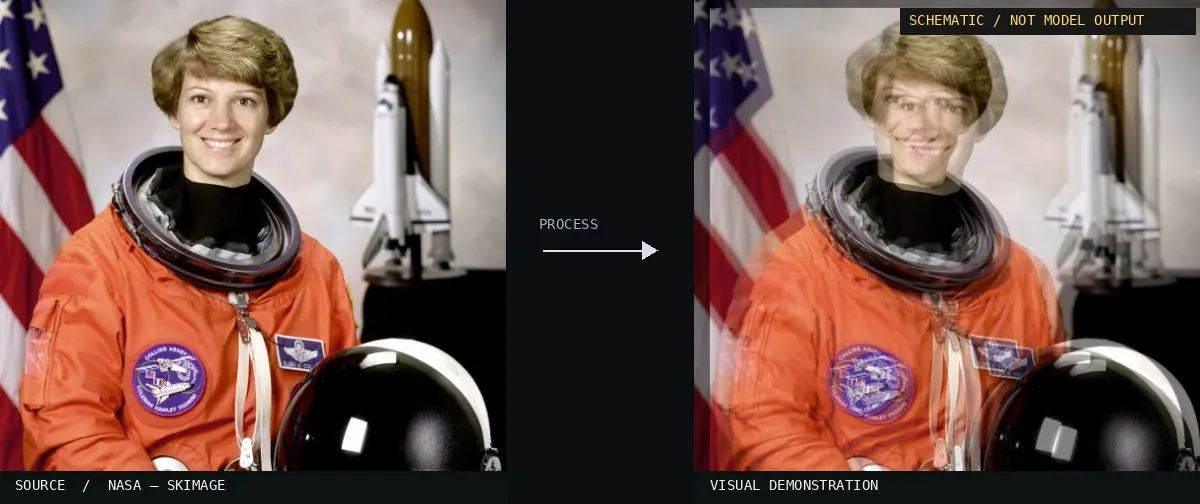
Schematic or classical approach — not a trained AI model output.Image: NASA / Eileen Collins · scikit-image (public domain)View source ↗
Prompt
Apply a Frame Interpolation effect, rendering a synthetic midpoint between subtly time-offset versions of the scene. Show gently displaced contours, faint double edges around moving details, localized optical-flow stretching, and soft translucent ghosting near occlusions. Retain natural colors and consistent lighting, avoiding uniform motion blur. Keep the original subject and composition.
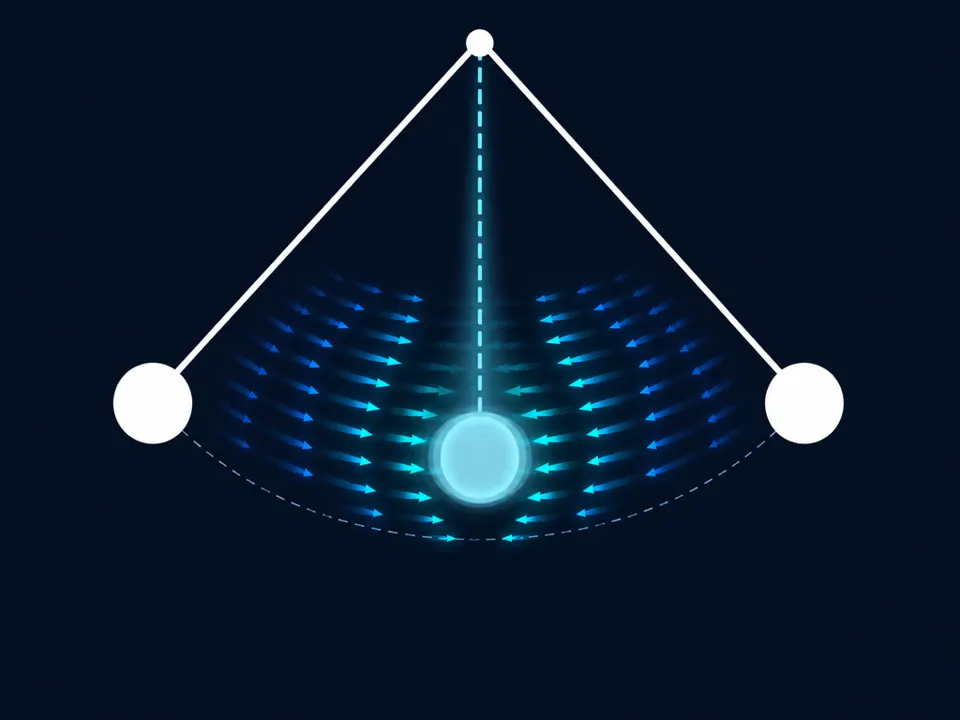
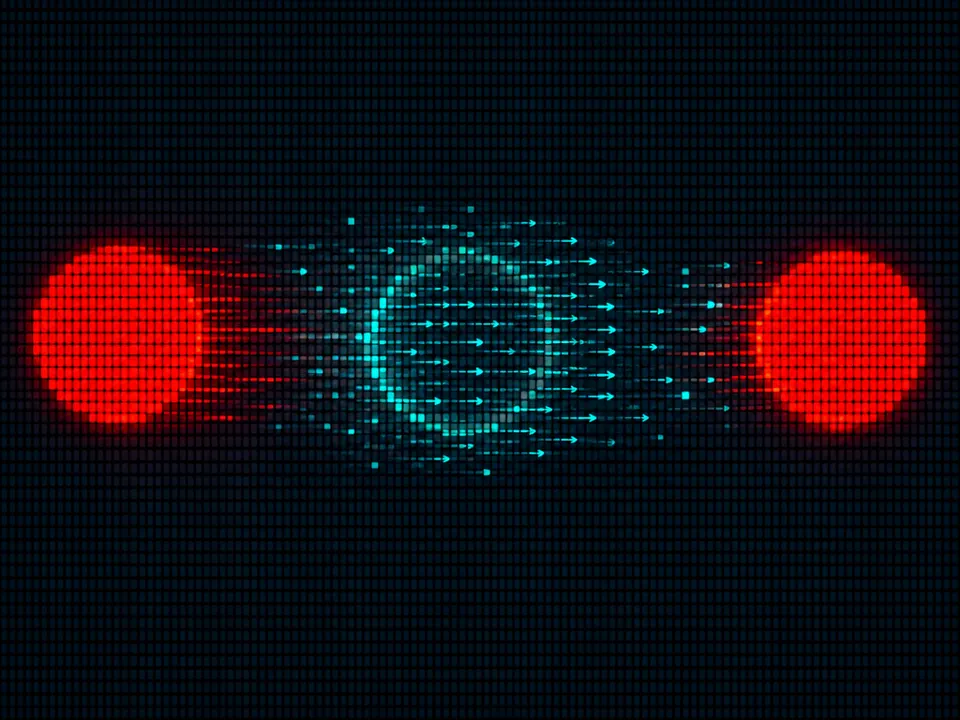
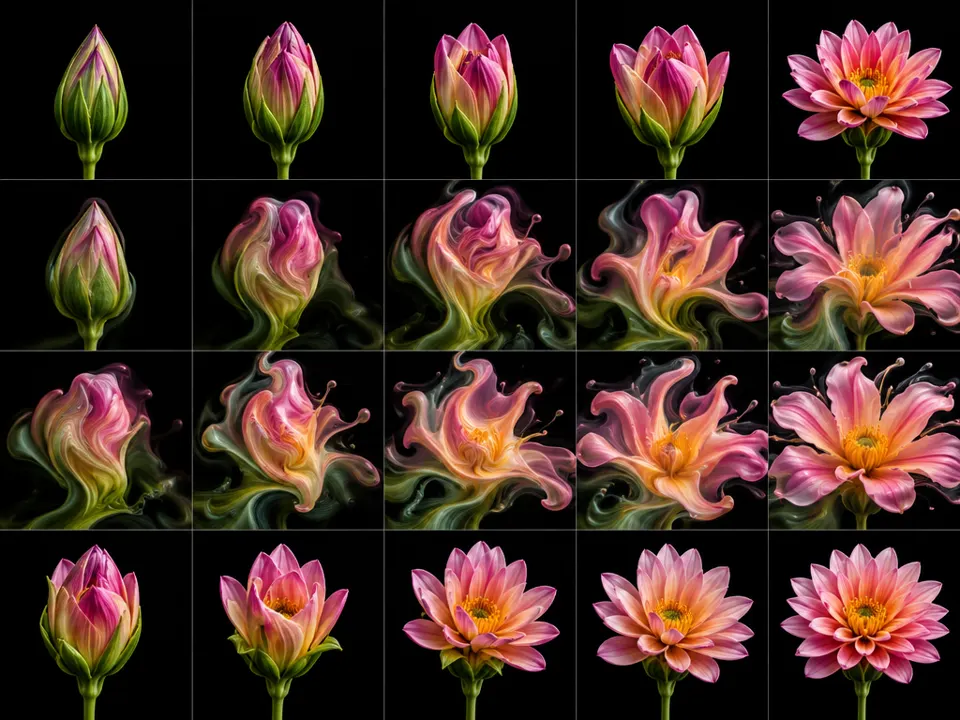
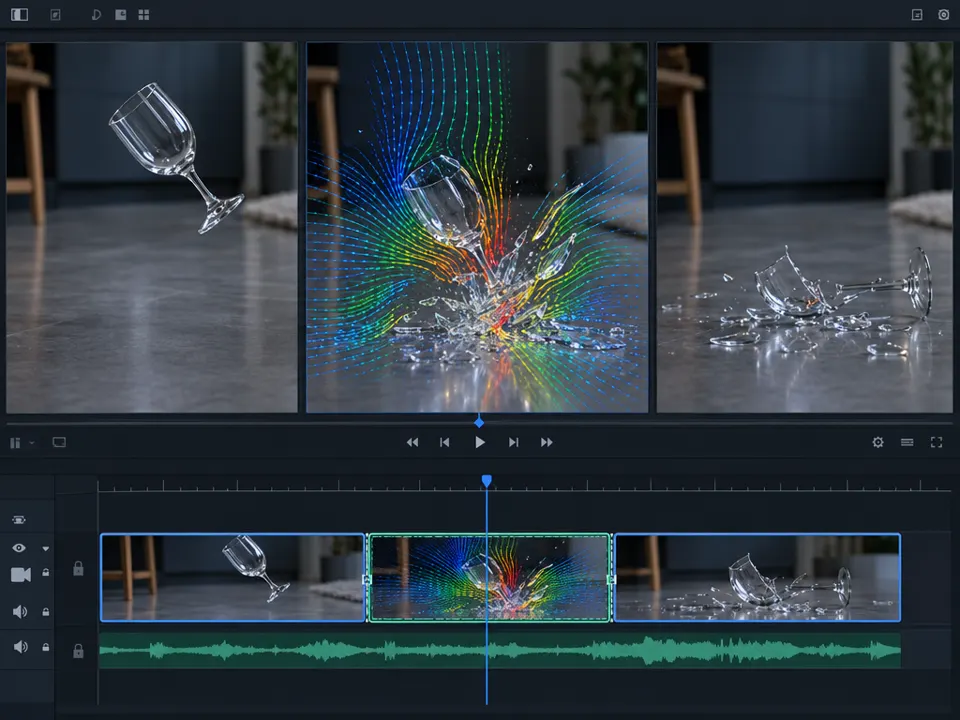
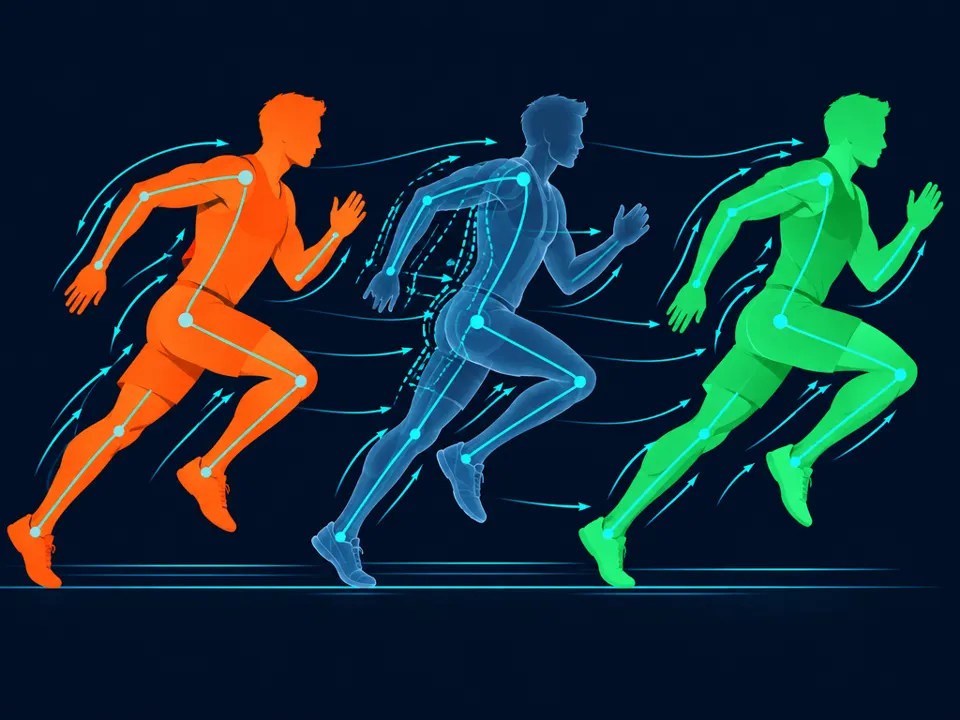
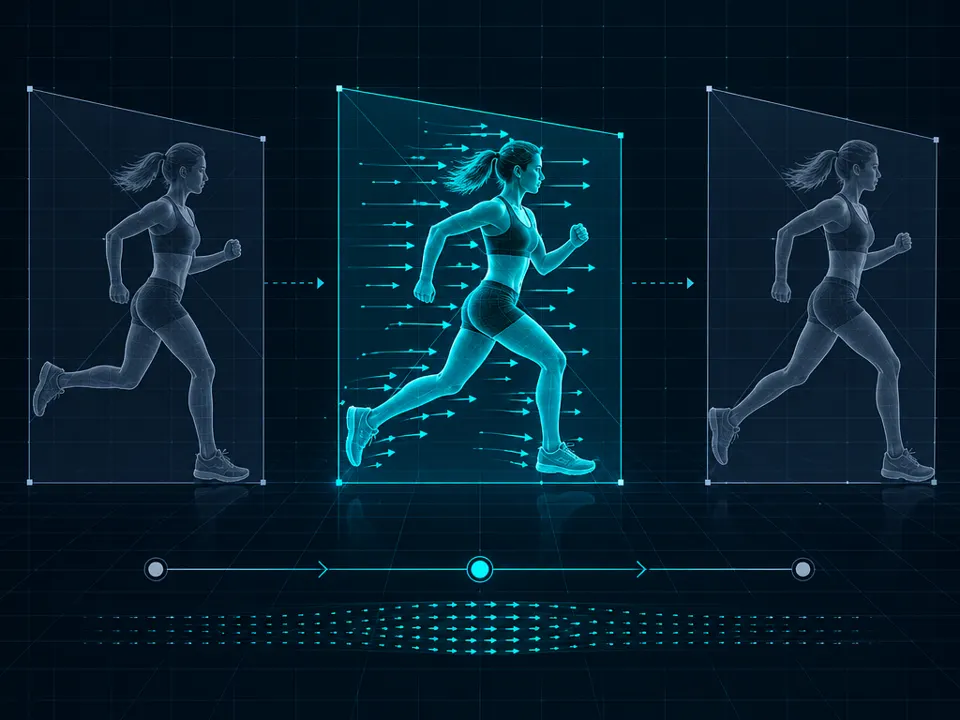
02AI illustration: A schematic shows two keyframes of a pendulum with an interpolated centraA schematic shows two keyframes of a pendulum with an interpolated central state. Motion vectors represent the temporal estimation of the missing frame between the two extreme positions.Illustration generated for the Atlas (AI)03AI illustration: Two red keyframe circles are connected by a central blue interpolated fraTwo red keyframe circles are connected by a central blue interpolated frame. Vector arrows illustrate the optical flow estimation used to synthesize the intermediate state.Illustration generated for the Atlas (AI)04AI illustration: A grid shows discrete stages of a flower bloomingA grid shows discrete stages of a flower blooming. The middle rows exhibit warping artifacts typical of neural frame interpolation trying to reconcile two different structural states.Illustration generated for the Atlas (AI)05AI illustration: A video editing interface displays a glass breaking between two keyframesA video editing interface displays a glass breaking between two keyframes. The central frame uses a colorful vector overlay to show the calculated motion of fragments.Illustration generated for the Atlas (AI)06AI illustration: A central wireframe runner is positioned between two solid-color keyframeA central wireframe runner is positioned between two solid-color keyframes. Vectors and joint points illustrate how motion path estimation generates the intermediate temporal state.Illustration generated for the Atlas (AI)07AI illustration: A central frame shows a runner positioned between two temporal statesA central frame shows a runner positioned between two temporal states. The inclusion of motion vectors illustrates the estimation of movement for synthesizing the intermediate image.Illustration generated for the Atlas (AI)