2010s, widespread adoption in major film franchises
Typeface · Questrial
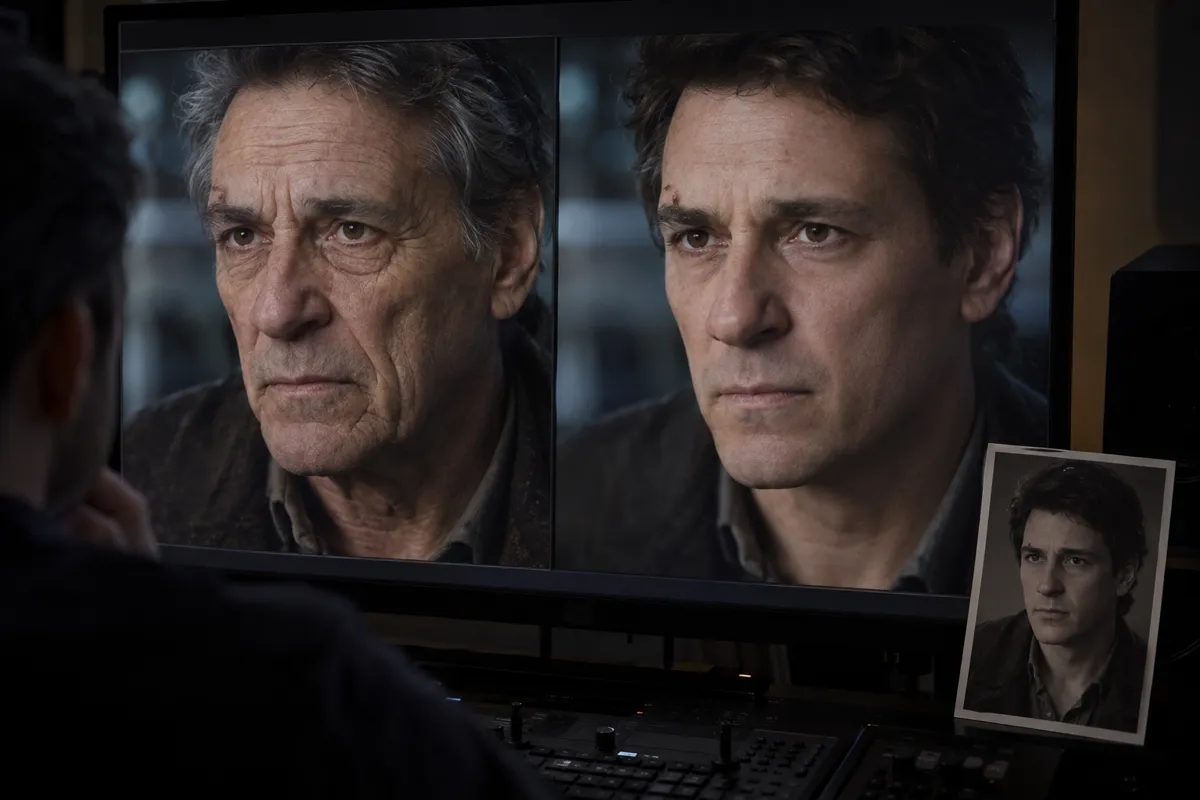
AI illustration: Side-by-side digital de-aging comparison on monitor.Illustration generated for the Atlas (AI)View source ↗
Prompt
Apply a Digital De-Aging effect, making the person appear naturally younger through softened wrinkles, reduced under-eye hollows, subtly fuller cheeks, and firmer facial contours. Retain pores, characteristic facial proportions, believable hair texture, and lighting-consistent shadows, avoiding waxy smoothing or exaggerated reshaping. Keep the original subject and composition.
You see an older actor [appearing remarkably younger]on screen. Their skin is smooth, and their facial structure matches older photographs.
Principle
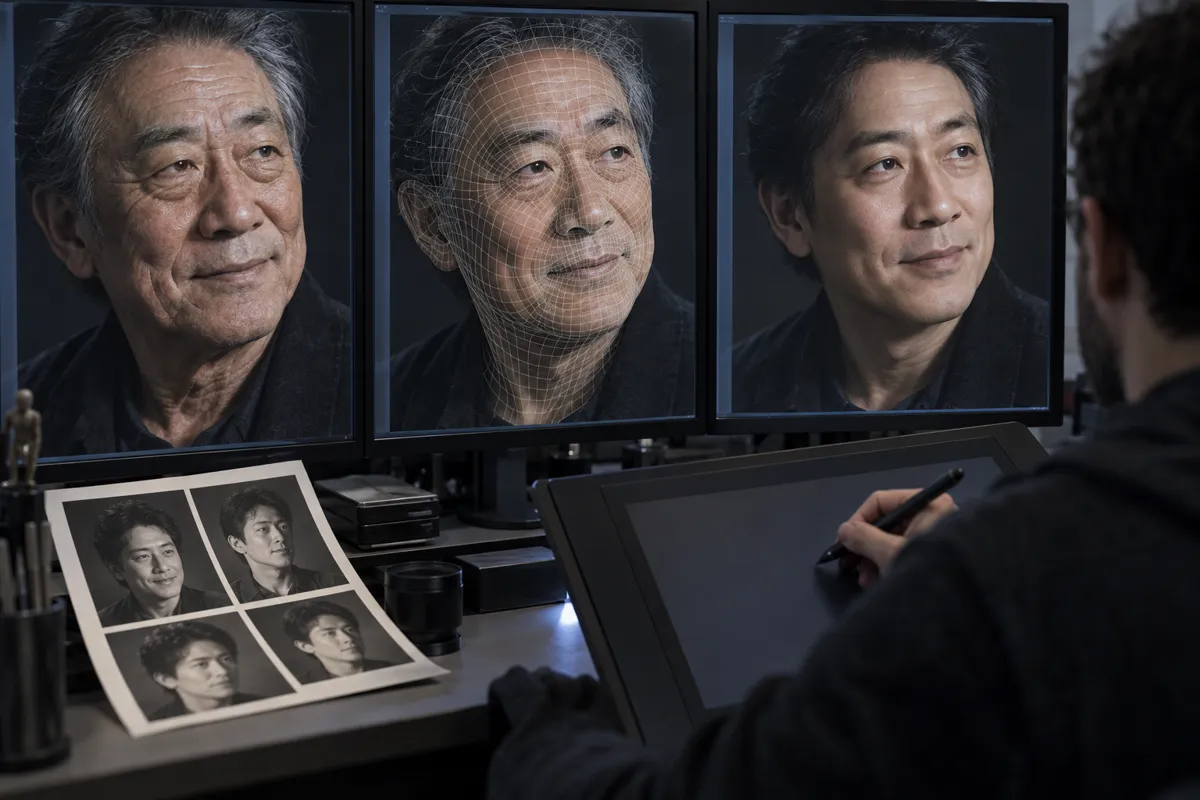
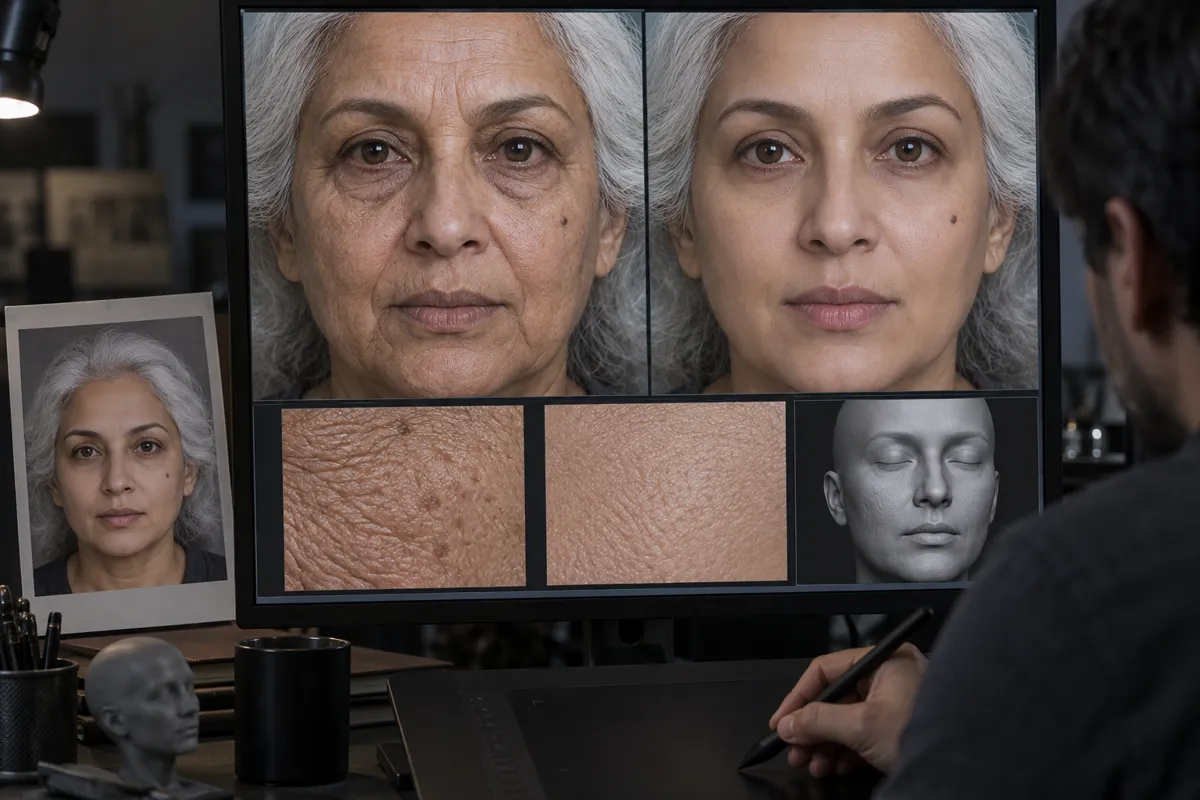
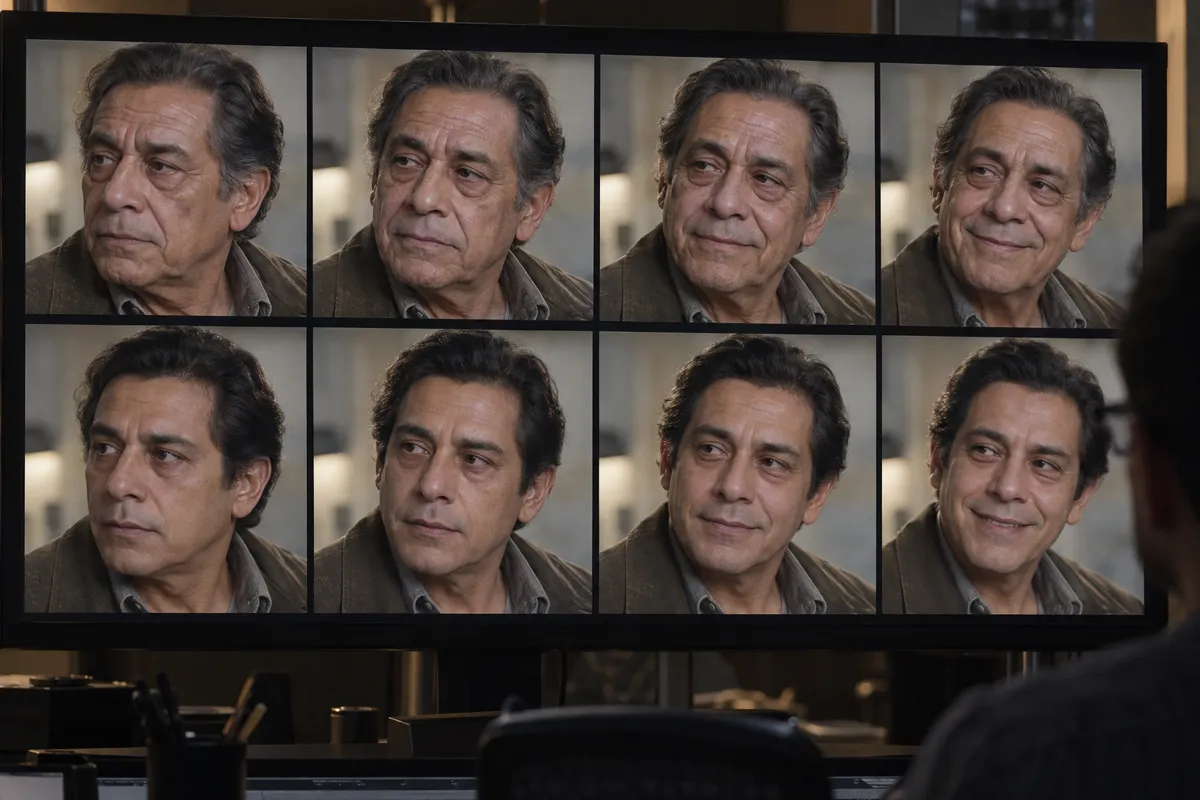
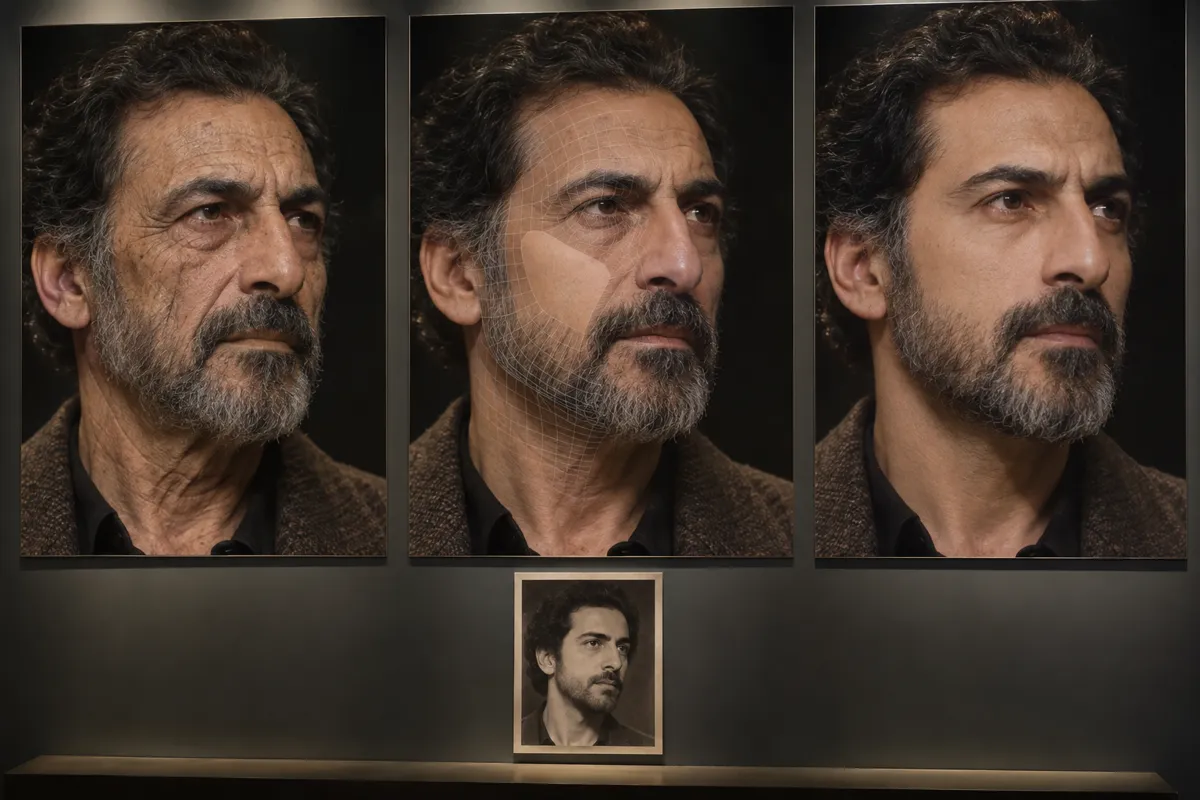
Visual effects artists digitally [alter high-resolution footage]frame by frame. They warp facial geometry1and [replace skin textures]using 3D models2.
Example
Lola VFX: Ant-Man (Young Michael Douglas), 2015.
Try it out
Look closely at the mouth and eyes of ade-aged character; notice if the lip movements feel slightly stiff or weightless.
Background
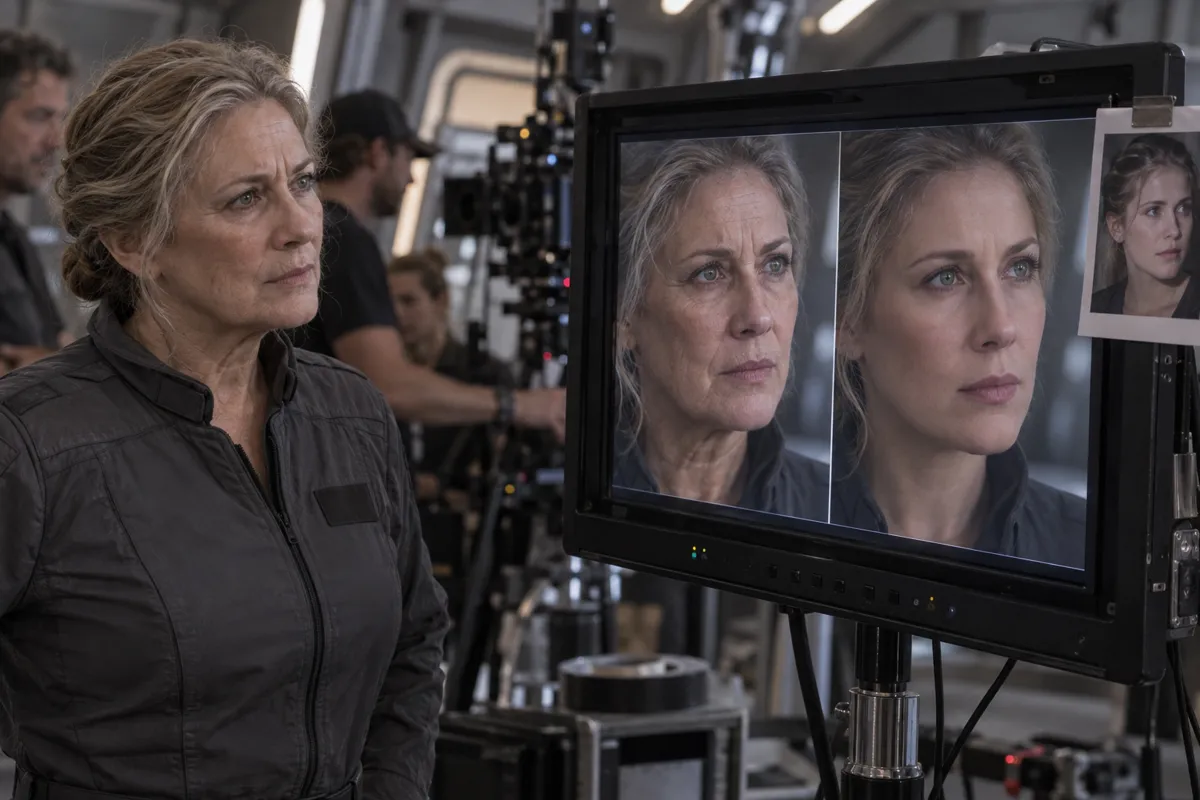
While early digital makeup existed before, digital de-aging became astandard tool in the 2010s. Studios like Lola VFX pioneered atechnique often compared to digital plastic surgery. Artists use reference photos from an actor's youth to guide their work. They take the live-action footage3and meticulously adjust sagging skin, wrinkles, and bone structure. Sometimes, ayounger double performs the scene alongside the veteran actor. The effects team then blends the older actor’s performance onto the younger body. This technique allows aging stars to reprise iconic roles in prequels without casting new actors.
Distinction
Unlike deepfakes which use artificial intelligence to swap faces automatically, digital de-aging relies on manual, frame-by-frame 3D sculpting by human artists.
Aftermath
It reveals our enduring desire to freeze time and preserve beloved screen icons indefinitely.
Further examples · 7 images
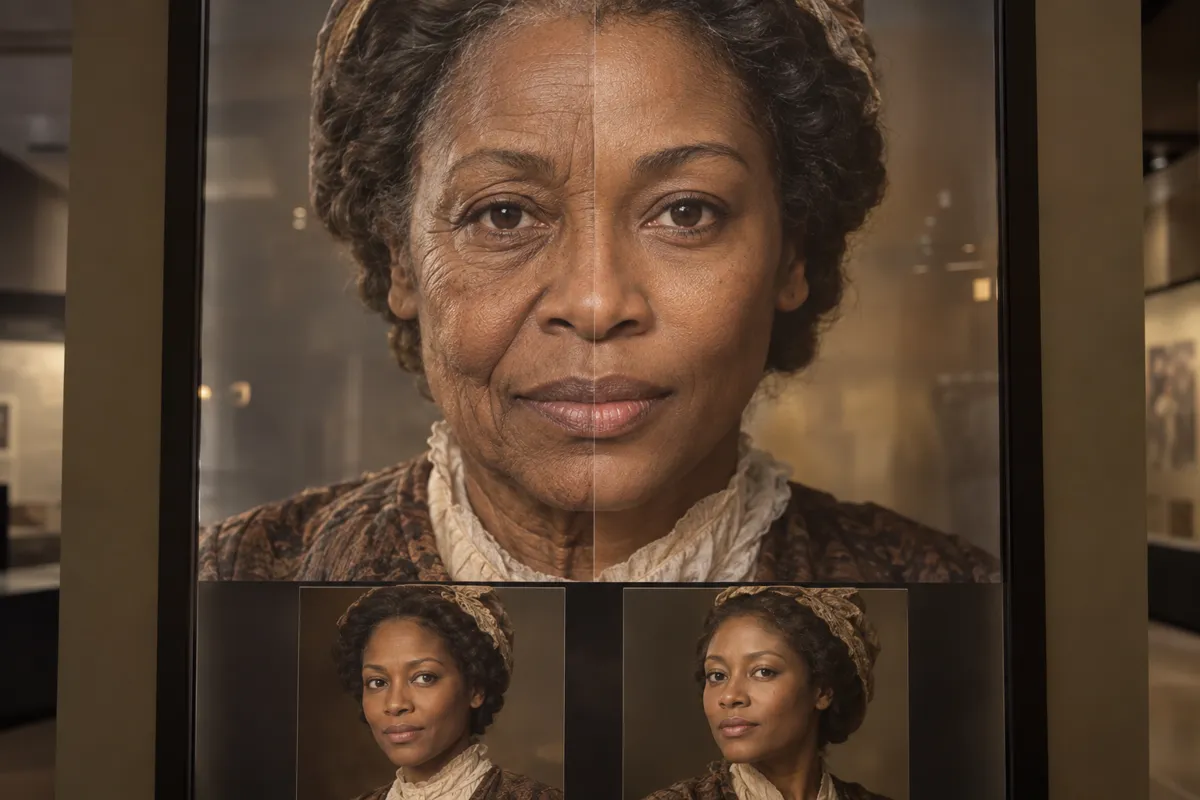
02AI illustration: Split-face comparison of aging and rejuvenationA portrait of a woman shows a vertical split down her face, contrasting aged skin textures with youthful, unblemished digital recreation. Smaller reference images at the bottom illustrate the target appearance used by artists to guide the transformation.Illustration generated for the Atlas (AI)03AI illustration: Digital workflow for 3D facial reconstructionThree screens show the progression from a raw photograph to a wireframe 3D model and finally a fully rendered younger version of the subject. This triptych captures the technical workflow of remapping facial geometry to alter a subject's apparent age.Illustration generated for the Atlas (AI)04AI illustration: Skin texture mapping and 3D modelingA high-resolution display highlights the differences in skin pore detail and sagging between an actor's current state and a digitally enhanced younger version. Below the main frames, detailed texture maps and a 3D clay model illustrate the underlying assets used in the process.Illustration generated for the Atlas (AI)05AI illustration: Frame-by-frame digital rejuvenation gridA grid of eight video frames shows an actor's expressions being translated from their natural aged state to a synchronized younger appearance. This serial view demonstrates how digital alterations must remain consistent across different movements and frames.Illustration generated for the Atlas (AI)06AI illustration: On-set monitor showing live digital de-agingOn a film set, a production monitor displays a live comparison between an older actress and her digitally modified younger self. The presence of cameras and crew in the background emphasizes the real-time application of these visual effects in cinema.Illustration generated for the Atlas (AI)07AI illustration: Process panels for digital facial rejuvenationA set of three panels illustrates the journey from a weathered face to a mesh-overlaid model and the final polished youthful portrait. A black-and-white reference photo provides the historical baseline for the facial structure being reconstructed.Illustration generated for the Atlas (AI)
Question
Why do de-aged faces sometimes look slightly unnatural or animated?
Show possible answer +Hide answer −
Human skin scatters light in complex ways. Recreating that subsurface scattering and natural muscle weight digitally is extremely difficult.