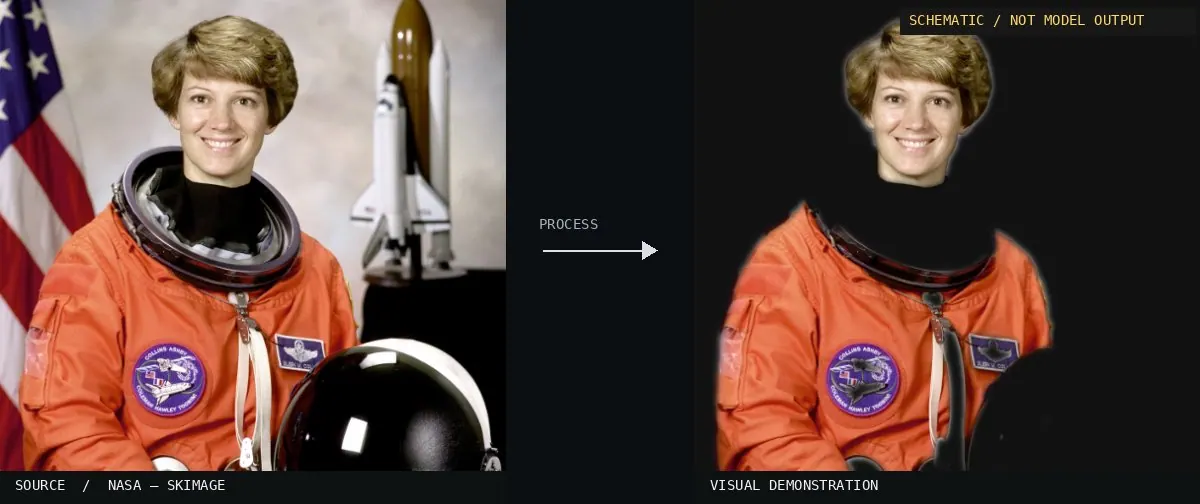
Schematic or classical approach — not a trained AI model output.Image: NASA / Eileen Collins · scikit-image (public domain)View source ↗
Prompt
Transform this image into an Alpha Matte visualization with opaque foreground areas in white, fully transparent background areas in black, and intermediate opacity in gray. Preserve delicate hair, fine fibers, and translucent edge details through soft, precise transitions rather than uniformly blurred outlines. Keep the original subject and composition.
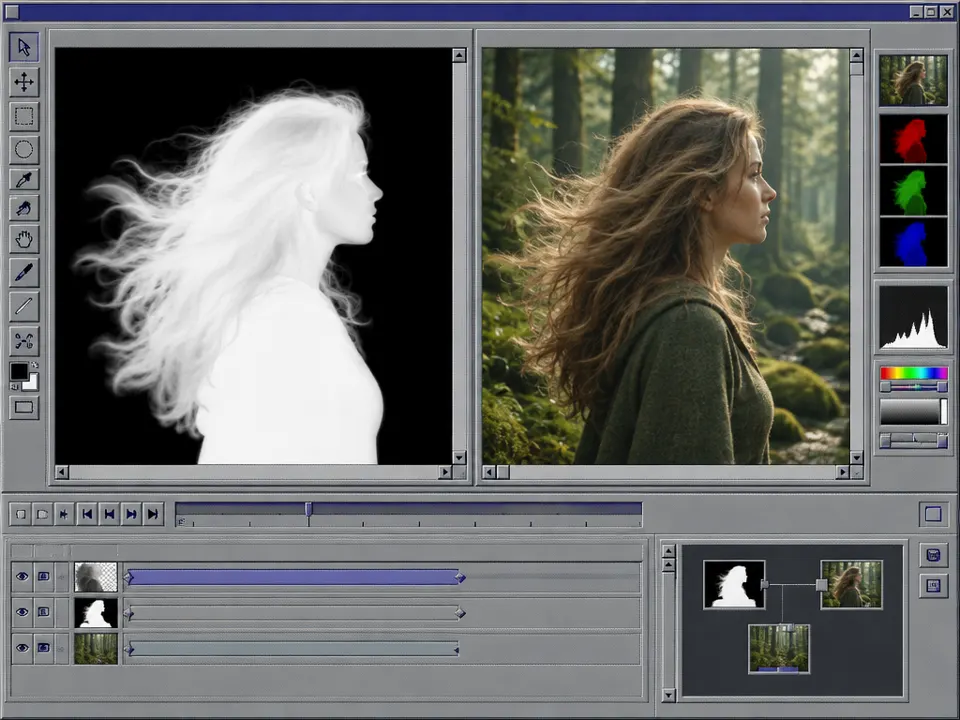
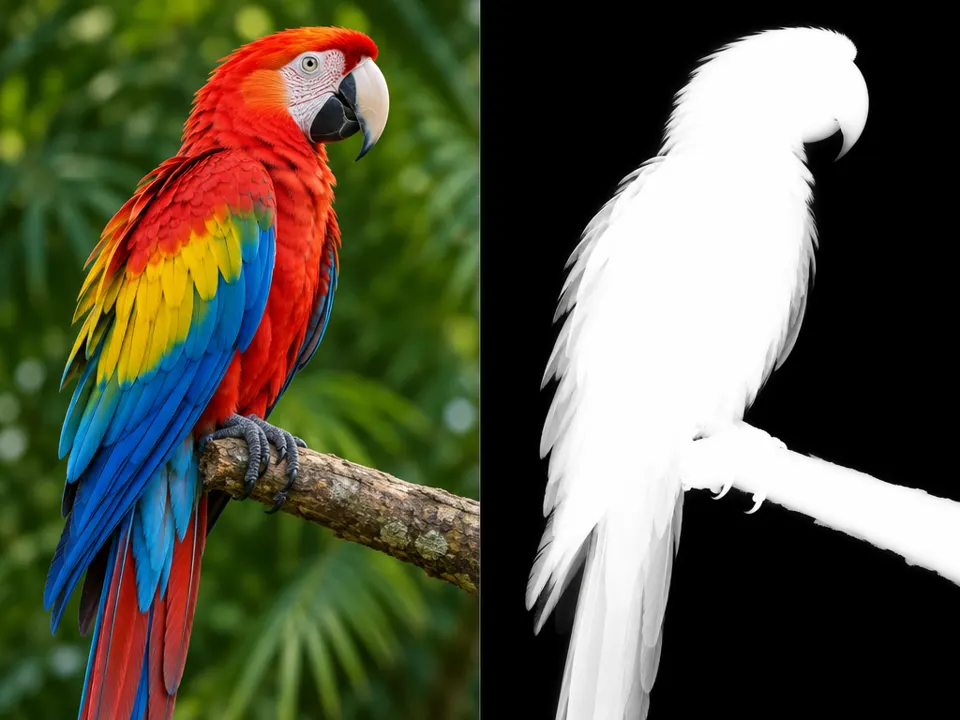
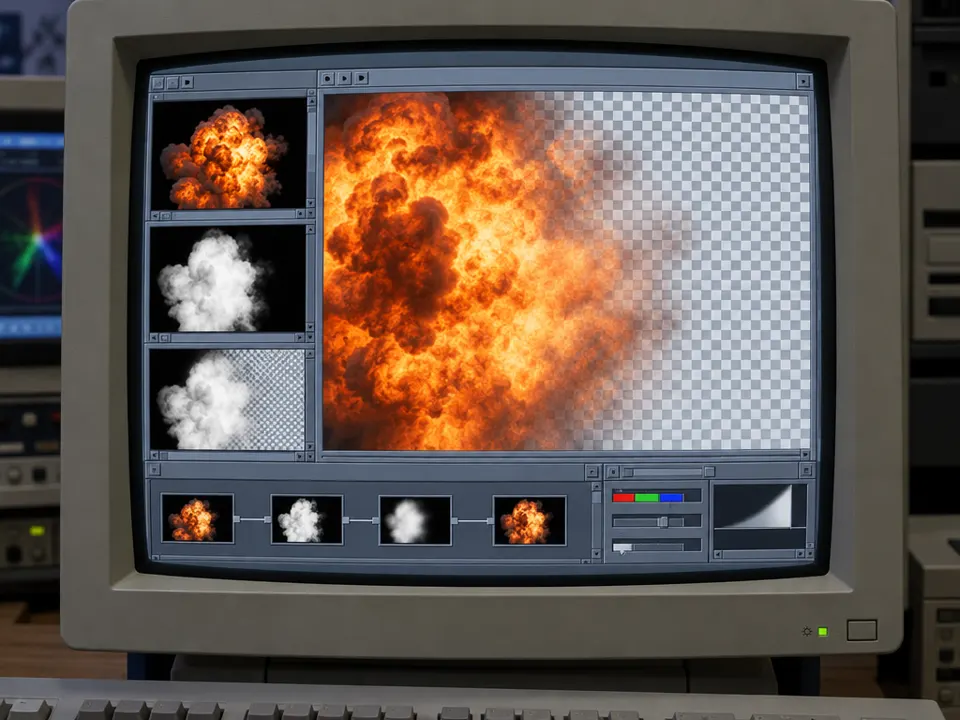
02Menger - Prism Shape x Quaternion 1565501587 8K alphaA grayscale image representing a complex 3D shape. It serves as a schematic alpha matte where white indicates full opacity and black indicates transparency, defining the visibility of the object for digital compositing.PantheraLeo1359531 · CC BY-SA 4.0 · Wikimedia Commons03Layer-masks-maskA high-contrast black and white silhouette of a bird. This is a basic binary matte used to isolate a subject from its background during the digital editing process.Magnus Lewan · Public domain · Wikimedia Commons04Process of bluescreen compositing jaA series of diagrams illustrates the compositing workflow. The central panels show a grayscale matte used to isolate the subject from the background, demonstrating how alpha values define transparency for digital layering.Wikiwikiyarou · CC BY-SA 3.0 · Wikimedia Commons05AI illustration: A software interface displays a grayscale mask alongside the composited sA software interface displays a grayscale mask alongside the composited subject. The mask contains soft gradients at the hair edges to define translucency against the background.Illustration generated for the Atlas (AI)06AI illustration: A macaw is paired with its corresponding grayscale alpha channelA macaw is paired with its corresponding grayscale alpha channel. The feathered edges of the mask display soft gradients, representing the translucent transitions necessary for digital compositing.Illustration generated for the Atlas (AI)07AI illustration: Software interface shows an explosion being compositedSoftware interface shows an explosion being composited. Grayscale alpha masks are displayed alongside the result, demonstrating how semi-transparent smoke values are calculated against a checkerboard background.Illustration generated for the Atlas (AI)