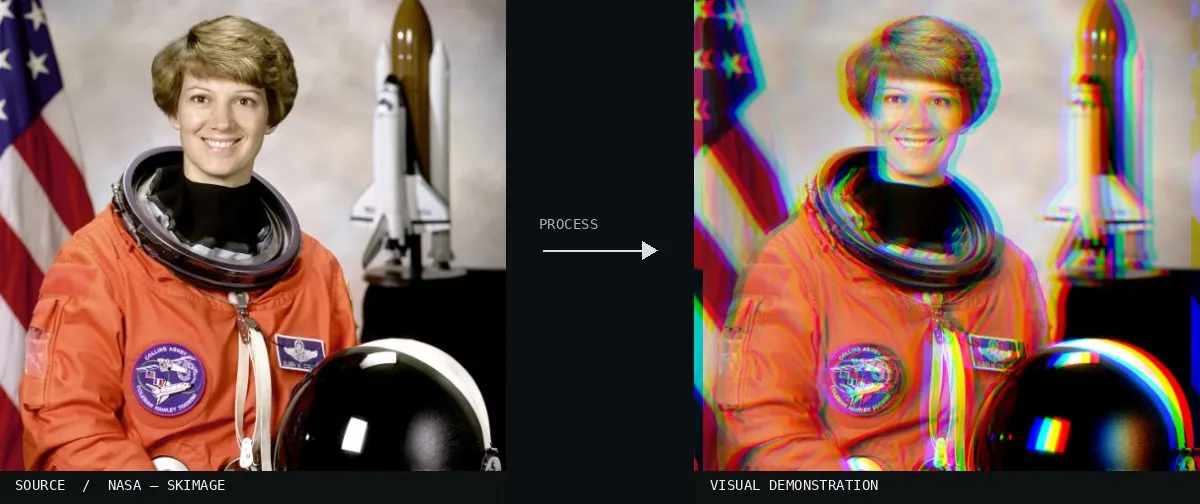
Real-world algorithm demonstration, applied to a NASA portrait.Image: NASA / Eileen Collins · scikit-image (public domain)View source ↗
Prompt
Apply an RGB Channel Split effect by offsetting red, green, and blue image layers in different directions. Create clearly separated colored double edges around high-contrast contours, with overlapping colors across textured areas. Keep displacement consistent across the frame rather than stronger at corners; keep the original subject and composition.
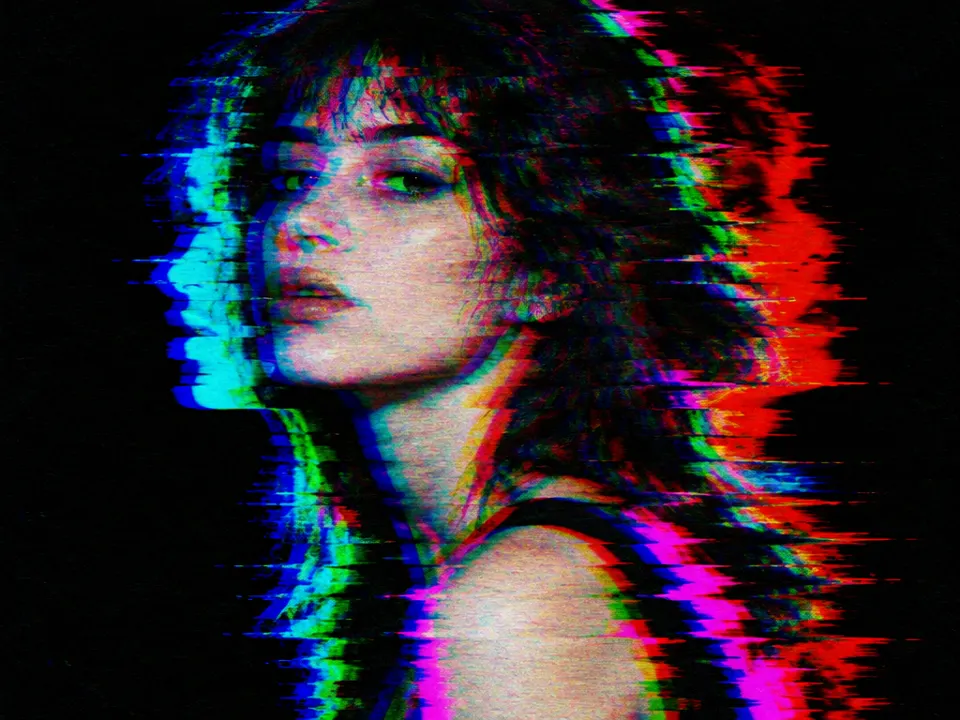
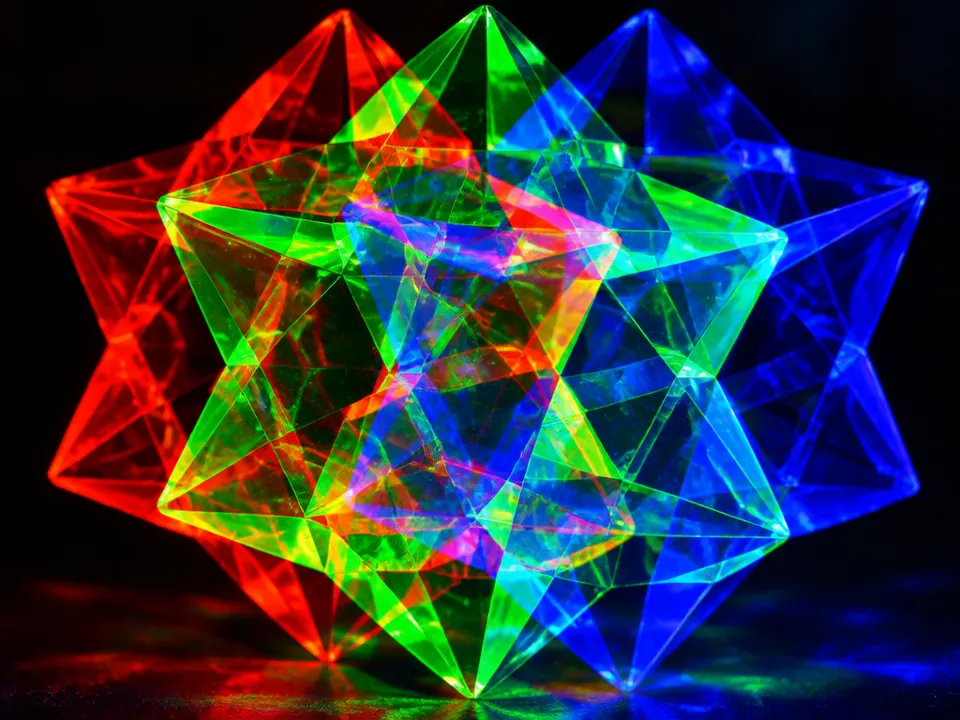
02RGB channels separationA diagram displays a parrot image deconstructed into its red, green, and blue components. It demonstrates how full color is achieved by combining these specific channel values at every pixel location.Ricardo Cancho Niemietz (talk) · Public domain · Wikimedia Commons03Mars 3D anaglyph (colour) ESA200429A celestial body shows distinct red and yellow-green fringes along its circumference. These offsets represent the misalignment of color channels, demonstrating the basic visual output of an RGB split.European Space Agency · CC BY-SA 3.0 igo · Wikimedia Commons04Illusion of Depth and Space (15 22) - Colour 3D Anaglyph of 3D Anaglyph (Red and "Green") Stereoscopic Glasses (3386152940)The edges of the glasses exhibit cyan and red ghosting. This offset between the color channels creates the characteristic visual divergence seen in digital RGB channel splitting.Dominic Alves · CC BY 2.0 · Wikimedia Commons05Rabe Crater 3D (14193170635)The crater edges show a clear lateral displacement between the red and cyan components. This shift illustrates how individual color channels can be manipulated independently to alter image perception.European Space Agency · CC BY-SA 3.0 igo · Wikimedia Commons06AI illustration: A woman's portrait shows clear horizontal pixel shiftsA woman's portrait shows clear horizontal pixel shifts. Red, green, and blue color channels are misaligned along the edges to create a digital glitch effect.Illustration generated for the Atlas (AI)07AI illustration: A geometric shape displays distinct red, green, and blue offsetsA geometric shape displays distinct red, green, and blue offsets. These primary color channels are shifted symmetrically to produce visible color separation.Illustration generated for the Atlas (AI)

_ESA200429.jpg)
_-_Colour_3D_Anaglyph_of_3D_Anaglyph_(Red_and_%22Green%22)_Stereoscopic_Glasses_(3386152940).jpg)
.jpg)