Gaussian Blur
filtering, restoration & motion
Prompt
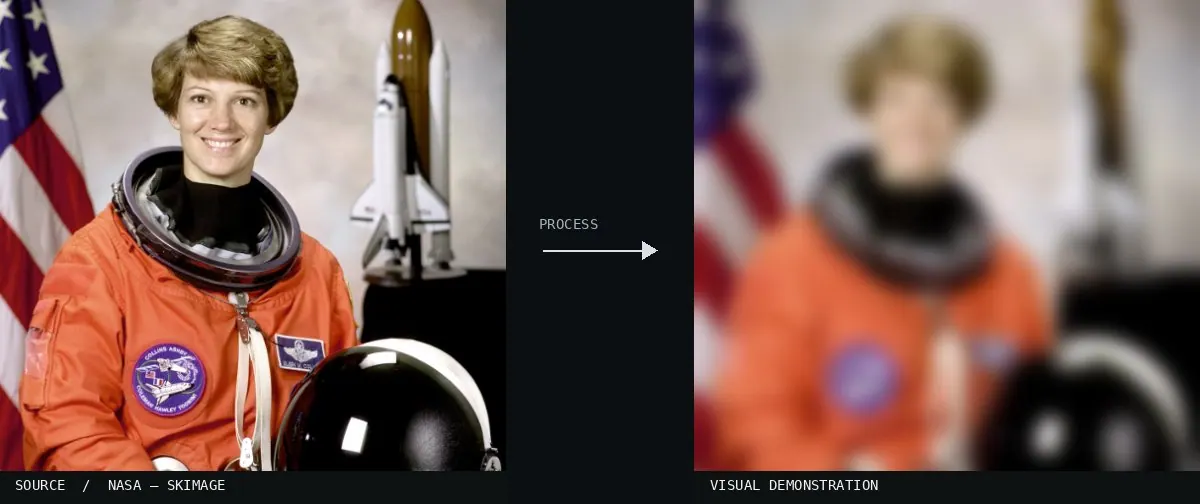
Apply Gaussian Blur evenly across the photograph, softening edges in every direction with smooth, rounded transitions. Blend fine textures and grain into continuous color gradients, gently diffuse highlights, and reduce small details without directional streaks, doubled contours, or artificial surface texture. Preserve the original subject and composition.
Identify
Edges blur without a preferred direction.
Principle
A Gaussian convolution1 averages neighboring values with decreasing distance.
Try it out
Compare Sigma2 2 and 12.
Classification
Calculated image processing result.
Further examples · 10 images


.jpg)


