H 307 / 3212010s

Flat Design

2010s; Windows 8, 2012, and iOS 7, 2013

Typeface · Raleway

Football in Solid Colour. A brown American football is reduced to a broad silhouette, white stripes, white laces, and thin seam lines.
Football in Solid Colour. A brown American football is reduced to a broad silhouette, white stripes, white laces, and thin seam lines.CFCF · CC0 · via Wikimedia CommonsView source ↗

Prompt

Transform this image into a Flat Design illustration using solid color fields, simplified silhouettes, crisp geometric edges, and a restrained high-contrast palette. Replace surface textures and modeled lighting with uniform fills; omit gradients, grain, bevels, and cast shadows. Keep the original subject and composition.

Identify

You see solid colour fields, simplified icons, and clear typography arranged with generous spacing. Strict examples avoid gradients, textures, bevels1, and cast shadows.

Principle

Uniform colour fills replace simulated lighting and material surfaces. Visual hierarchy2 comes from contrast, size, alignment, and spacing rather than rendered depth.

Example

Microsoft: Windows 8 Start screen, 2012.

Try it out

Draw a button with a gradient and shadow, then redraw it using one solid colour; compare how clearly each suggests clicking.

Background

Flat design became prominent in digital interfaces during the early 2010s, drawing on older traditions of geometric graphics and orderly typography. Microsoft's Metro design language shaped Windows Phone and the Windows 8 Start screen. Apple's iOS 7 helped popularise the broader shift in 2013, although it retained gradients, translucency3, and depth effects. Strict flat design replaces simulated materials with solid fills and simplified shapes. Designers use scale, spacing, and colour contrast to organise information. Removing familiar button edges can, however, make interactive controls harder to recognise.

Distinction

Unlike skeuomorphism, flat design generally avoids imitating physical materials and objects. Unlike minimalism, it specifically reduces depth cues, not necessarily content or colour.

Aftermath

Flat design shows how typography and spacing can organise a screen, but decoration sometimes provides useful clues about interaction.

Further examples · 7 images

Ear Pictogram on Blue
02 Ear Pictogram on BlueA white ear with a heavy black outline occupies a bright blue circle. The pictogram uses uniform colour, strong contrast, and simplified contours without shading or surface texture.Nihemj · CC BY-SA 4.0 · Wikimedia Commons
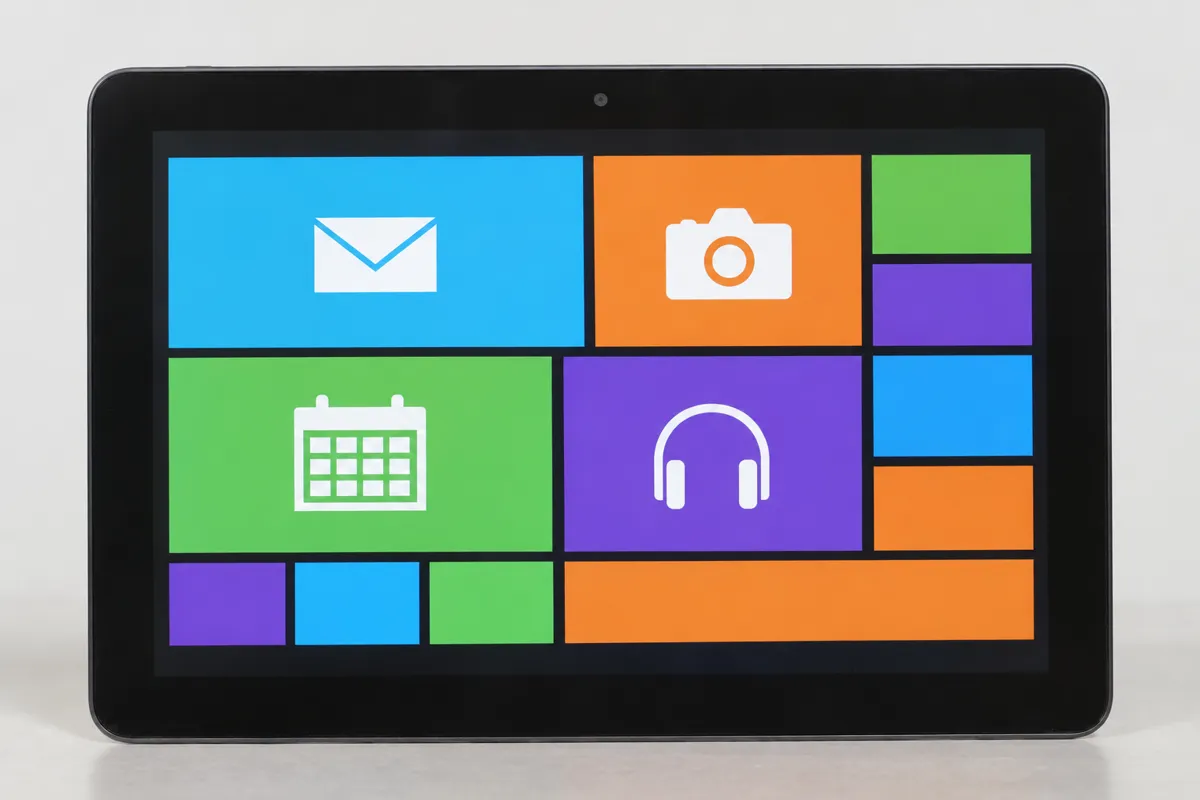
AI illustration: Tiled Flat Design Interface on Tablet
03 AI illustration: Tiled Flat Design Interface on TabletA tablet displays a user interface composed of vibrant, solid-colored rectangular tiles and simple white icons. The layout avoids all highlights and shadows, relying entirely on 2D geometry and high contrast for clarity.Illustration generated for the Atlas (AI)
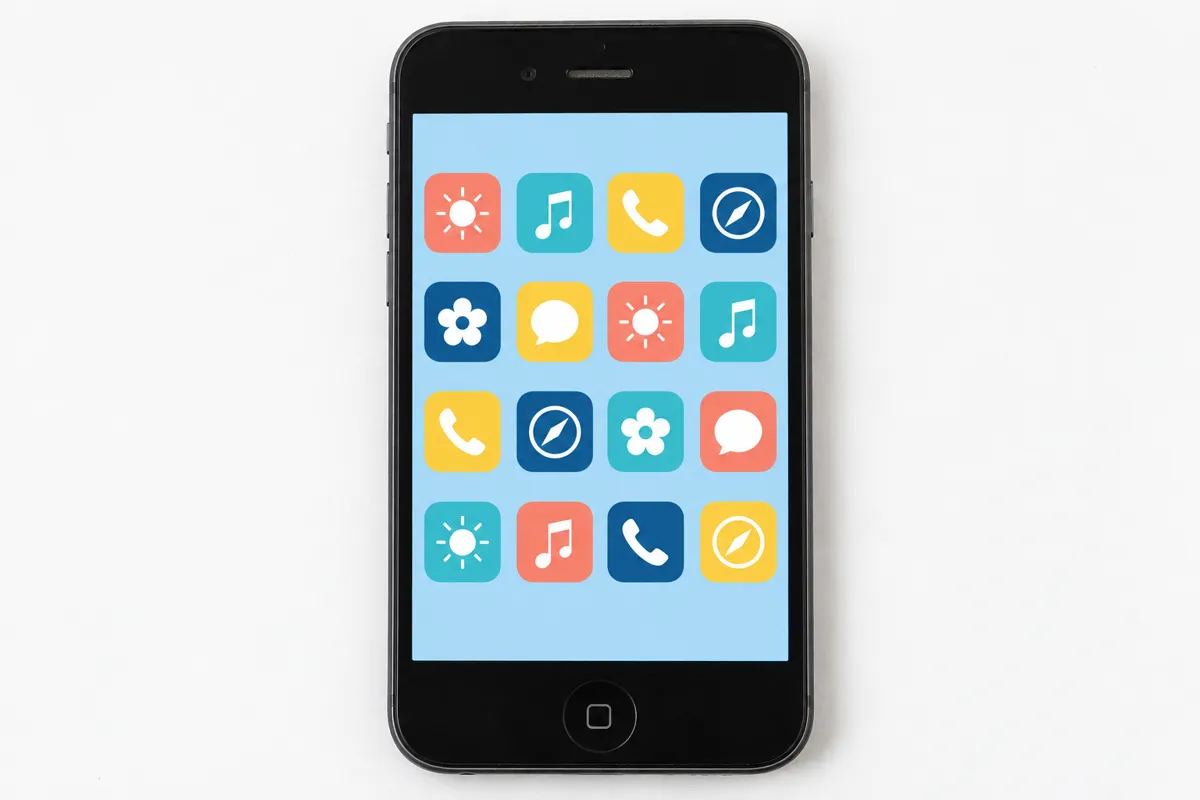
AI illustration: Minimalist Mobile Application Icon Grid
04 AI illustration: Minimalist Mobile Application Icon GridA smartphone shows a grid of rounded square icons featuring minimalist symbols and pastel color palettes. While the icons follow the basic principles of simplified imagery, the light background and repetitive shapes emphasize the 2D aesthetic.Illustration generated for the Atlas (AI)
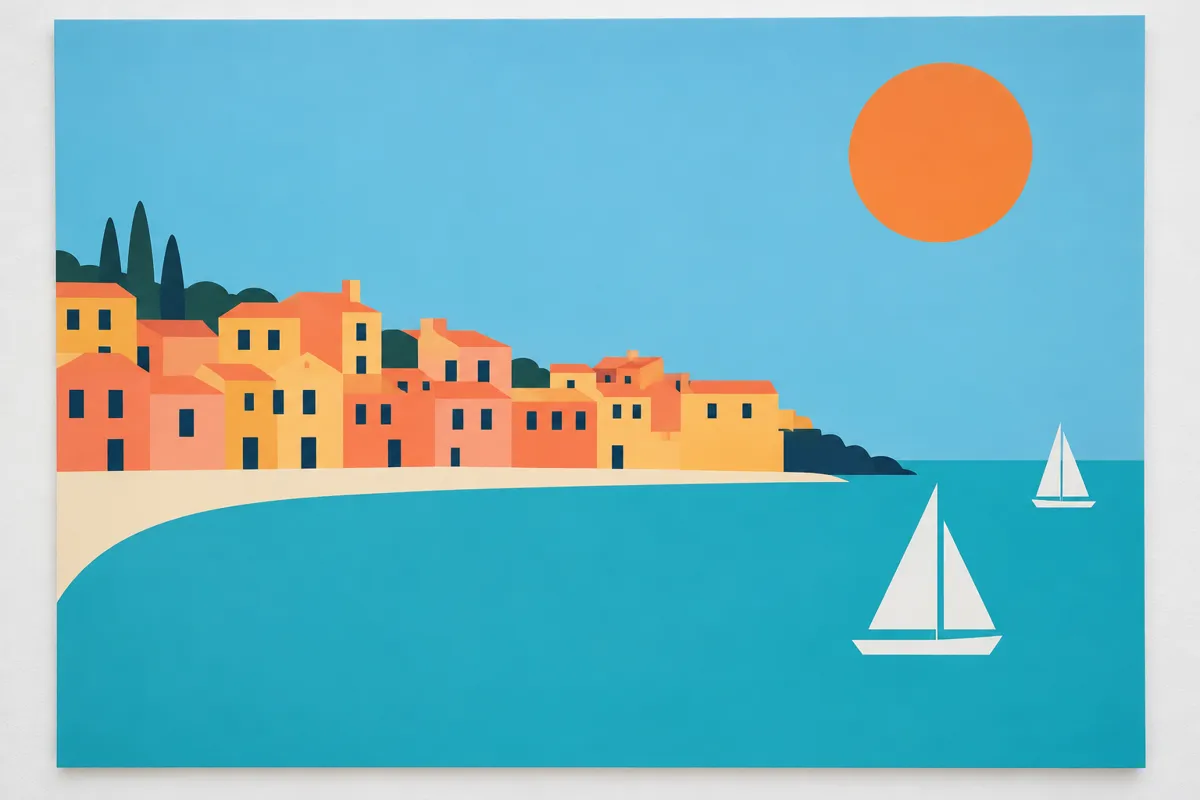
AI illustration: Flat Landscape Illustration with Coastal Town
05 AI illustration: Flat Landscape Illustration with Coastal TownAn illustration of a coastal town uses large fields of matte color to represent buildings, water, and the sun. By stripping away all gradients and textures, the scene achieves depth through the overlapping of flat geometric shapes.Illustration generated for the Atlas (AI)
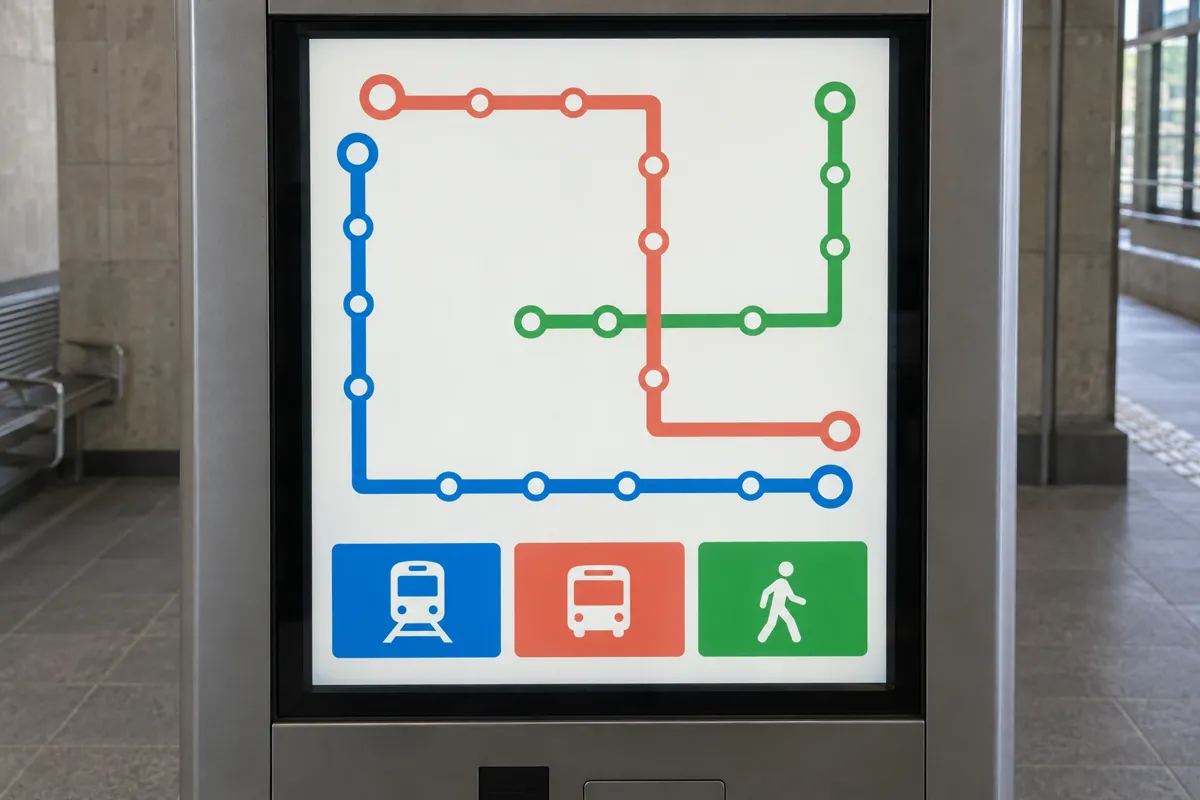
AI illustration: Schematic Transit Map in Flat Style
06 AI illustration: Schematic Transit Map in Flat StyleA transit information screen utilizes clean lines and bold pictograms to represent different transportation routes. The design eschews ornamental detail in favor of functional, clear typography and uniform color fills.Illustration generated for the Atlas (AI)
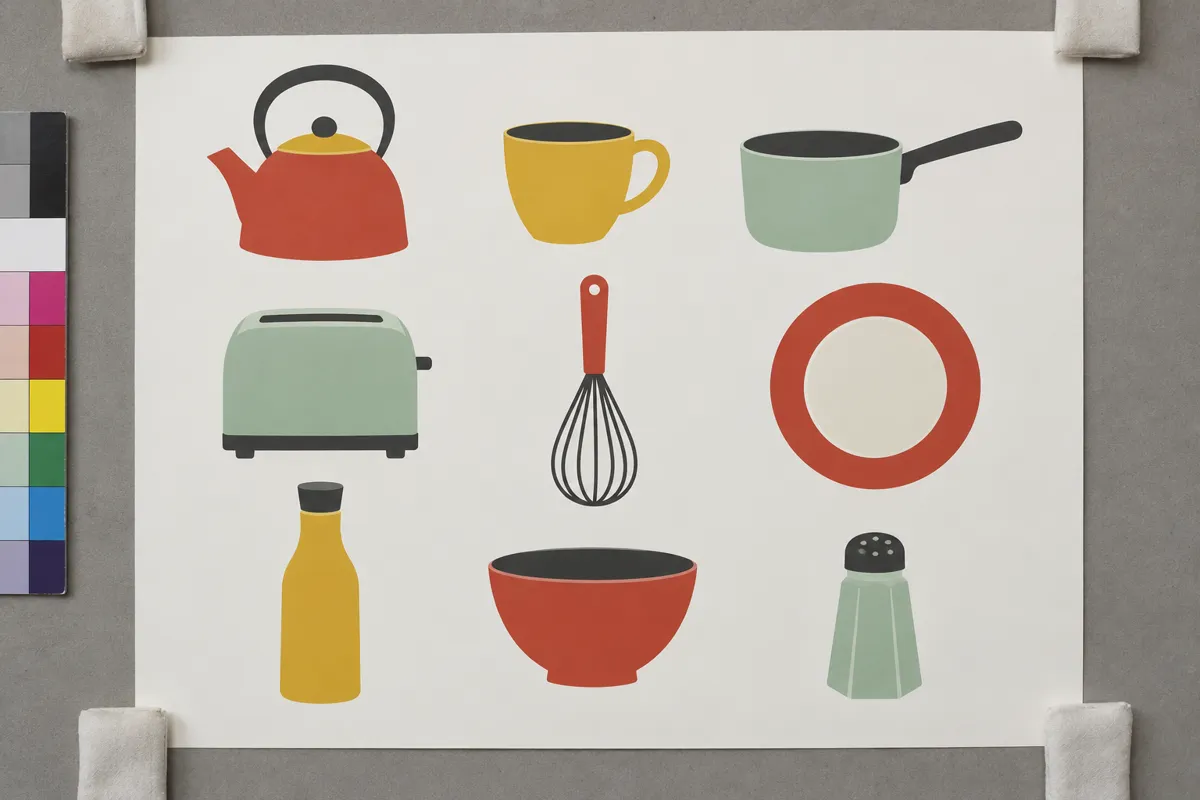
AI illustration: Kitchenware Icon Set Collection
07 AI illustration: Kitchenware Icon Set CollectionA collection of kitchenware icons is presented as simple silhouettes with no internal lighting or material simulation. The use of a restricted, muted color palette and heavy outlines reinforces the two-dimensional nature of the graphic.Illustration generated for the Atlas (AI)

Question

Why can removing shadows make a button harder to recognise?

Show possible answer +

Shadows and raised edges can suggest a pressable surface. Without them, a button needs other clues, such as a clear label or contrasting boundary.