Emboss
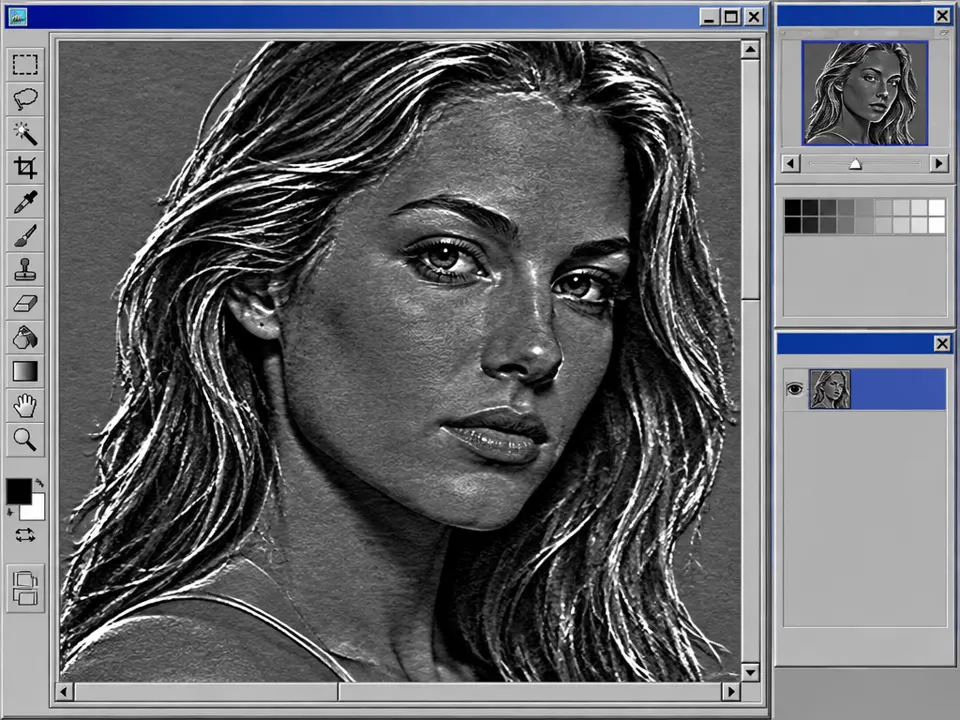
Emboss / relief filter. 2000s: established standard filters in image software
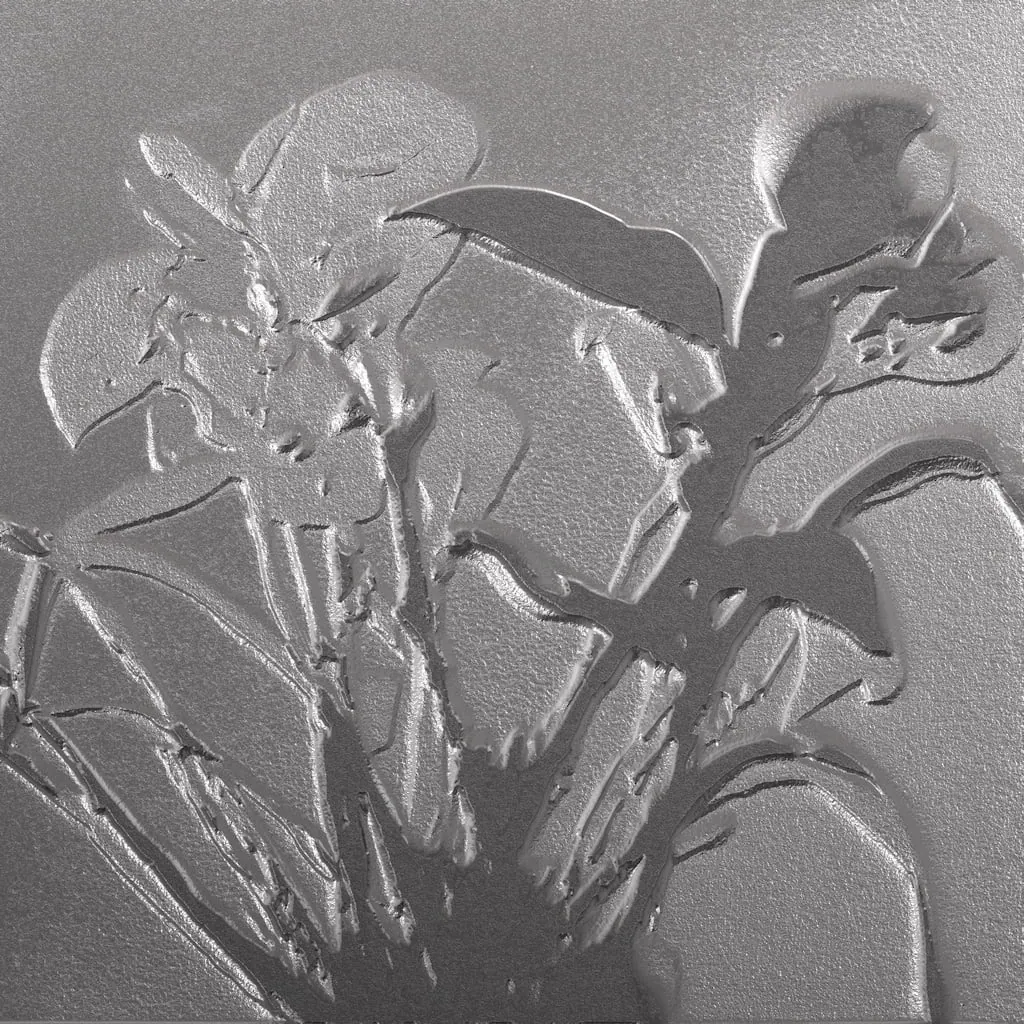
Prompt
Apply an emboss effect, translating image detail into shallow raised relief on a matte silver-gray surface. Define contours with paired bright upper-left edges and dark lower-right edges, flatten original colors, and retain fine texture as subtle engraved ridges under consistent raking light. Keep the original subject and composition.
Identify
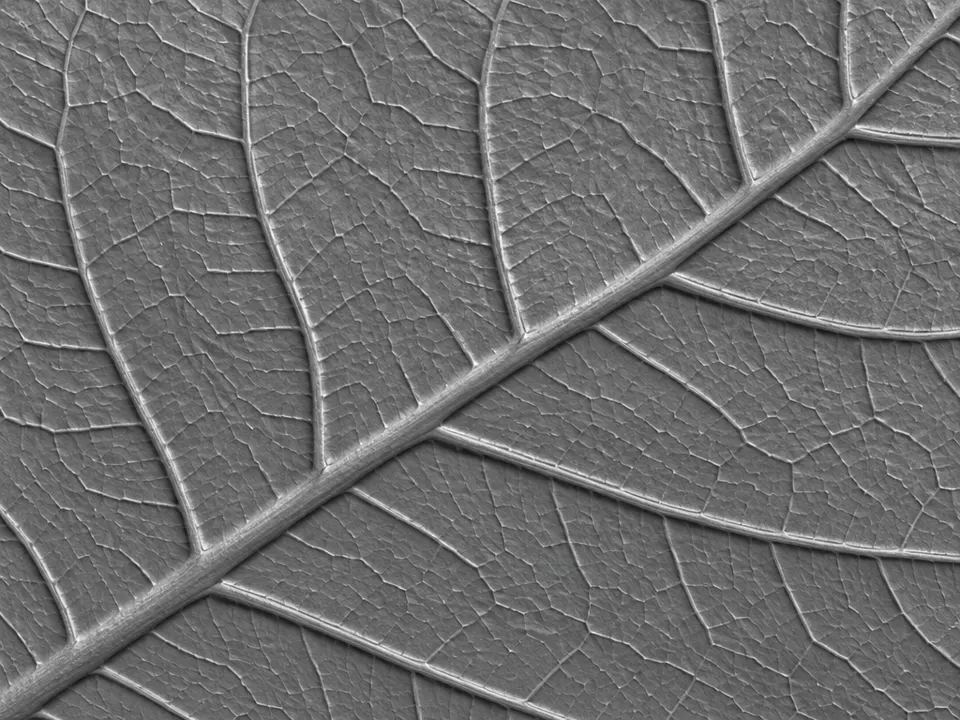
Image edges appear as raised or embossed relief1.
Principle
Local differences in brightness are represented as directed light and shadow edges.
Example
Embossed paper or metal surfaces as a filter look.
Try it out
Rotate the lighting direction2 by 180 degrees.
Background
Digital emboss filters translate differences in adjacent image values into apparent surface height. A chosen lighting direction creates light and dark edges, which our eyes interpret as relief. The reference to the 2000s refers to the established toolkit: GIMP's documentation from that time lists emboss as a standard filter. Adobe also describes the gray base effect with preserved or highlighted contours. This differs from true paper embossing, where a tool physically deforms the material. In this exercise, simply rotate the light angle without changing the subject. Often, the impression shifts from raised to recessed. This reversal demonstrates how strongly we infer form from lighting.
Distinction
The filter creates an optical relief impression, not an actually deformed printed surface.
Aftermath
Emboss is suitable for learning surface perception. For actual embossing, you will subsequently need separate production data and a suitable process.
Further examples · 7 images


Question
What image information does a simple emboss filter use as a substitute for real geometry?
Show possible answer +Hide answer −
Differences in adjacent brightness values; a directional light-dark contrast is calculated from this.