Real-world algorithm demonstration, applied to a NASA portrait.Image: NASA / Eileen Collins · scikit-image (public domain)View source ↗
Prompt
Apply Bilateral Filter to smooth noise and fine texture inside similar-colored regions while maintaining clearly defined boundaries between contrasting areas. Create clean, gently flattened color fields with intact silhouettes and natural lighting gradients. Avoid edge halos, color bleeding, and uniform defocus. Preserve the original subject and composition.
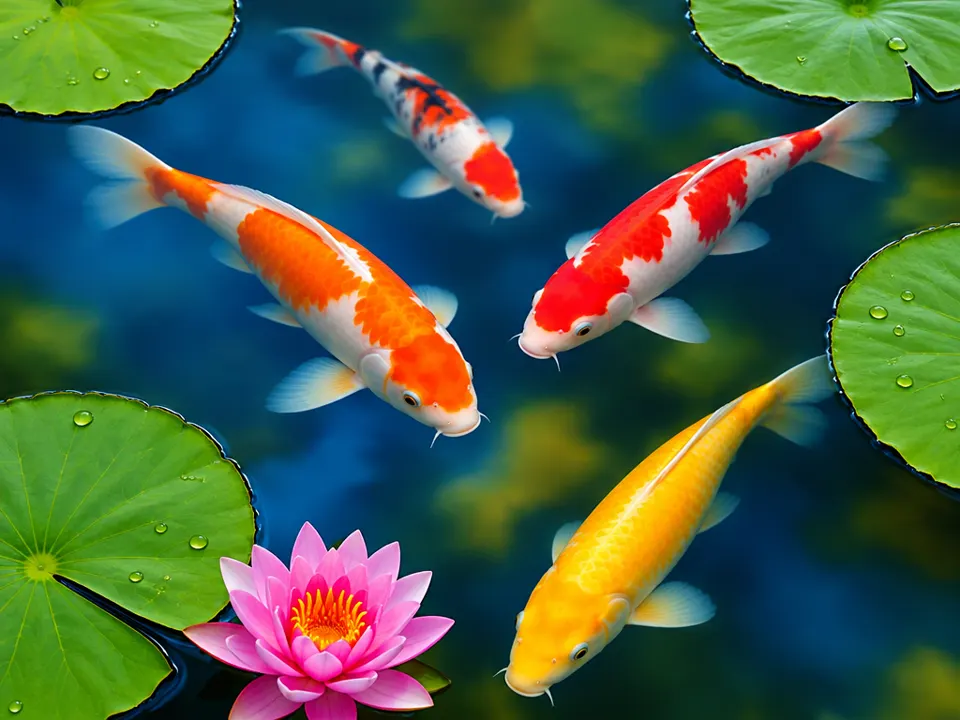
02Bilateral FilterTwo side-by-side images show a mountain range reflected in a lake. The filtered version on the right reduces pixel noise in the water and sky while maintaining the high-contrast silhouettes of the peaks.U.S. National Park Service / Phrood · Public domain · Wikimedia Commons03Bilaterálny filterA panoramic mountain landscape is displayed before and after processing. The bilateral effect creates a painterly appearance on the grassy slopes by blending similar colors while keeping the rocky ridge lines distinct.B.Palac · CC BY-SA 4.0 · Wikimedia Commons04Bilateral Filter, applied to “Lech - Bürstegg - Sitzbank 01”A mountain landscape with a wooden bench is shown. The filter smooths the grassy textures while maintaining the sharp silhouette of the bench against the background.Basotxerri (photo); processed for the Atlas · CC BY-SA 4.0 · Wikimedia Commons05Bilateral Filter, applied to “Full-page portrait of John in gold frame on purple background (NYPL b12455533)”This portrait illustration features intricate patterns and a central figure. Processing removes fine line detail and paper texture but preserves the high-contrast edges of the character.Scan by NYPL (photo); processed for the Atlas · Public domain · Wikimedia Commons06Bilateral Filter, applied to “Echinopsis unidentified”A bright pink cactus flower is set against a dark background. The filter flattens internal petal gradients while keeping the sharp outer edges and stem spikes distinct.Tomas Castelazo (photo); processed for the Atlas · CC BY-SA 3.0 · Wikimedia Commons07AI illustration: The koi and lily pads show smooth internal gradients while maintaining shThe koi and lily pads show smooth internal gradients while maintaining sharp edges against the blue water. This selective smoothing preserves high-contrast boundaries through color-sensitive weighting.Illustration generated for the Atlas (AI)



.jpg)